


boba44585016
Known Participant
February 29, 2020
Question

Element 2020 problem

  • February 29, 2020
  • 1 reply
  • 244 views

I just bought a imac

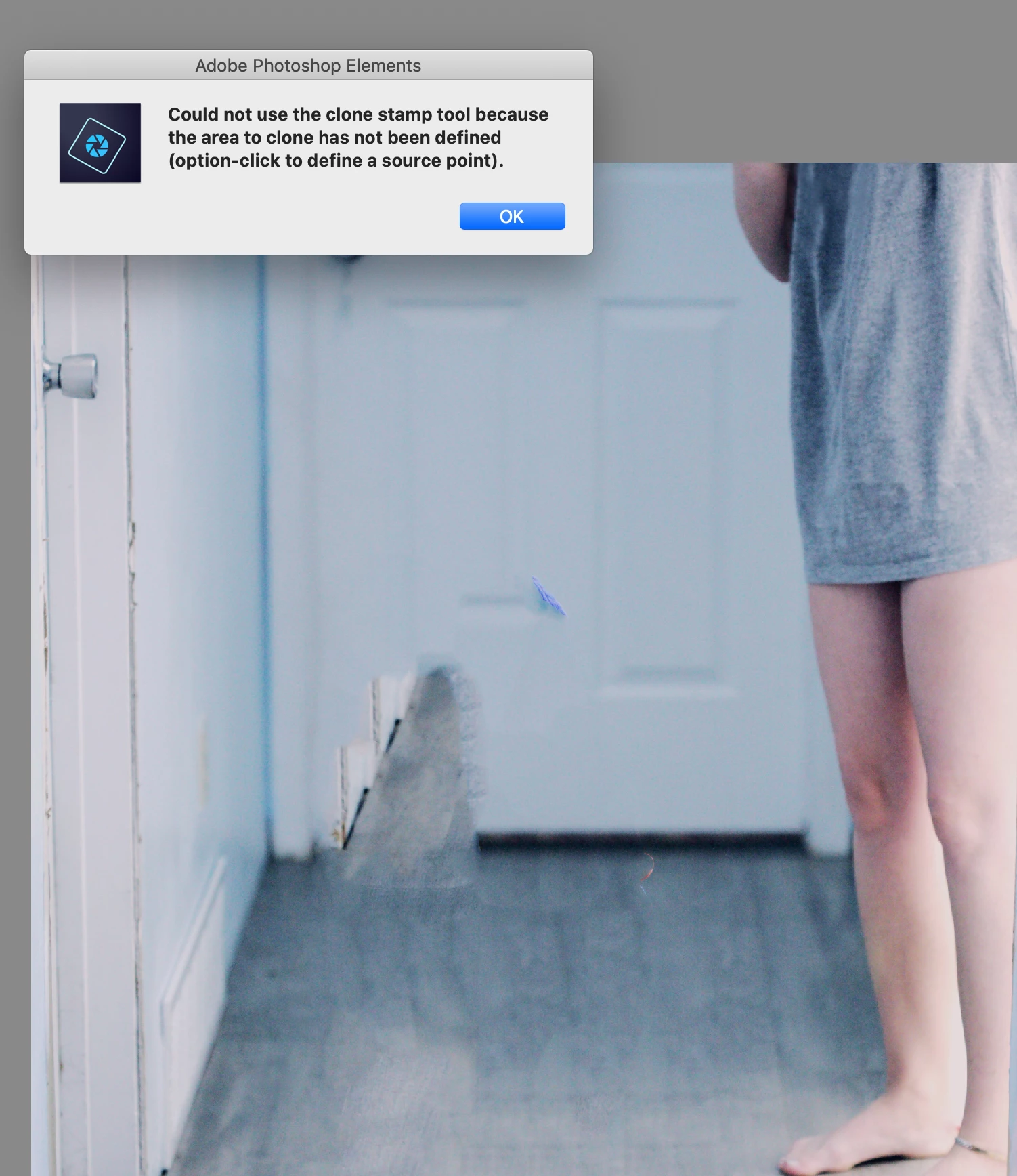
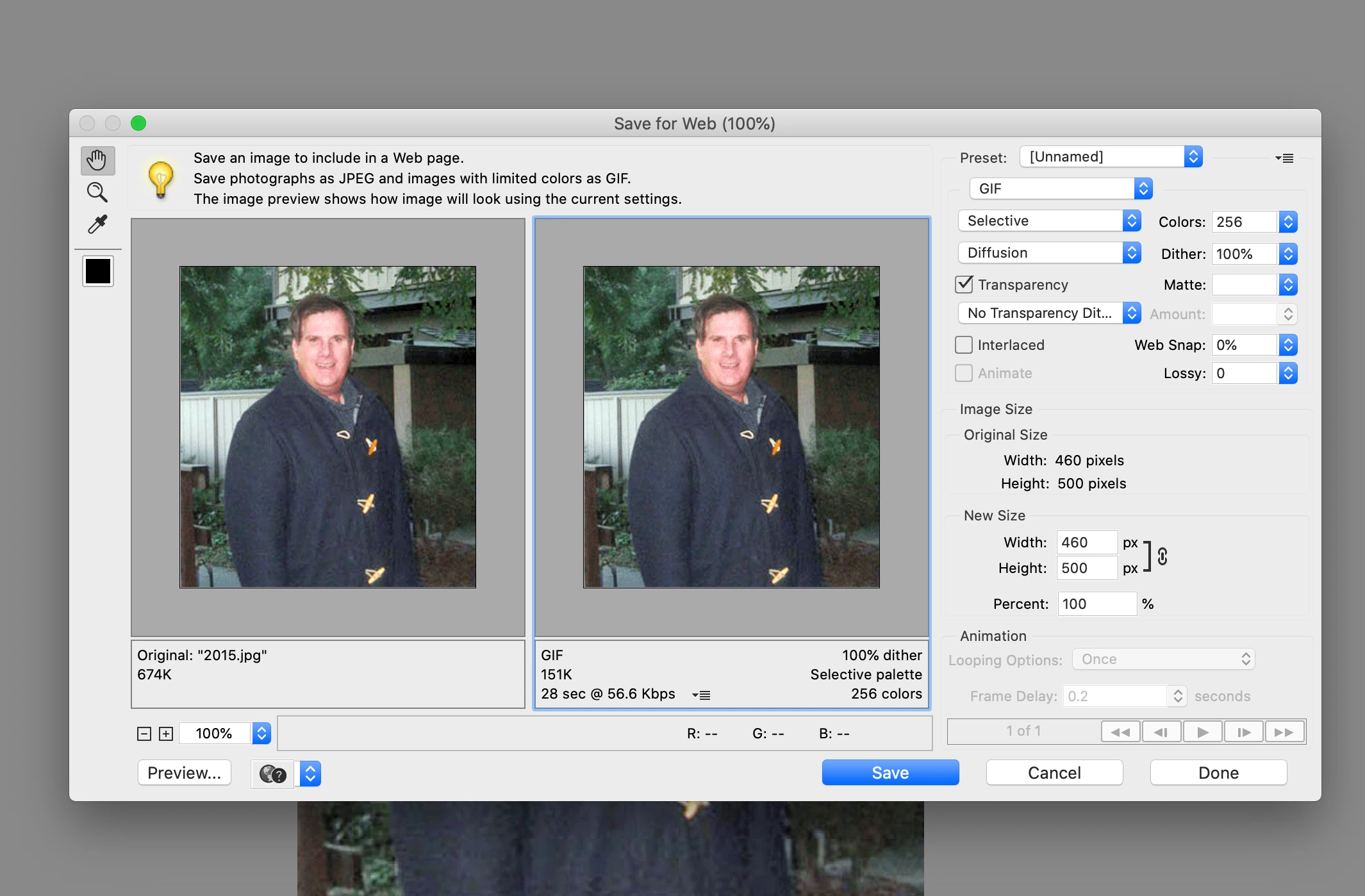
What is the size for putting  the image online? What is the size for printing the image out? I removed the image but that;s little bit on the door so I use the stamp tool but I saw the screen that using option and space? Where is the space on the keyboard?
 

This topic has been closed for replies.

1 reply

Legend
March 1, 2020

This sounds more like a question for Photoshop Elements. Have you tried posting it to that forum?


That said, the Save for Web screen you have included with your post is for creating JPEGs, PNGs and GIFs for the internet. What size you choose depends on what site you're posting to and what size you're trying to fill. For sites like Facebook and Twitter, your photo (measured in pixels) should be somewhere between 1000 and 2000 pixels wide and 1000 and 2000 pixels tall.


To print a picture, select the Print option from under the File menu. You can select your photo size from there. Unlike online photos, you will need to consider your photo's resolution when printing a picture. I discuss resolution in part 1 of my free 8 part Basic Training for Photoshop Elements series.

https://www.youtube.com/watch?v=ykKRwVYexAs