
Question
Elements 2022 - Dreadful quality when editing MP4 files created using Movavi
There is a major quality issue when editing MP4 videos created using Movavi. This occurred when using Movavi on one machine and editing with Elements on another. It doesn't look like a simple problem as elements holds the high quality information.
I use Adobe Elements12 and am in the process of trialing 2022. This problem exists on both copies.
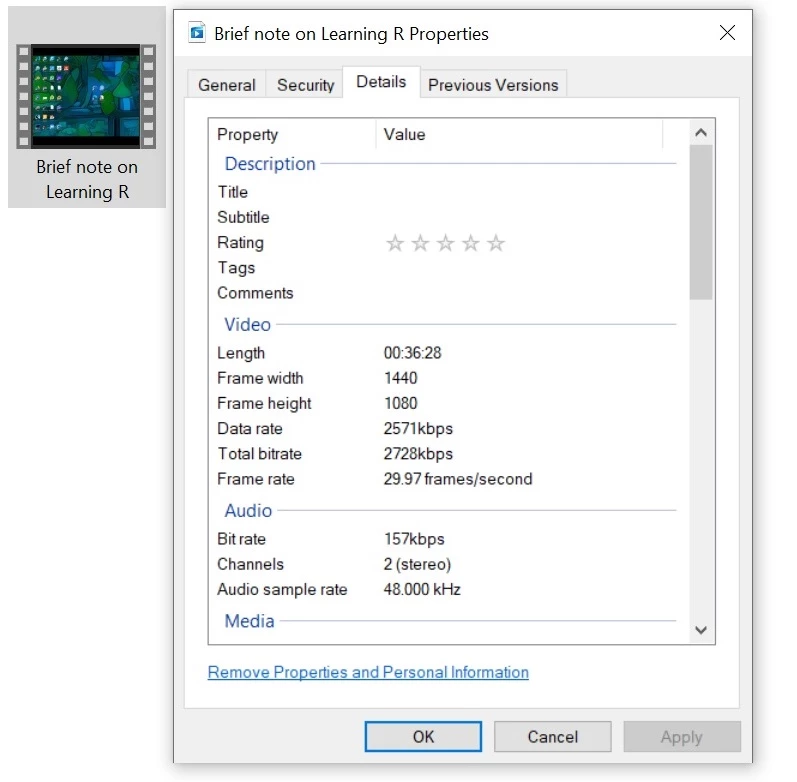
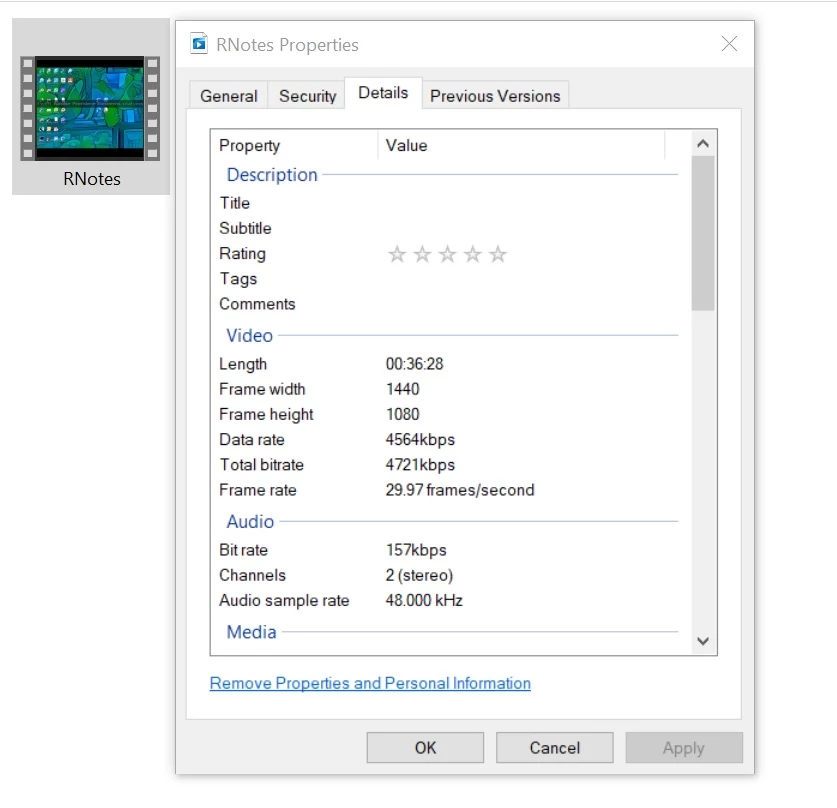
The original Movavi file was created on an older desktop with an older monitor, hence the video format size of 1440 x 1080.
The problem only occurs with Movavi videos created on my older computer.
All images below have been taken on my newer laptop connected to a 4K monitor.
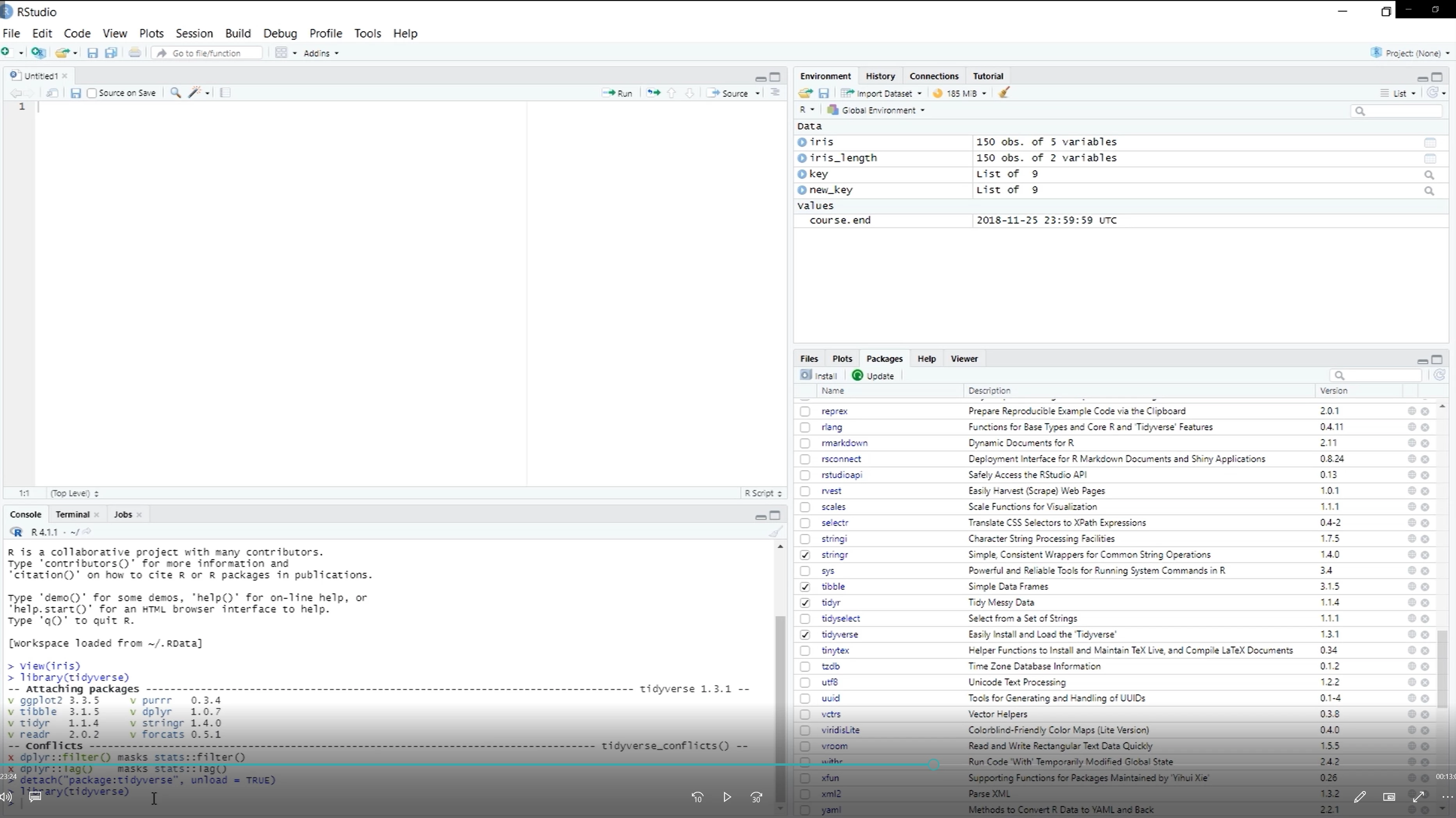
The Movavi video looks fine on all devices.
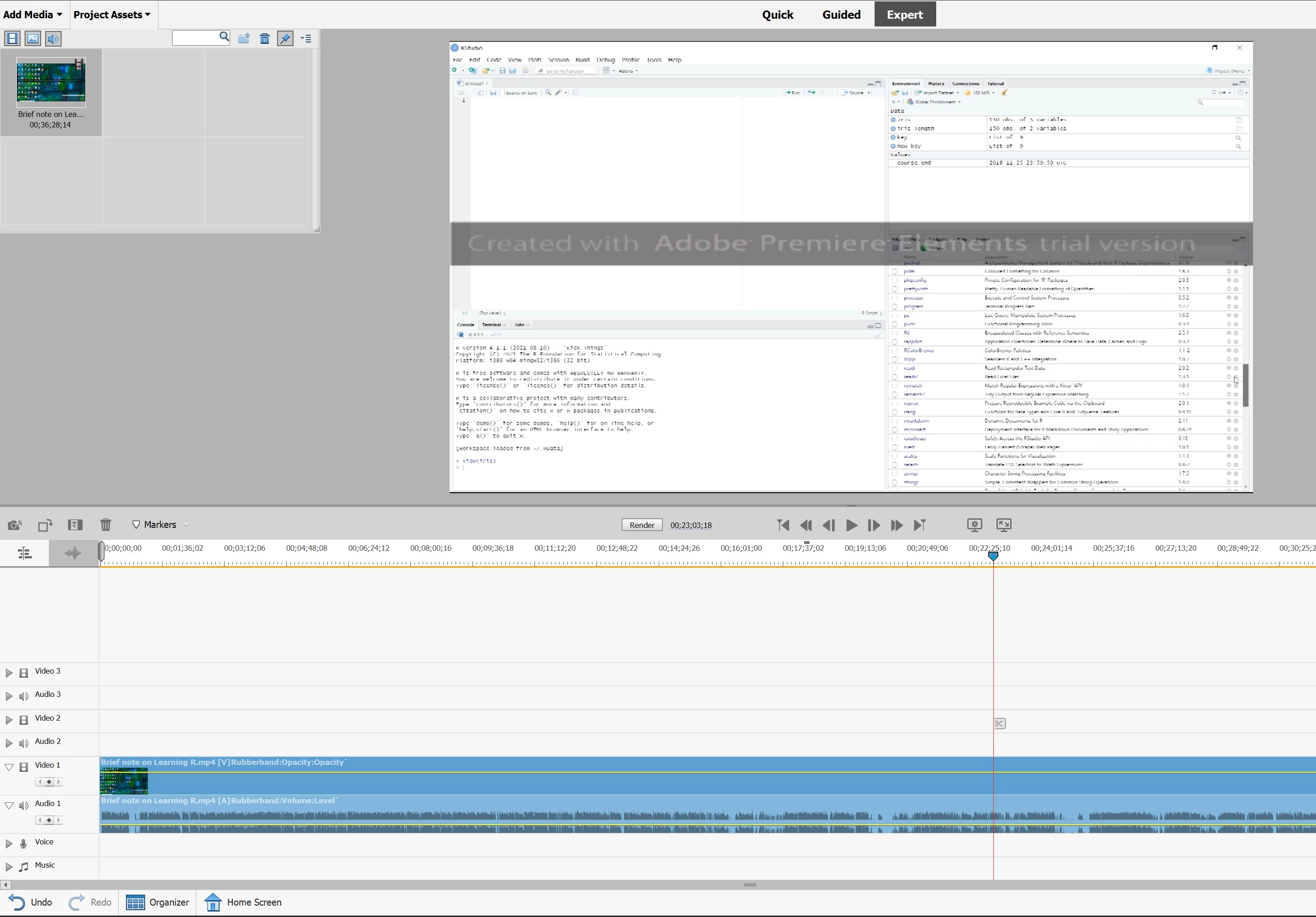
When loaded into Elements on my laptop it looks awful.
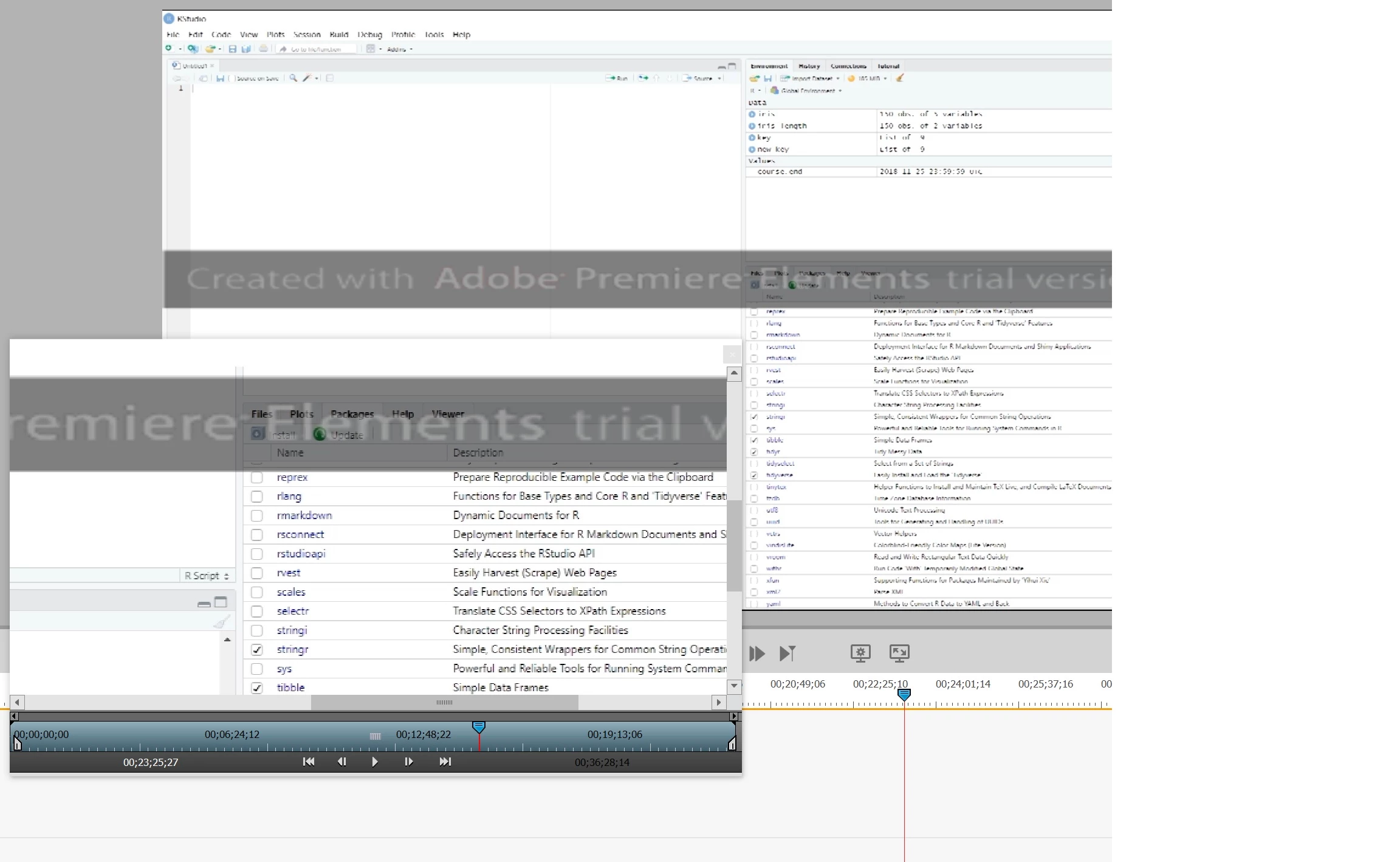
Elements contains the high quality, as can be seen from ElementsImage2
All attempts to save high quality videos from Elements failed
The screen shots show:
The Movavi file
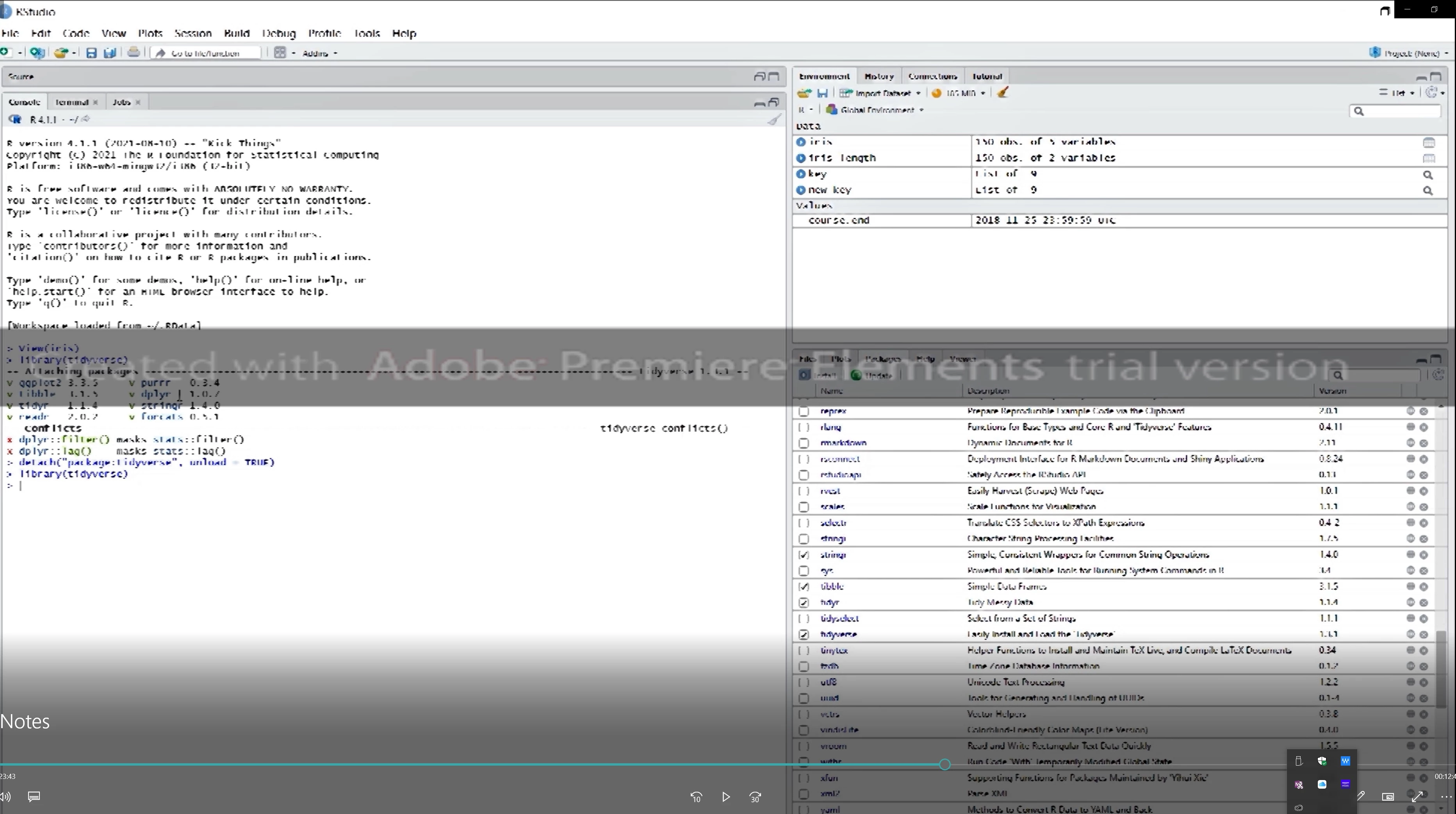
A screen clip of the Movavi video, from my newer laptop
Screen clips from Elements 2022
One of many attempts at saving quality videos from Elements
A screen clip from the Elements MP4 output file


 AdChoices