


Export does not match preview/ timeline - 2019 Adobe Premiere Elements
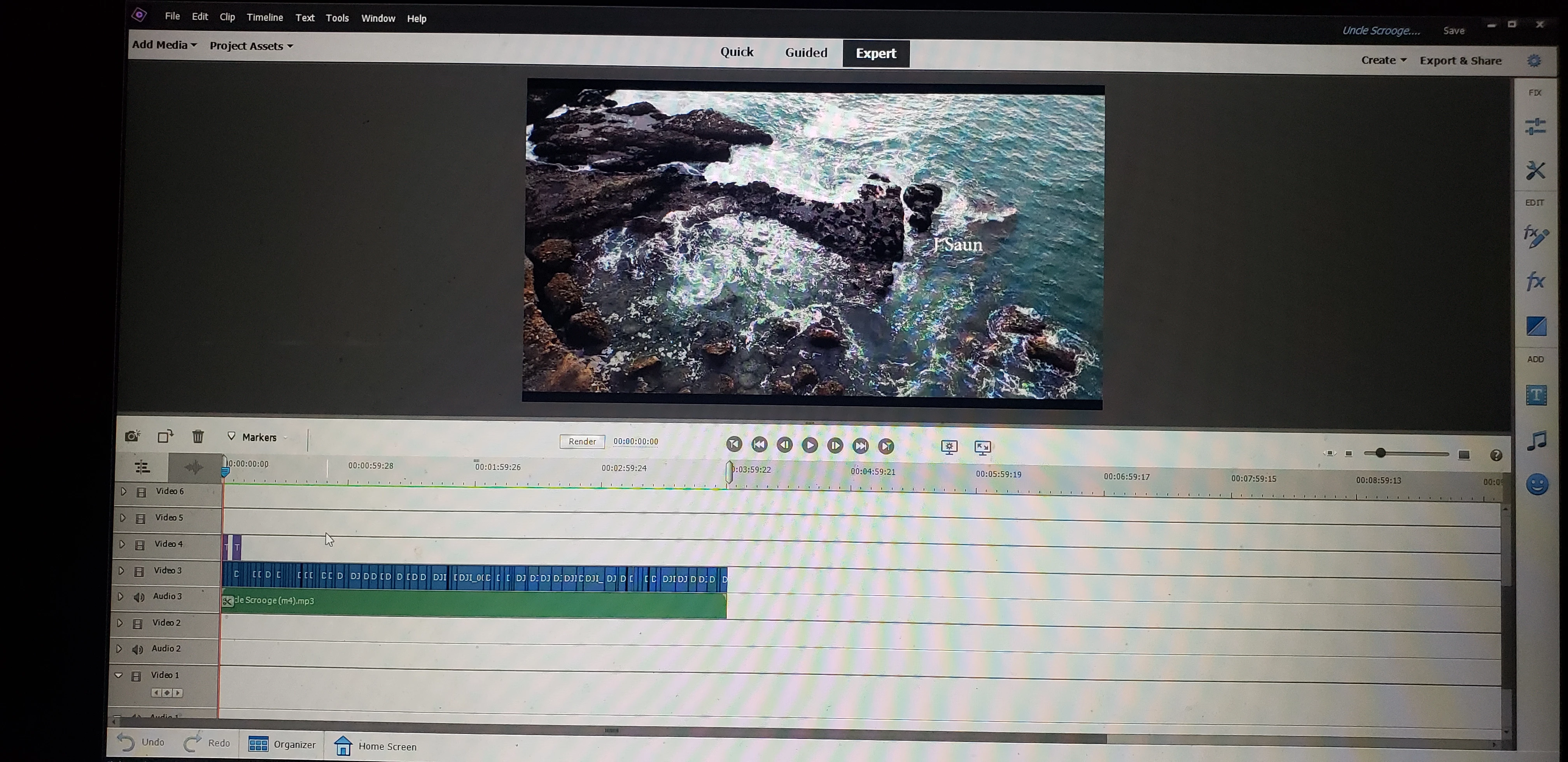
- I have read countless articles, watched countless videos, spent 2 hours on the phone with Adobe staff who could not figure out the problem even after screen sharing.
1) The video is taking way longer than it should to export. It's a 4 minute video. No effects. The export time is over 1 hr.
2) The main problem: The exported video does not match the preview/ timeline video. The exported mp4 is playing deleted files and is also not playing files it should be. The preview and timeline are perfect though.
I've edited countless videos. Never had this problem before.
Details: 8 G Ram. Sourcing from an external SSD. However, midway thru the project I switched the save location to the external SSD after discovering that this would fix my slow playback issues (which it did). Doubt that could cause the issue but worth mentioning. I have tried opening a new project and opening the file again. Messing with settings. Nothing works.
Any solution?
 AdChoices