


Participant
January 10, 2021
Answered

fade out ribbon not showing up

  • January 10, 2021
  • 3 replies
  • 424 views

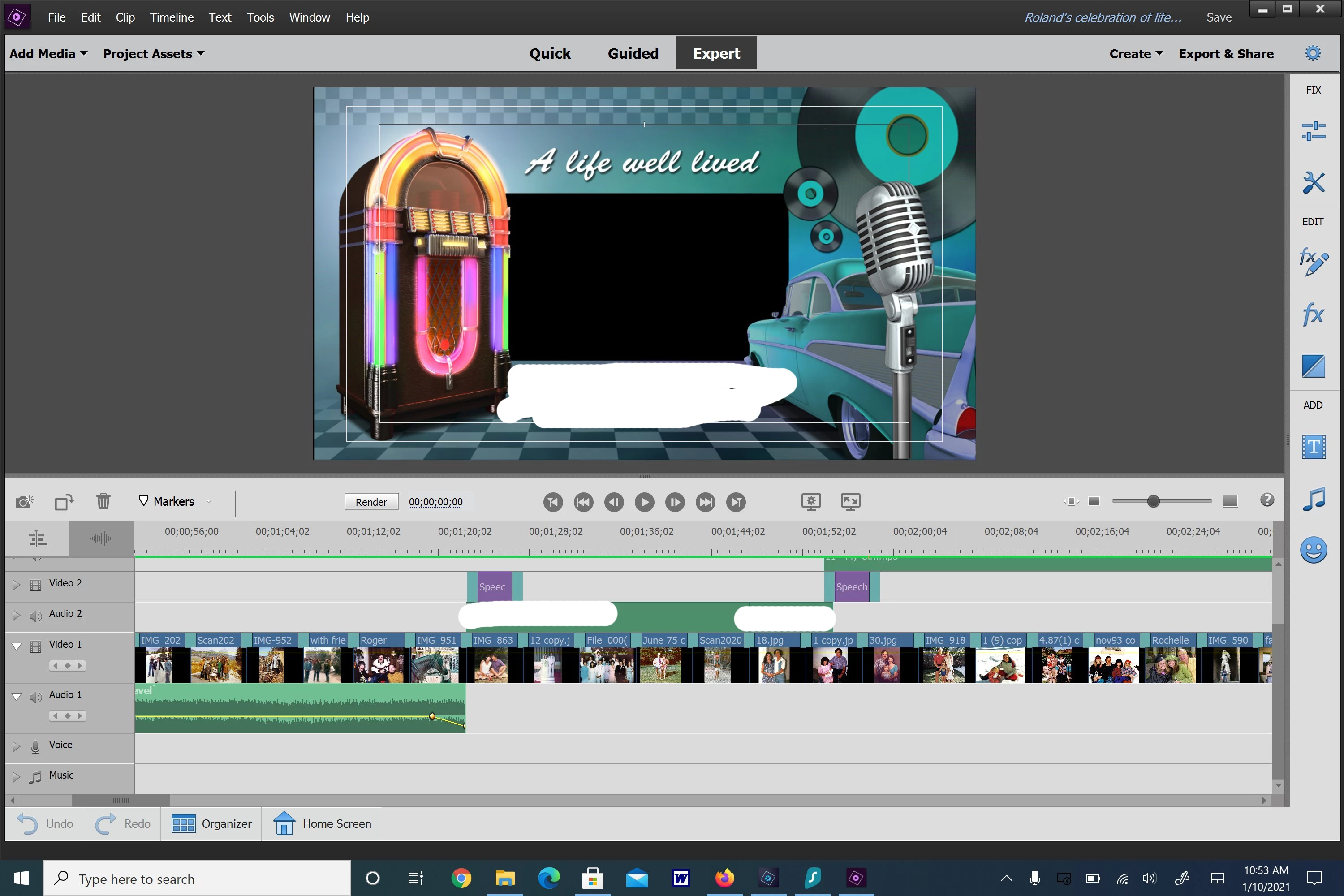
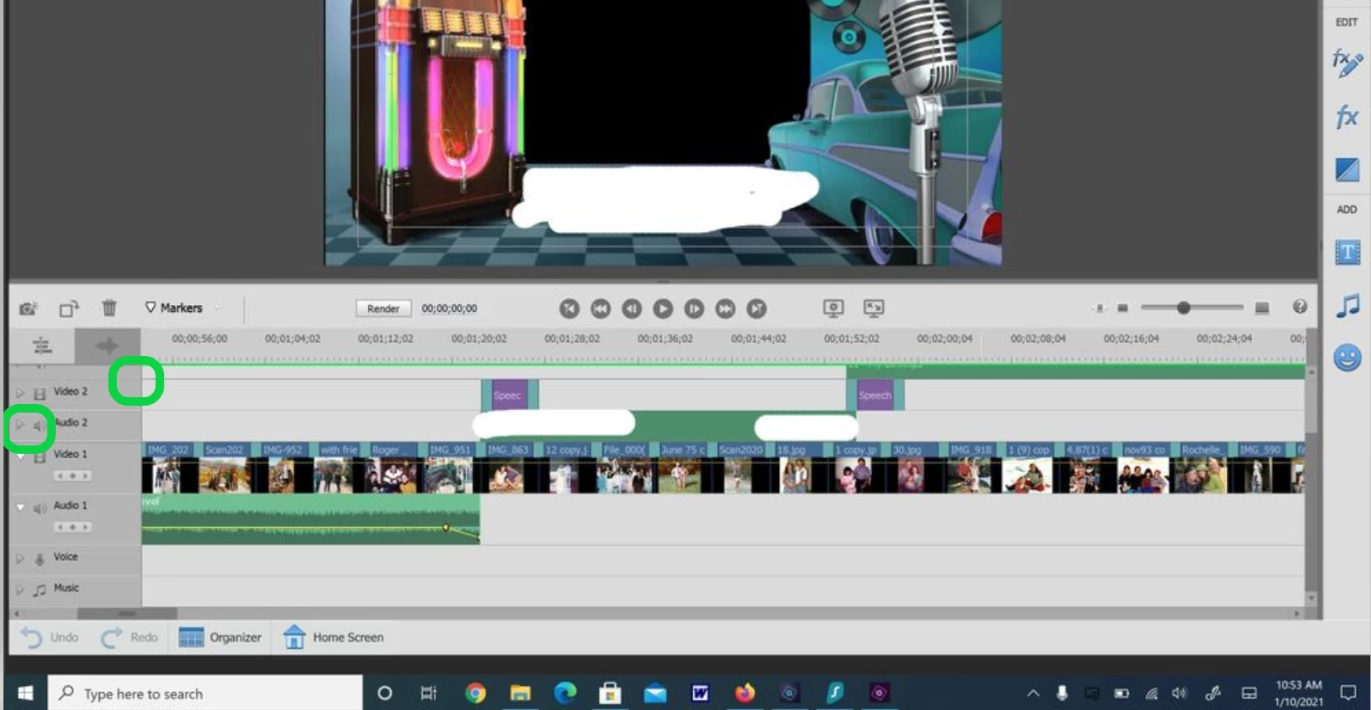
I am trying to adjust my audio fade out by using the yellow ribbon in the audio track (I was successful on one clip). Now it is not showing up. I have looked everywhere and don't seem to find anything that will make it show. How do I make this show so I can adjust the fade in fade out to my likeing?
This topic has been closed for replies.
Correct answer Bill Sprague

Poke the arrow and then grab the bar with your mouse and slide it up.


3 replies

Community Expert
January 10, 2021

Post a screen shot after you click on the arrowhead, triangle or whatever it should be called.  I may be able to see if you've applied the Fade.  


Bob5DADAuthor
Participant
January 18, 2021

Thank you, I found it and was able to adjust the fade.

Community Expert
January 10, 2021

Post a screen shot after you click on the little arrow, triangle or whatever we should call it.   Then I may be able to see if you applied the Fade.


Bill SpragueCommunity ExpertCorrect answer
Community Expert
January 10, 2021

Poke the arrow and then grab the bar with your mouse and slide it up.


Bob5DADAuthor
Participant
January 10, 2021
Thanks, I can see the arrow on the one audio fade out ribbon that is there,
but I have clicked on the audio clip that I applied the fade out onto and
nothing is showing up. How do I get the arrow to show up?
Thanks