adamn89700050
Participating Frequently
March 1, 2018
Answered

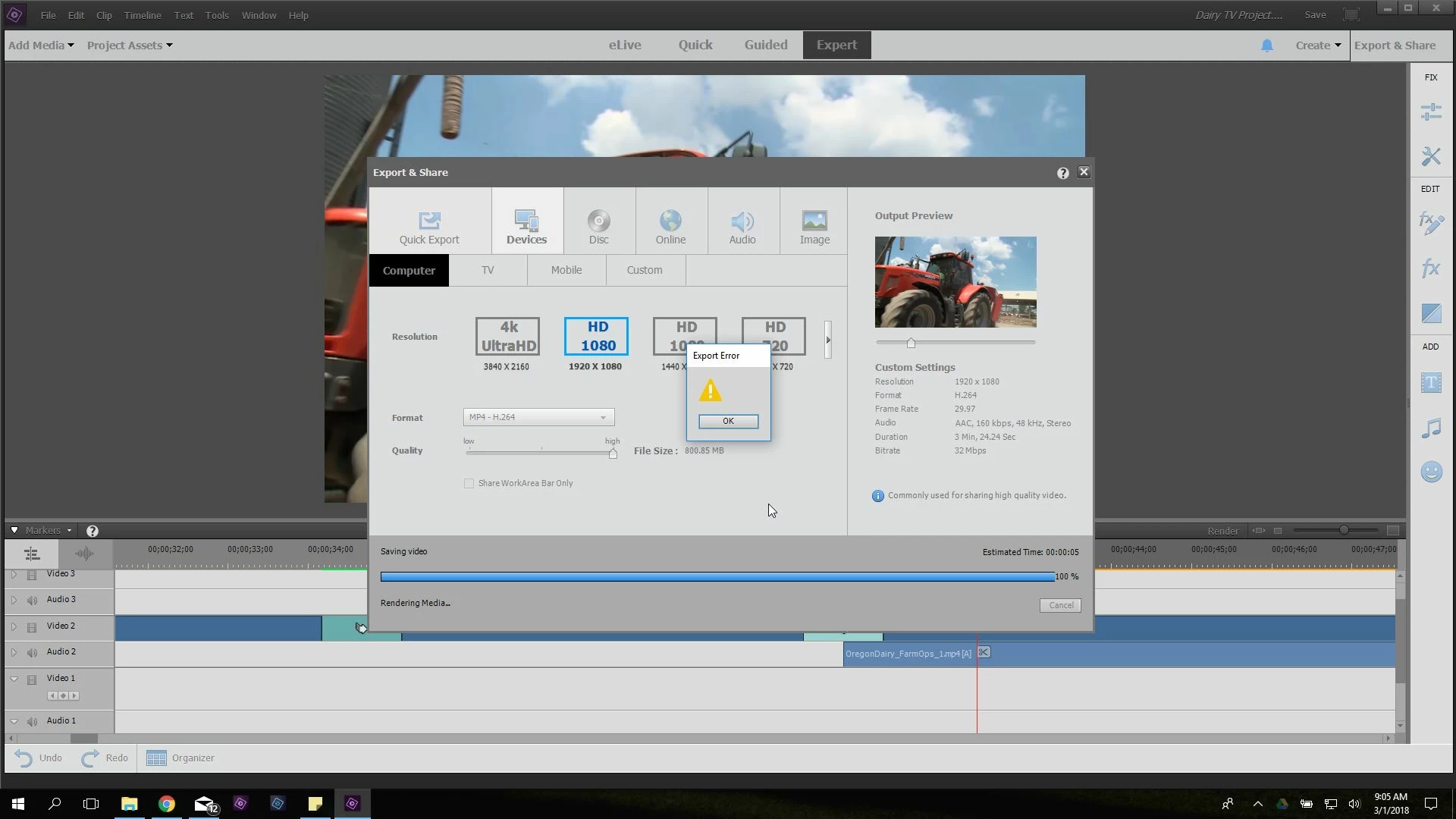
Getting export error in Adobe Premiere Elements 18

  • March 1, 2018
  • 2 replies
  • 5146 views

Hello,

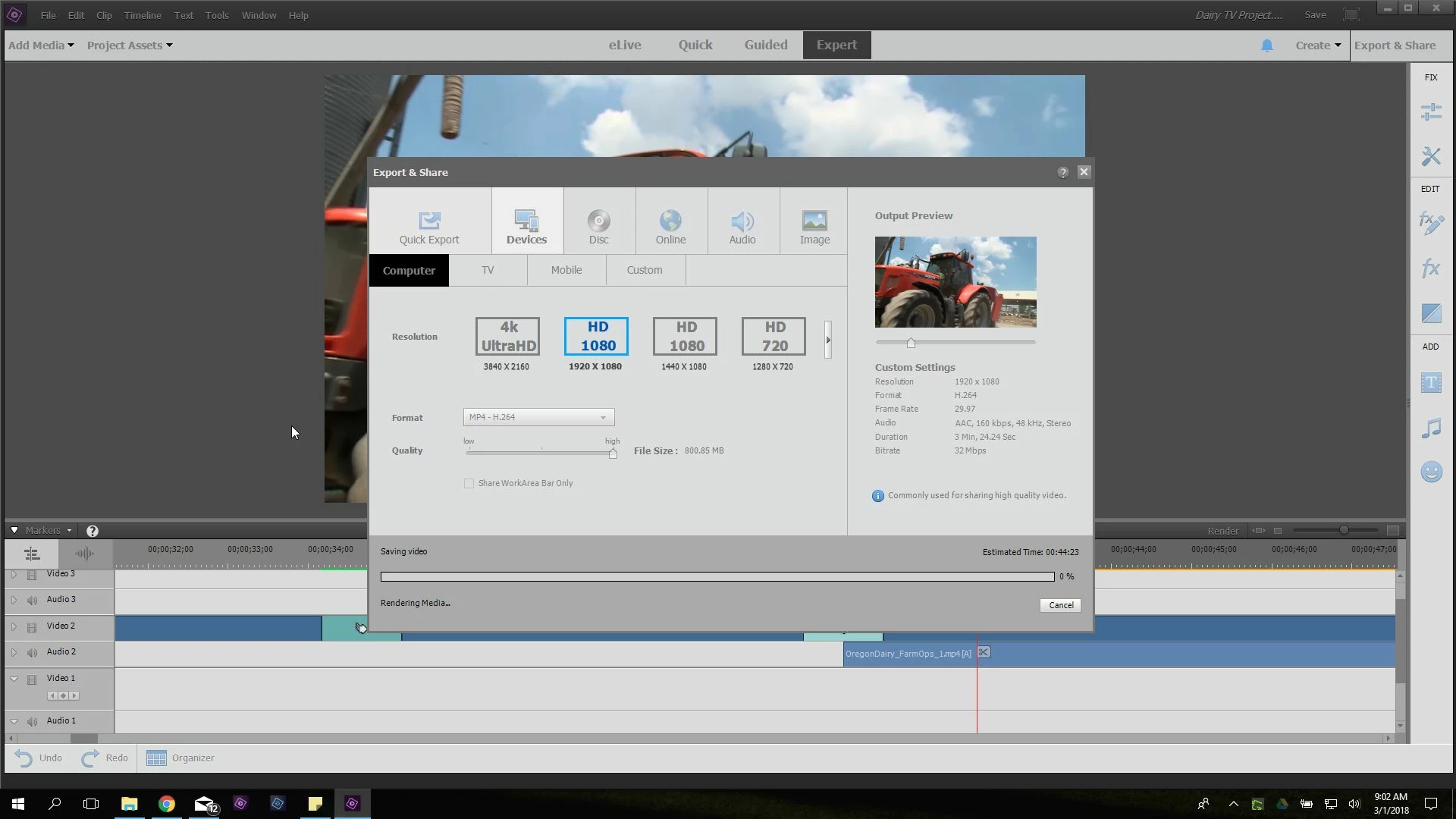
I can't seem to figure out what the problem is when I am exporting a video. I'm attempting to export what seemed like a simple video but I can't seem to export it at all. I'll list my laptop specs and post a few pictures below. Any help would be appreciated.

Thank you so much!

Specs:

CPU - Intel Core i7-7500U @ 2.70GHz

RAM - 16GB SDRAM

GPU - Integrated Intel HD Graphics 620

OS - Windows 10

This topic has been closed for replies.
Correct answer Bill Sprague

whsprague,

I may have just figured it out. If so, I'm such an idiot. I thought I had moved the video files into "My Documents" but turns out they were still on the NAS. So I smacked myself in the forehead and moved the files onto my local drive "My Documents" and the export worked fine.

I really appreciate your help and If I have any further issues of the same sorts I'll be sure to let you know.

Thank you!

Have a great day,

Adam Nieri


Adam,

Thanks for posting that you found a solution. 

I have an undocumented work flow that helps me keep track of my projects and take advantage of a fast SSD on my laptop.

I create a unique folder on my C:\ drive for each project.  I put everything from the scratch disks (in preferences) to the media in that folder or organized subfolders.  ( I use copies of the media, not the originals.)

When I am done, or want to put it away for later work,  I can move the entire folder to a storage drive.  I don't open the project on the storage drive but will move it back to C:\ if I want to. 

Bill

2 replies

louism32885510
Participant
July 4, 2020

I had the same error...
It appeared to be the location I was saving to: It was syncing (like Dropbox).
When I change the folder/drive it wasn't any problem anymore!

Community Expert
March 1, 2018

Where are you saving the finished video? 

adamn89700050
Participating Frequently
March 1, 2018

Hey,

I am saving the video to a folder I made in My Documents. I'm on a work laptop so It's a standard user account (not sure if that is relevant).

Thank You!

Adam Nieri

Community Expert
March 1, 2018

Based on what you've provided it should be working! 

Can you describe your project more?  What camera, what settings, etc.  What are the project settings and how were they set?

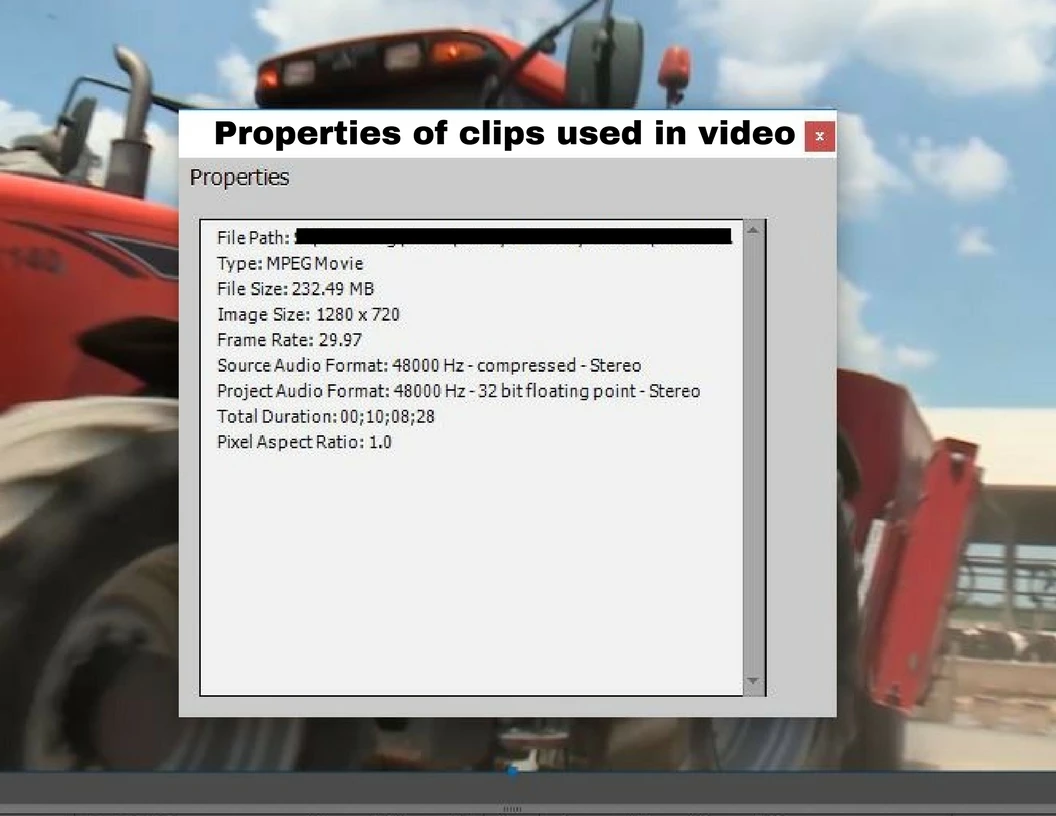
One guess is that Premiere Elements is having trouble "upscaling" you video.  Your source clips are 1280 x720.  Your selection for output is 1920x1080.  What happens when you try the 1280x720 HD output choice?