Participant
May 29, 2020
Question

Glitch when applying a crop

  • May 29, 2020
  • 1 reply
  • 720 views

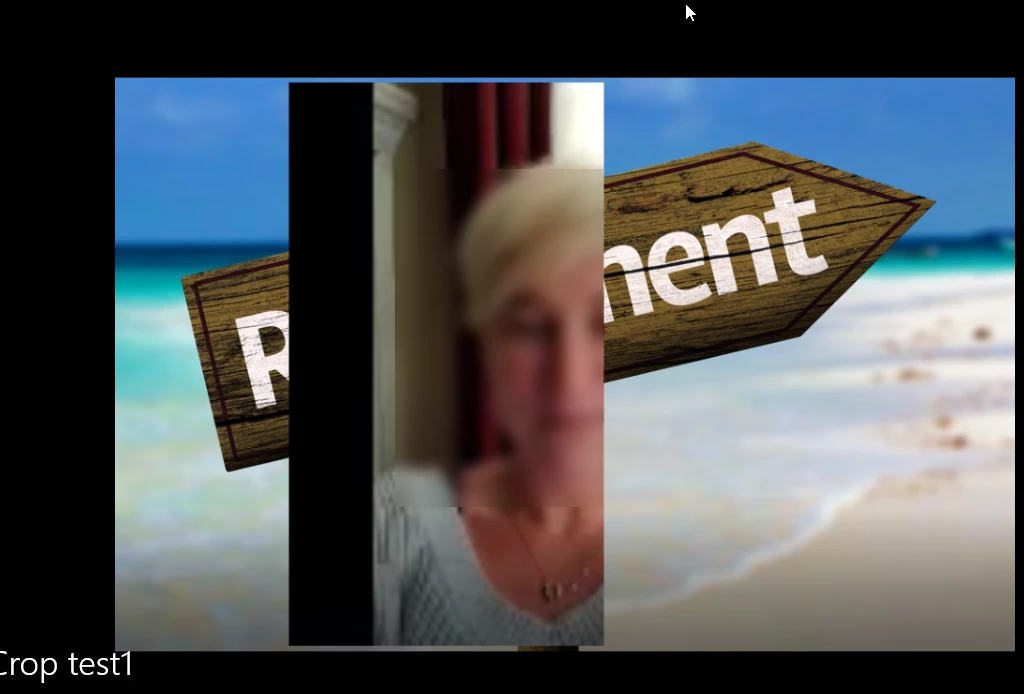
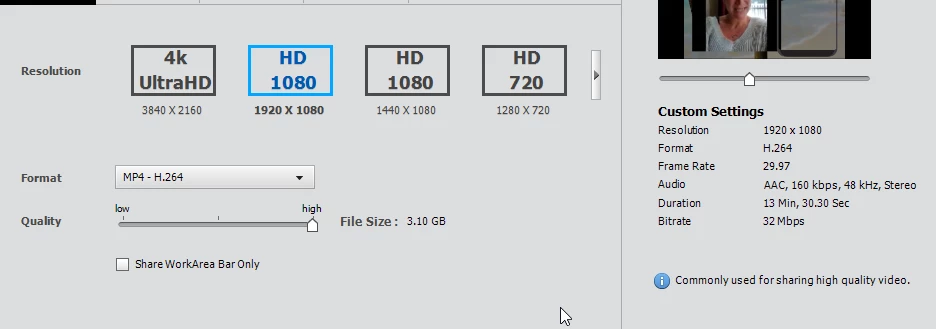
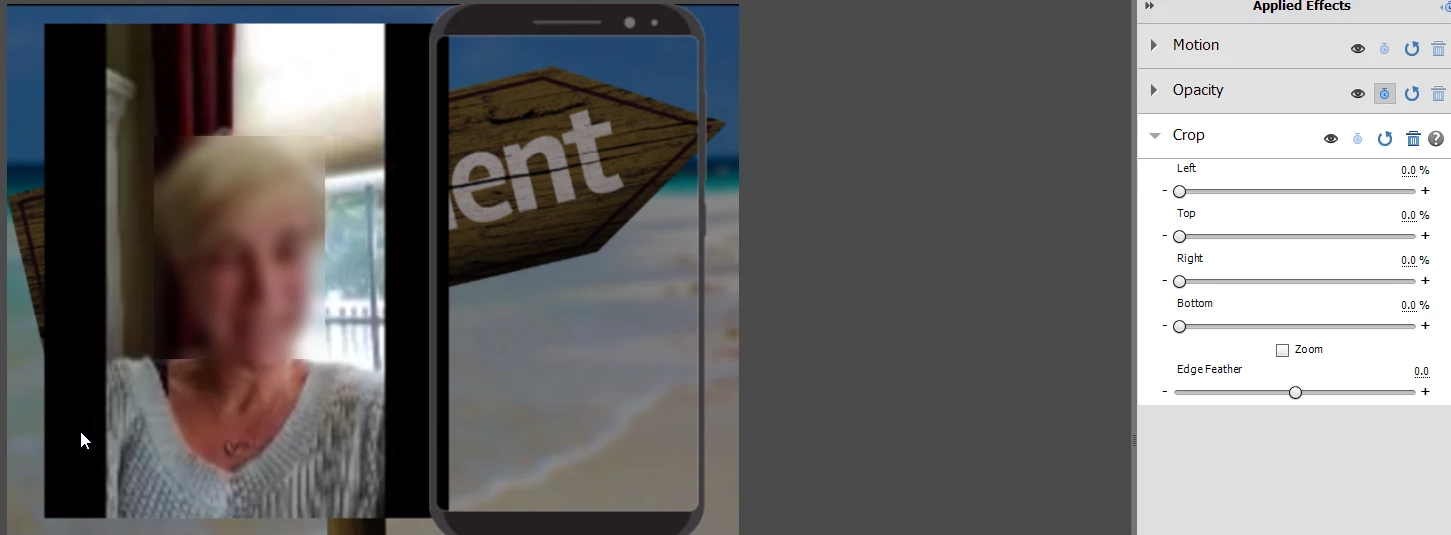
I am having an issue with apply a crop to a video. I have a 1920x1080 project. Its a seriese of vertical phone videos vlog style. When I apply a crop, with all the settings at Zero. It cuts off half the video when i export the project. The background is still present. Its like I set the crop at 50% in from the right. It replicates on any video dumped into the project. I have opened in new project letting the project choose the native resolution of the clip. Still does it. No background, Still does it. Removed phone vector. Still does it. Thanks for any help. 
This topic has been closed for replies.

1 reply

Legend
May 29, 2020

I have never experienced anything even remotely like this. Can you post another screen capture of this happening and include your timeline in the picture?

Which version of the program are you using on what operating system?

If you look under the program's Edit menu, what is listed on the General page under Project Settings?

What is the resolution of your phone video and, assuming you took the video directly from the phone and didn't change it in any way, what model of phone is this video from?

ZtnergAuthor
Participant
May 29, 2020

Thank you so much for your help. Premiere 2015. Looking at these general setting Sony XDCAM Ex?? Have limited experience with premiere. Always have to re-learn when I use it because its so few and far between. This problem happens across any video in the project. I assume her video is from an older iphone. If I apply cropping to any video on the time line the issue occures. Her video worked out of the box as its an older iphone. The new one's had to be converted because lack of HEVC support to H. 264. 

Legend
May 29, 2020

Thank you for providing some of the information I asked for, Zt. 

What phone did your phone video come from and what is its format and resolution? 

Is the phone video the video you converted? That could lead to problems, depending on which converter you used. 

Also, on the timeline screenshot your provided, the phone video is not selected and I can't see the FX panel showing it applied to this video.

Finally, your Project Settings shows a project set up for 640x480, which seems strange for the kind of video you are trying to produce. What are the specs of the MP4s you have on the Video 1 track? What is their resolution?