


Participant
December 2, 2021
Answered

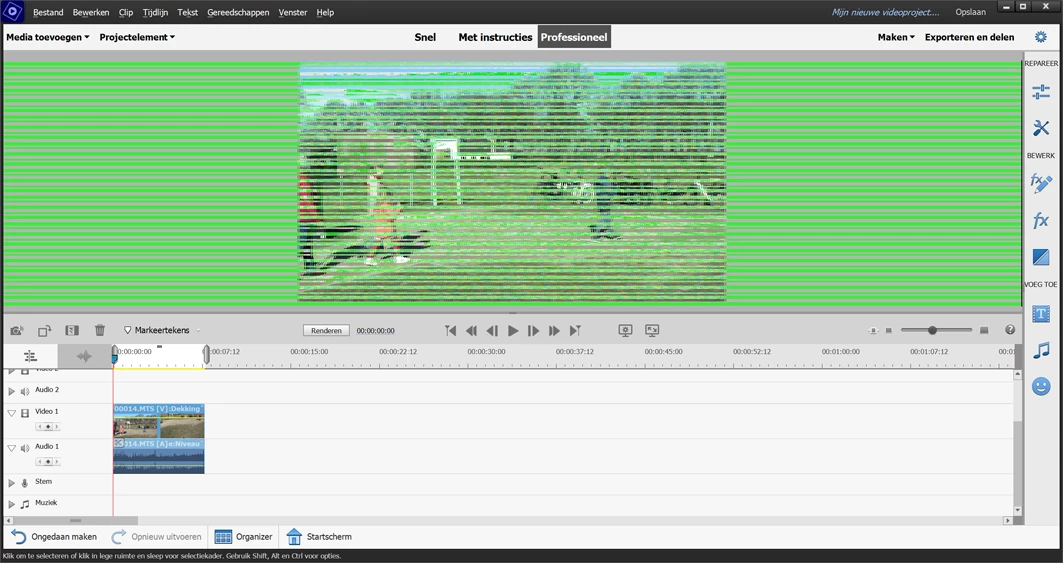
Green stripes

  • December 2, 2021
  • 3 replies
  • 366 views

Last week I bought Premiere Elements 2022, my last was Prem.Elem.13.

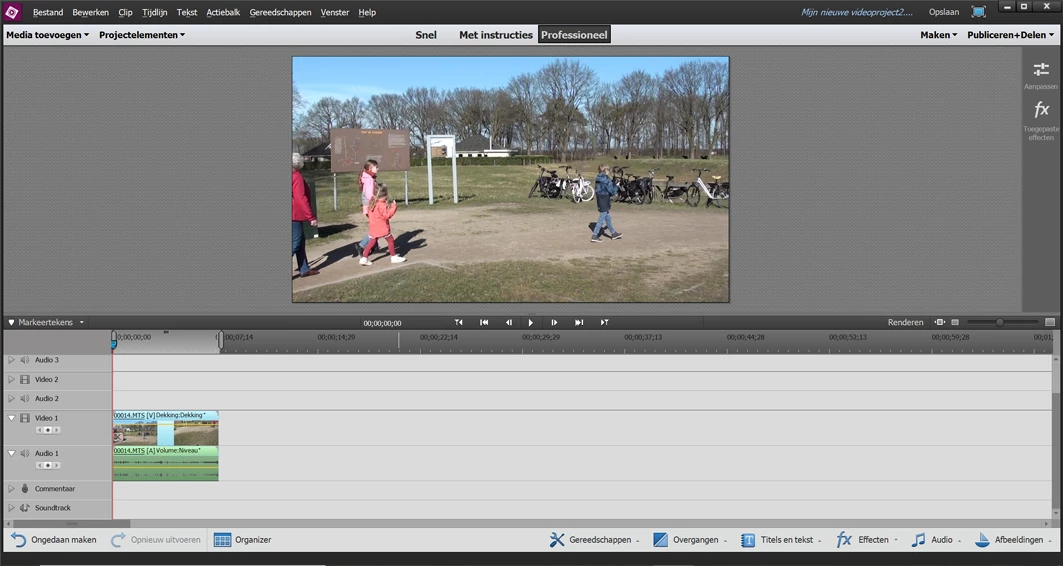
In PM13 everything went allright. In PM2022 there are green stripes.

I'm working on a Lenovo Thinkpad x1 yoga 2nd signature edition

Intel(R) Core(TM) i7-7500U CPU @ 2.70GHz 2.90 GHz

Intel HD Graphics 620

Windows 10 pro

All drivers are up-to-date.

Hope someone can help me!

Marja
 

This topic has been closed for replies.
Correct answer Marja from Holland
Solved by Adobe by turning off my integrated gpu (Force CPUonly - true) in the Debug Database text file.

[Edited by mod]

3 replies

Marja from HollandAuthorCorrect answer
Participant
December 4, 2021
Solved by Adobe by turning off my integrated gpu (Force CPUonly - true) in the Debug Database text file.

[Edited by mod]

Participant
January 8, 2022

I have the same problem. Also Lenovo.

Where can I find the "Debug Database text file"?

Is this the exactly name of the needed text file?

I can't find it yet.

Ann Bens
Community Expert
Community Expert
January 8, 2022
John T Smith
Community Expert
Community Expert
December 2, 2021

>All drivers are up-to-date


So you went to Intel, not Windows, to check the driver?

Intel https://downloadcenter.intel.com/product/211969/Intel-HD-Graphics-Family


I have also read that SOME laptop makers do not allow installing any driver that is not published by that laptop maker

Participant
December 2, 2021

Intel sent me to Lenovo. There I've installed the driver. Intel says my drivers are up-to-date.

Ann Bens
Community Expert
Community Expert
December 2, 2021

You will get the same answer here as you did on the other forum.

Did you contact support?