


Have game audio, but missing mic audio for premiere elements 2024
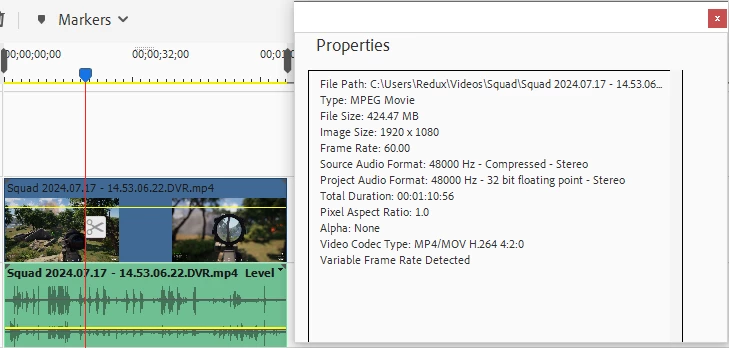
So i have been searching everywhere for help, but there's only steps for Premiere pro and not Elements. pretty much i'm using "Geforce Experiance" to screen record my gameplays. the video will have 2 audios, the game audio and my mic audio. when using another video editer, i'm able to switch/choose between the 2 audio. i can also do the same thing when i open the video on media player. but for some reason premiere elements will only have the game audio when you insert the video to timeline. i tried looking at all the audio tabs, right clicking the video audio to see if there's any settings. but i find nothing that will change the audio on elements. and like i said, all the help/steps i can find is for premiere pro. so all the settings are entirely different from elements. i read something where elements is a lower tier/package then pro. and it's mainly for beginers and for quick edits. would that mean elements just doesn't have the ability to extract multiple audios since that's probably an advance thing?
idk if it'll help, but i attatched a photo just to show the video and audio on the timeline. looks extreamly different from premiere pro since their audio box on the left side has more stuff to it. elements seems to just have the basic audio box.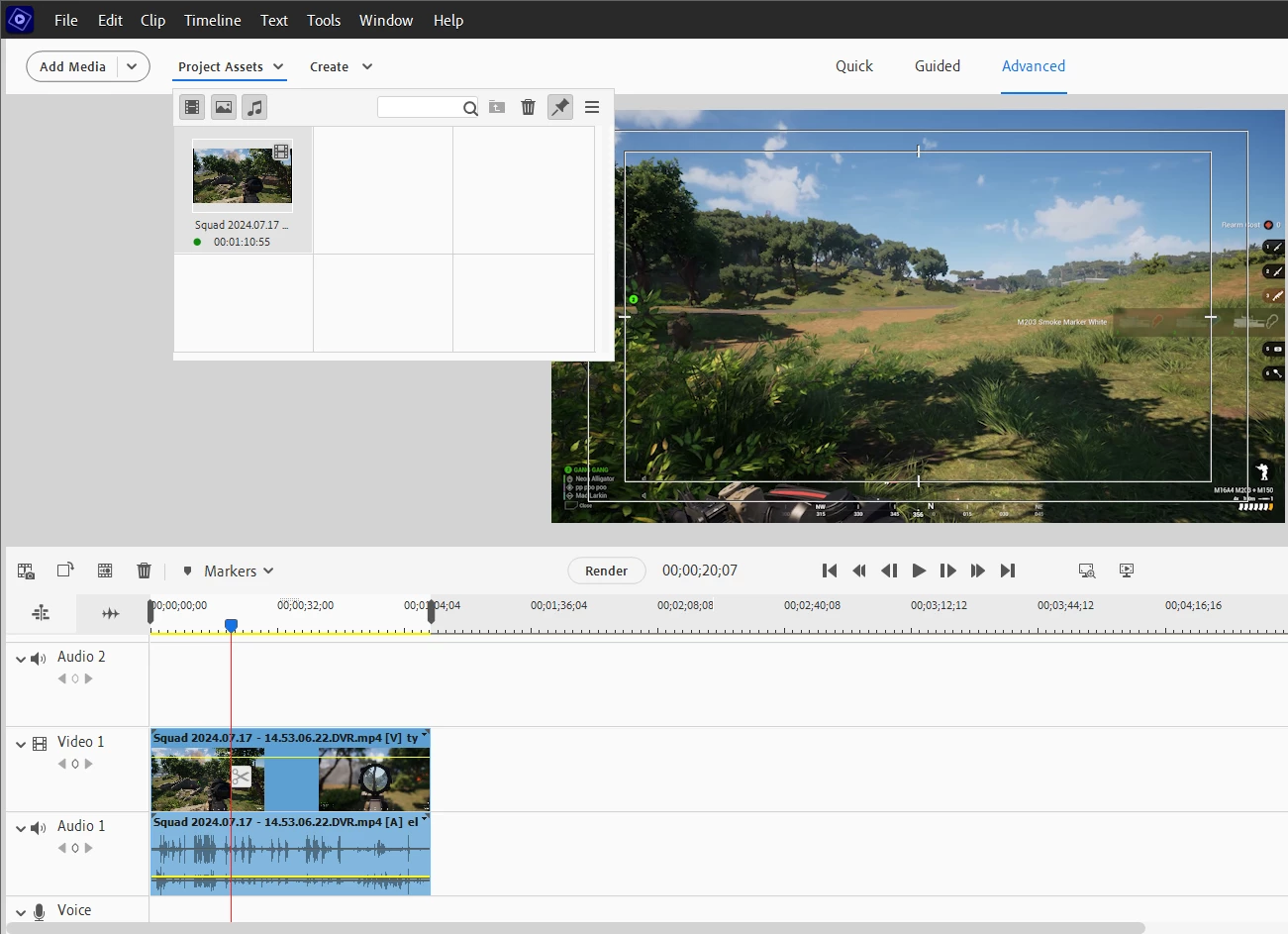
 AdChoices