
Participant
January 8, 2023
Answered

Help With Copying and Pasting in Premier Elements

  • January 8, 2023
  • 1 reply
  • 499 views

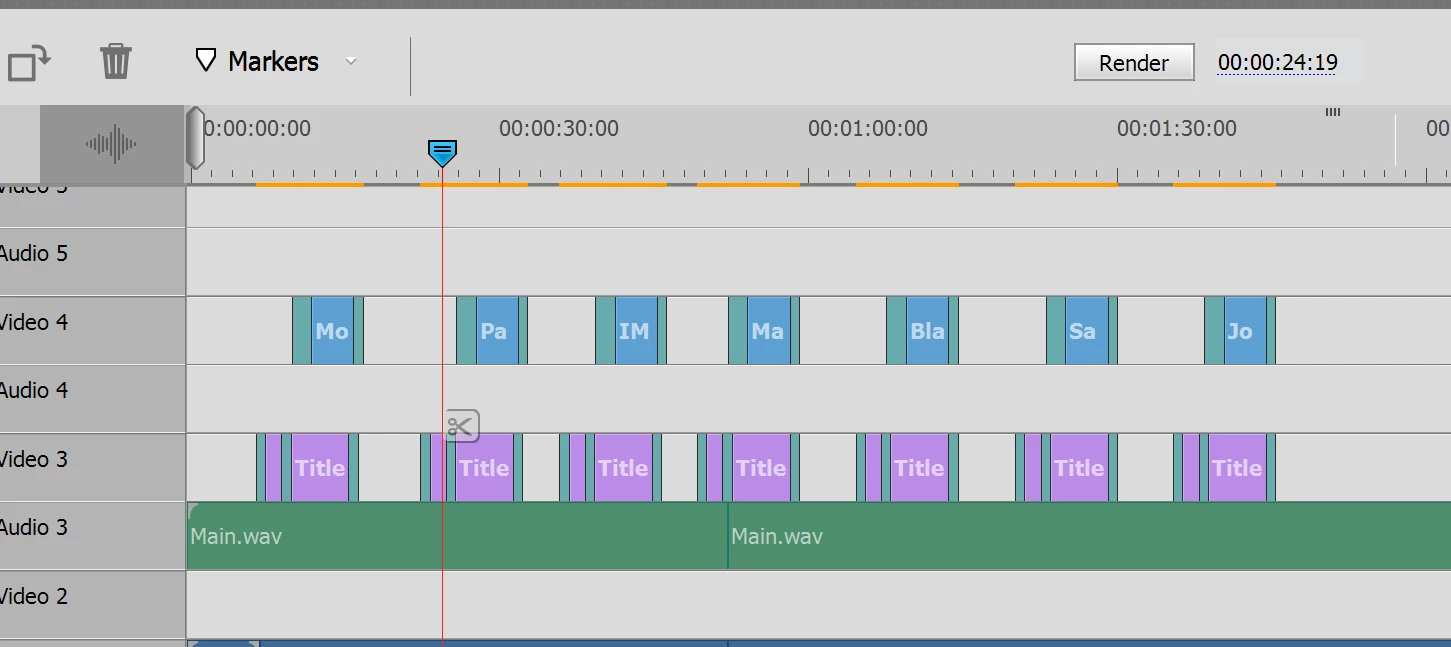
I'm trying to copy and paste images and text in order to replicate the transistions, effects, image length, etc. When I do, and I make changes to the pasted content, it also makes the same changes to the ones I copied. How do I do this without the originals being changed? Help please!
 

This topic has been closed for replies.
Correct answer Steve Grisetti

Copying and pasting creates a clone of the file -- so any changes you make to one is also made to the copy.


To copy the effects, transitions and keyframing from one clip to another, select the clip on the timeline, right-click and select copy, then select your new clip, right-click and select Paste Effects and Adjustments.


1 reply

Steve GrisettiCorrect answer
Legend
January 8, 2023

Copying and pasting creates a clone of the file -- so any changes you make to one is also made to the copy.


To copy the effects, transitions and keyframing from one clip to another, select the clip on the timeline, right-click and select copy, then select your new clip, right-click and select Paste Effects and Adjustments.


Participant
January 8, 2023
Thank you very much. This is a video I have to make every year for our
corporate awards presentations. That should save me a lot of time.
Legend
January 8, 2023

Please mark this question as correctly answered, Kate. 😉