


s_malik
Participating Frequently
February 7, 2017
Answered

How can I expand a video file into scenes on timeline?

  • February 7, 2017
  • 3 replies
  • 775 views

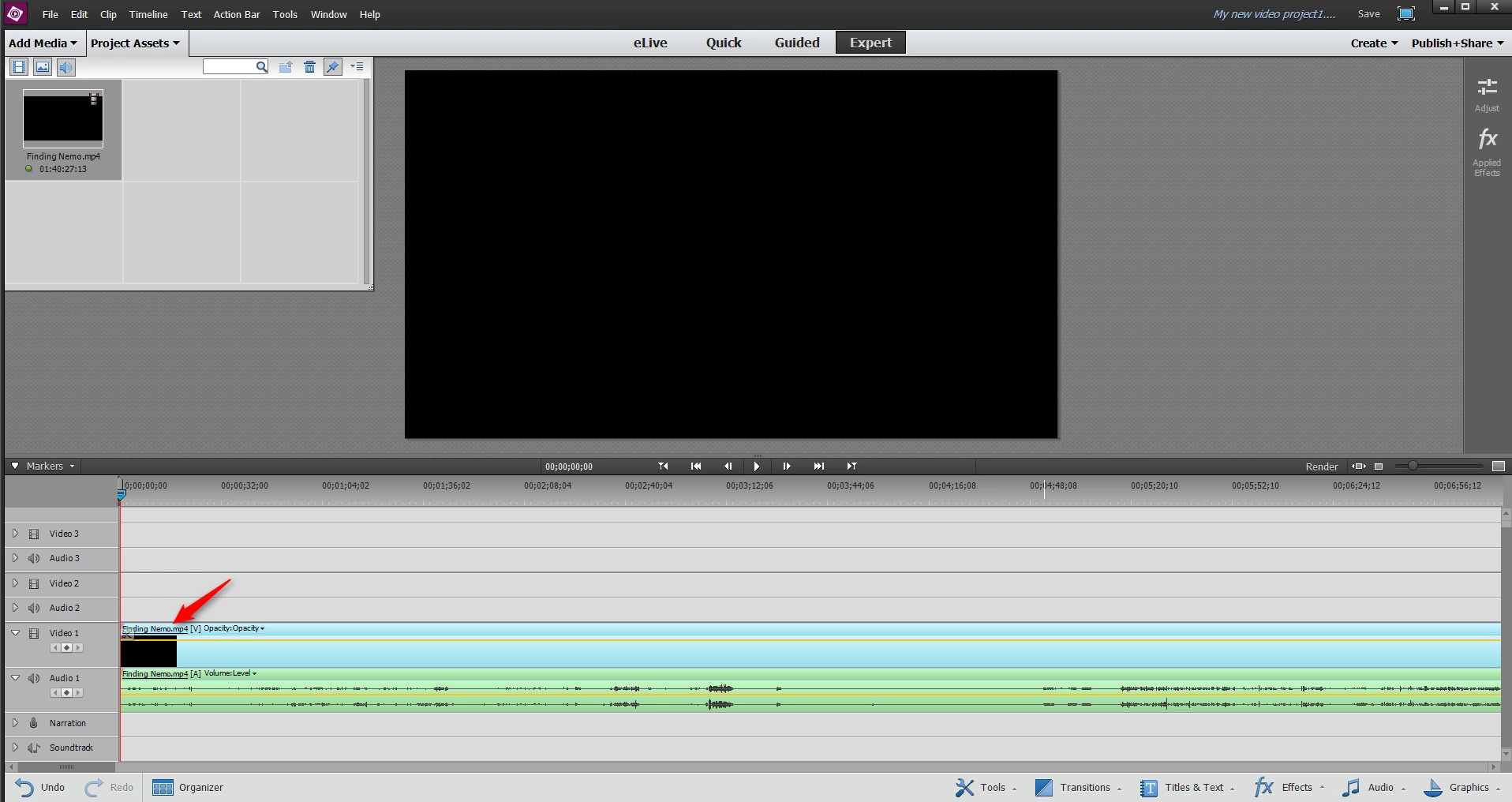
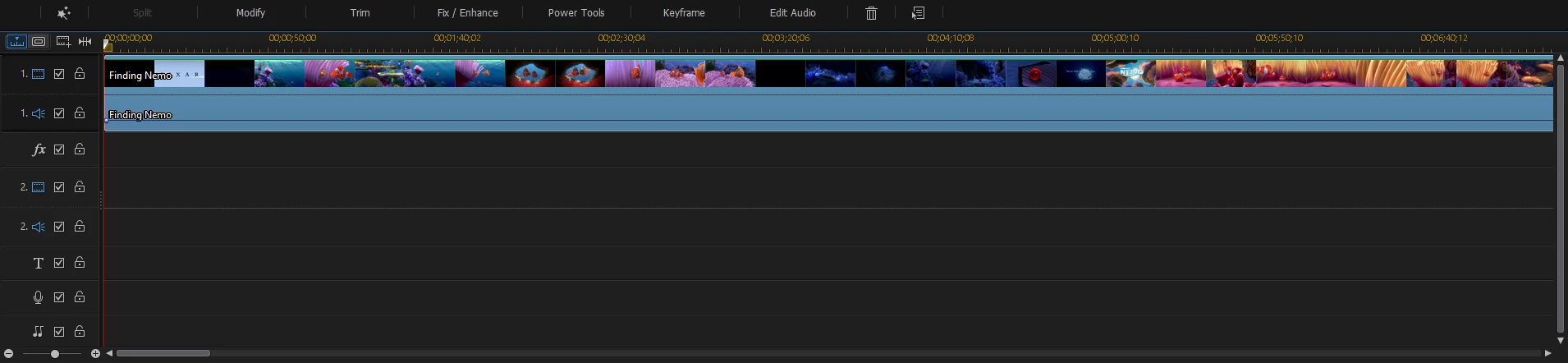
Please look at the attached snapshots. One is from Premiere Elements 13 and the other one is from another known video editor program. I would like to know how I can expand a video file into scenes in Premiere Elements timeline, same like the one showing on the other video editor program's timeline?
    This topic has been closed for replies.
    Correct answer Steve Grisetti

    Also, right-click on the track header to the right of the video track and select a view from the Display Styles.

    3 replies

    Legend
    February 8, 2017

    The toggle's location does vary a bit, depending on which version of the program you're using.

    s_malik
    s_malikAuthor
    Participating Frequently
    February 8, 2017

    ic. The snapshot posted above is from Adobe Premiere Elements 13.

    s_malik
    s_malikAuthor
    Participating Frequently
    February 8, 2017

    I have a attached a snapshot here, showing the exact location to click and change the video track display style.

    Community Expert
    February 7, 2017

    Switch to the "Quick" mode.  You can switch back and forth as needed. 

    Steve GrisettiCorrect answer
    Legend
    February 7, 2017

    Also, right-click on the track header to the right of the video track and select a view from the Display Styles.

    Community Expert
    February 7, 2017

    Steve Grisetti wrote:

    Also, right-click on the track header to the right of the video track and select a view from the Display Styles.

    There is a reason I check this forum regularly.  I keep learning new stuff!  Thanks!