


Question
How do I create a project in Premiere Elements 14 that is 640 x 360?
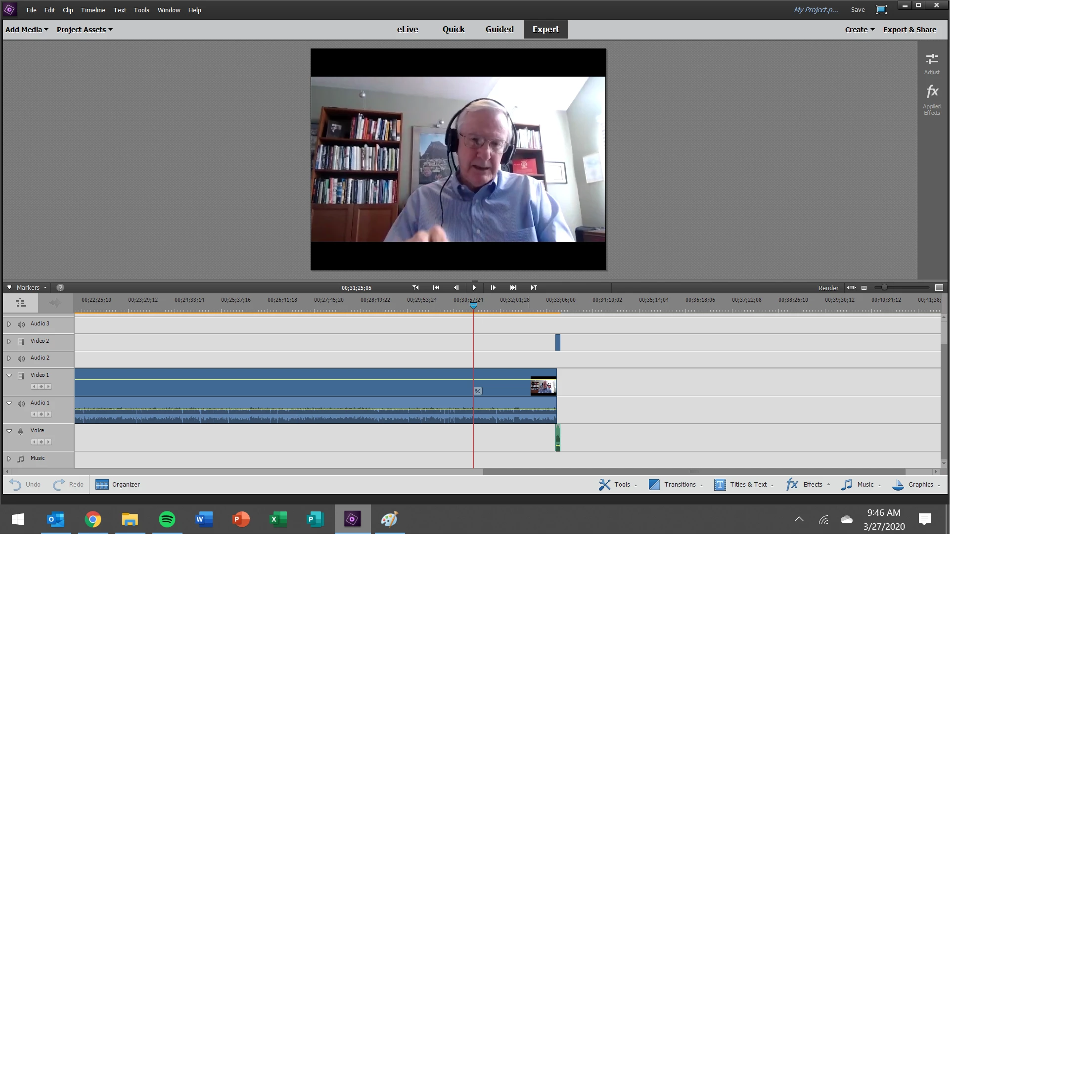
Zoom exported videos from 3 interviews in 640x360 aspect ratio and I'm having trouble editing them and exporting them without black bars around them. Elements keeps formatting the project as 640x480. I believe I have changed the settings in Zoom, so future videos come out easier to utilize... but I still want to use these 3 videos that are 640x360.
 AdChoices