


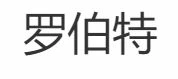
How do I keep Chinese (Mandarin) fonts from appearing as tall rectangles with a big X in the middle?
Hello Community Members,
I searched for this topic in previous posts but fond nothing that exactly matched my situation, so I will post to this forum.
When using either Adobe Elements or Premier Elements, I occasionally must create a very small amount of text using Chinese charactors for use in a text box or title. The lion's share of the text will still be in English, with only an occasional Chinese Charactor needed. In other words, I don't want to switch my system fonts to Chinese or even the fonts in Adobe Premier elements. I only need an occasional few charactors in Chinese.
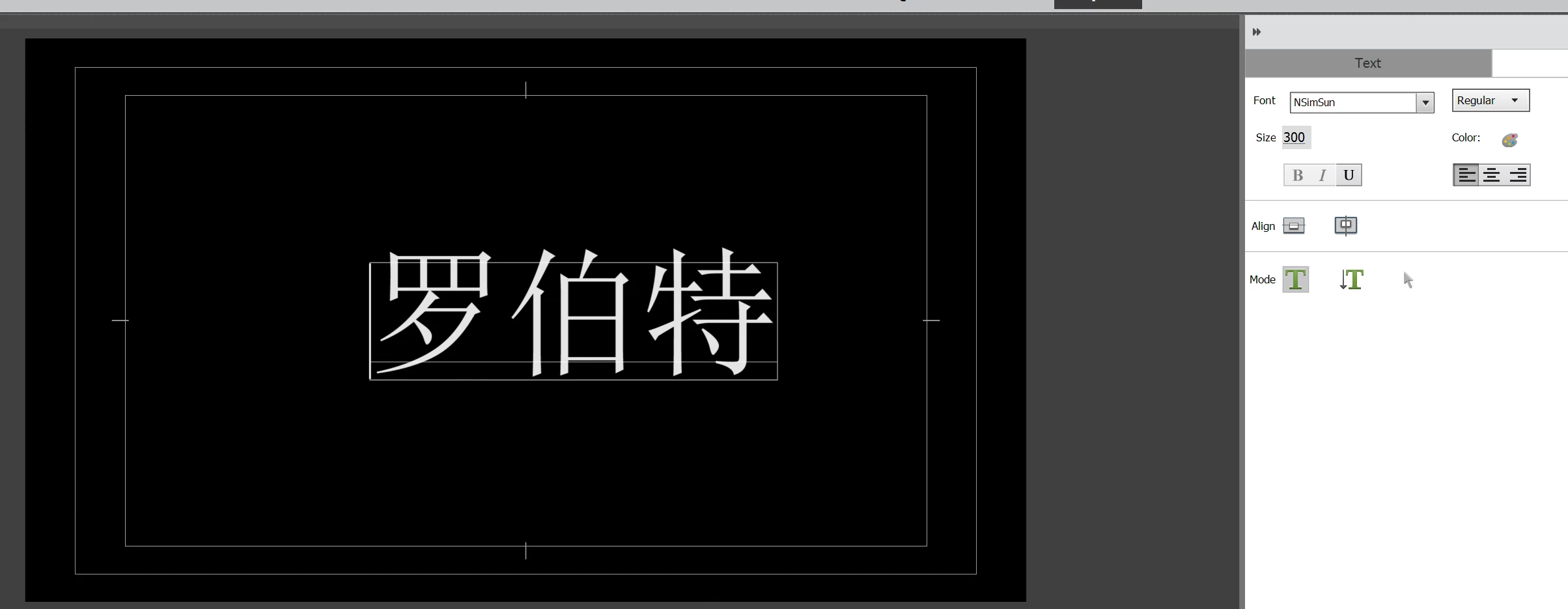
For example, I might need to type my name "Robert" in Chinese in a text box or title field. That is written "罗伯特" in Chinese ... Adobe Premier Elements recognizes the last two charactors of "伯特" (yes, there are just two charactors there), but does not recognise the first one "罗". So that charactor is always replaced with a vertical box containing an X inside the box, making the entire name look like this:
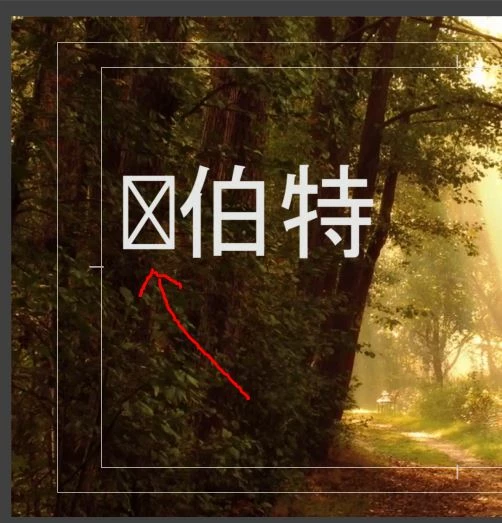 (Shown in context in my project).
So again, I don't want to change the entire language setting I am using (English) but just want to type the occasional few charactors in Chinese.
It occurs to me that possibily an add-in language Chinese language pack might give me those font charactors that I need... but I can find nothing that suggests additional (suplamental) language packs are available for Adobe Premier Elements or just "plain Elements". (I'm on the 2018 versions of the programs, by the way.)
I would highly appreciate any ideas you have that might solve this issue.
Best regards. 😉 😊 😇

 AdChoices