
How do I rotate and crop a video like a photo?
I'm experienced at photo editing, and new to video editing.
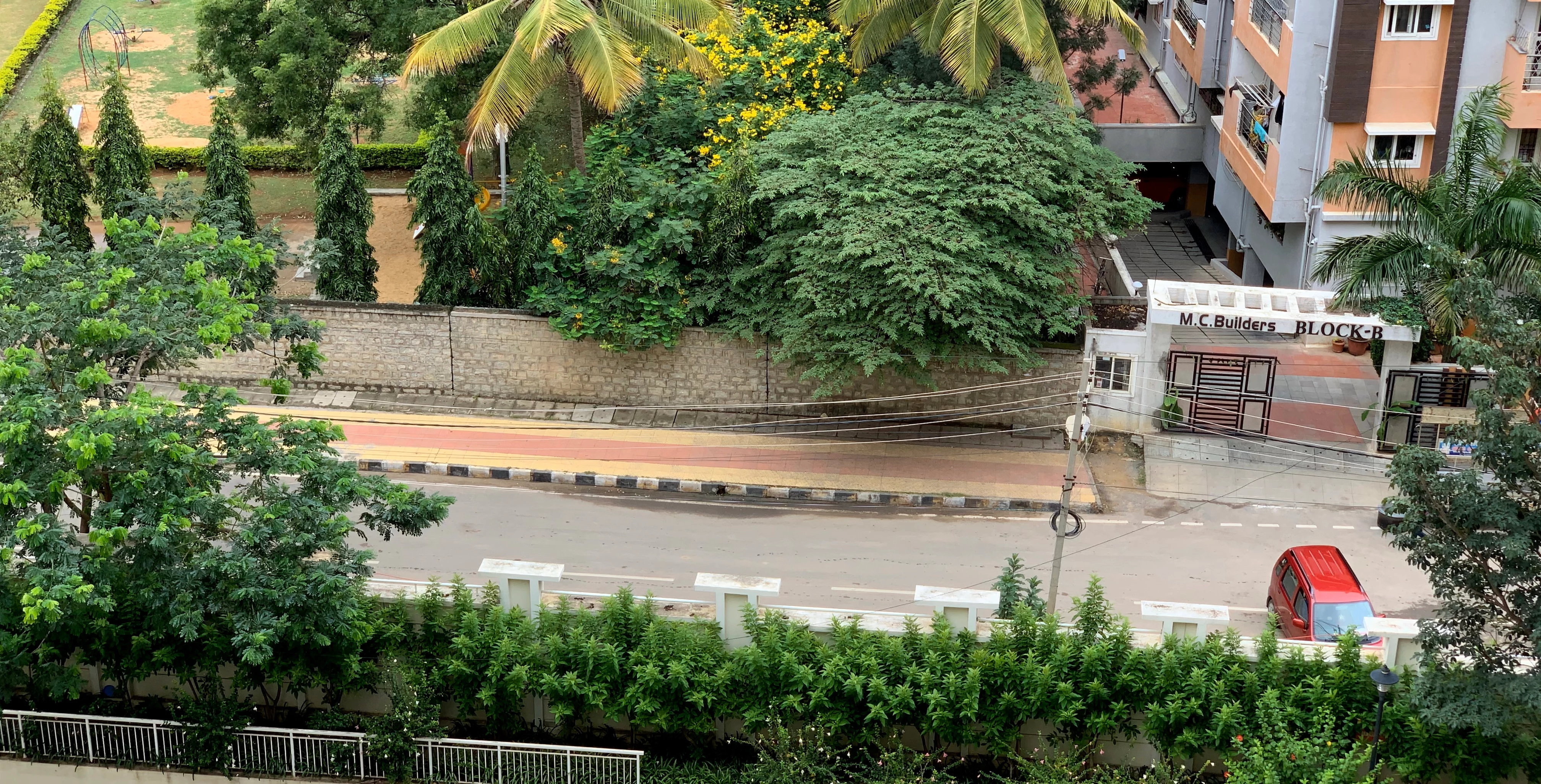
I'm trying to edit this video, where the road is at an angle:
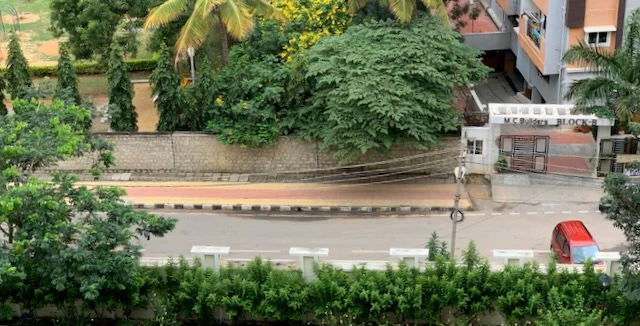
I want it to be straight like this:
When I rotate the video in Premiere Elements, I get black corners:
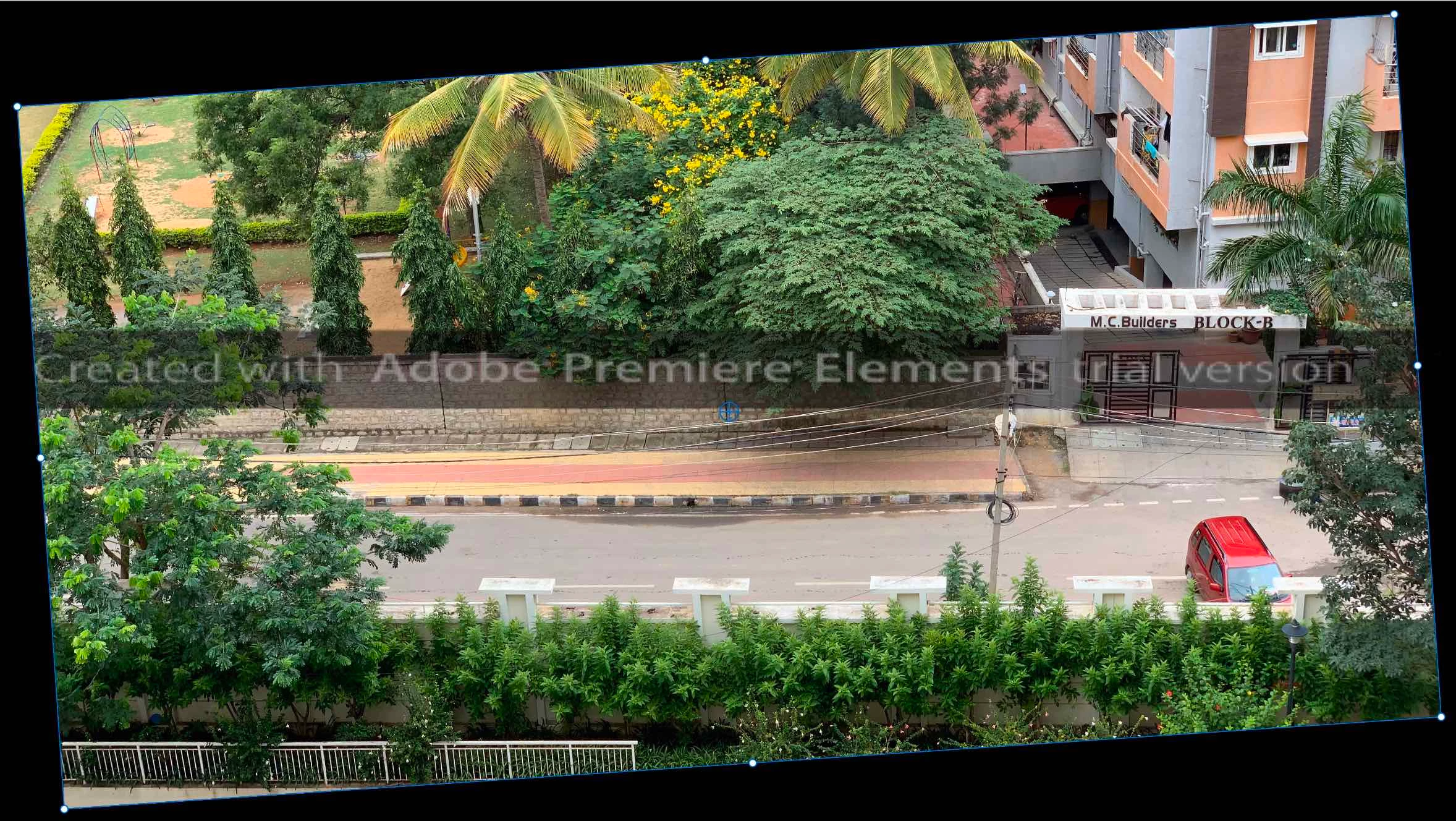
Obviously, I don't want those.
I know I can zoom in the video to fill the canvas, but I instead want to crop and reduce the canvas size. For example, there might be too much stuff above the road which I want to crop out. I want to do this visually, by dragging a crop rectangle, rather than choosing an aspect ratio. I don't know what aspect ratio I want. I want to try it out visually and make a decision based on esthetics rather than numbers like 2.39:1. How do I do that?
This is similar to how in Lightroom, I rotate and crop a photo based on what looks good. When I export it, the exported photo has a lower width and height in pixels. How do I do this for a video in Premiere Elements?


 AdChoices