


Inspiring
January 16, 2017
Question

How to add additional text to a scrolling text page?

  • January 16, 2017
  • 1 reply
  • 307 views

Hello

I am trying to create a page of credits at the end of a movie clip using Text | Default scrolling that, at the moment, looks like this:
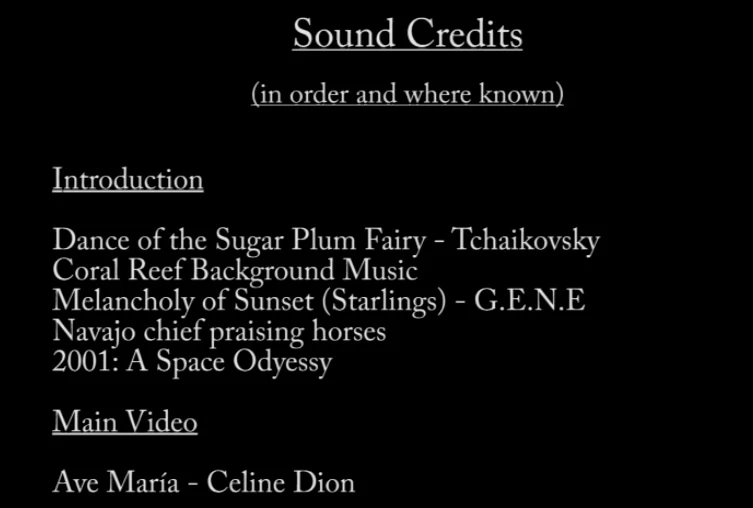
I don't expect Premiere Elements to be like MS Word when it comes to text, but it seems a tedious process.

On the TimeLine itself, I see this:
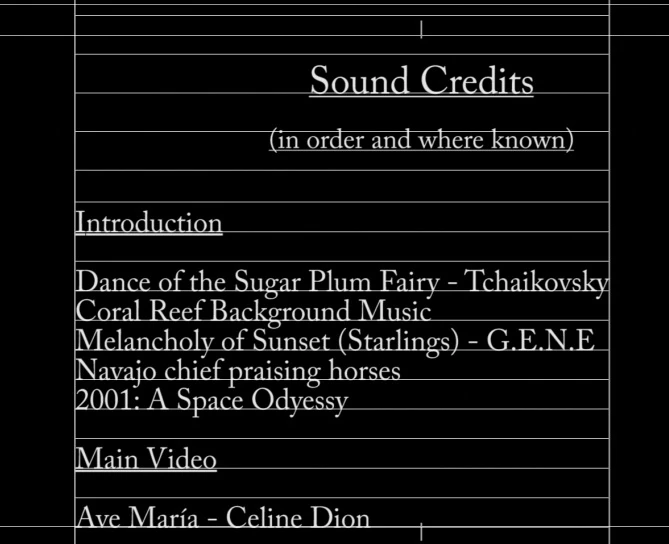
How am I able, please, to add further credits under Ave Maria at the bottom, because I can't see any scrollbars that will 'push up' these existing credits to allow me to add more under Ave Maria? When I have tried to use the Selection Tool arrow to do so, it just corrupts the text that I am posting here (it all gets jumbled up).

I am using Premiere Elements 11 on Windows 10.

Many thanks.

Steve

    This topic has been closed for replies.

    1 reply

    Peru Bob
    Community Expert
    Community Expert
    January 16, 2017

    Put your cursor on the end of the last line and hit the enter key.

    SteveH59Author
    Inspiring
    January 16, 2017

    I have done that, Bob - thanks for your reply.

    I have managed to add two more entries, but after that I can't add any more.

    The list does not move up, so it does not allow me to add more. Even if I put my cursor at the end of the last line and press Enter blindly (without being able to see what I have typed), that entry does not appear when I click on the two little >> in the top right-hand corner, if you know what I mean.

    I don't know if it makes any difference but the 'Sound Credits and In order and where known' are in a different 'box' to what follows because those two lines of text at the top are centered and what follows, in another box, is left-aligned.

    Should everything be in one 'box' (for want of a better word)?

    Thanks again.