
Answered
How to copy and paste clip without editing original clip
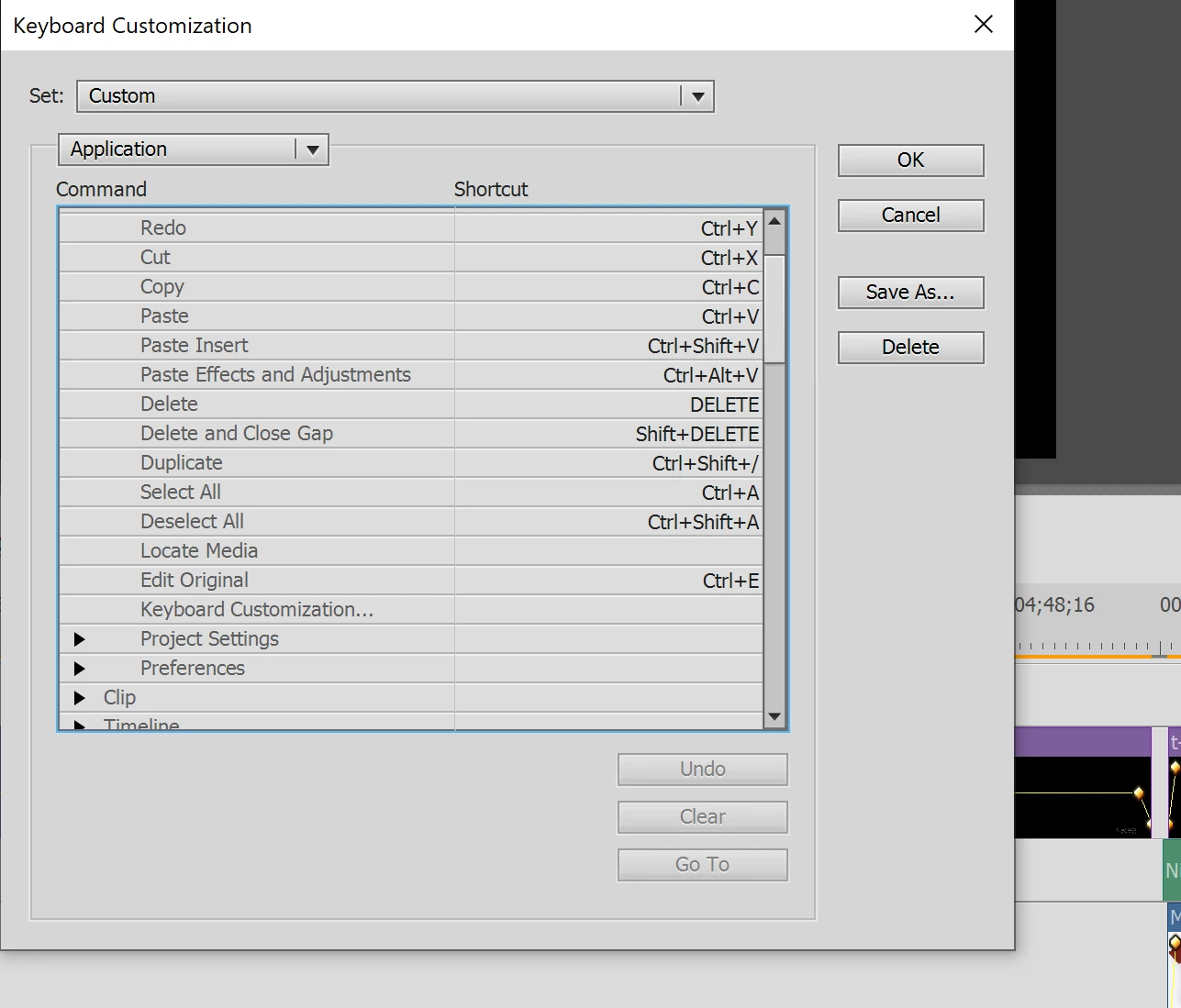
When I copy a clip (for example text) "ctrl+C", paste it elsewhere on the timeline "ctrl+V" and then edit the copy, it changes the original clip too. When I look at Project Assets, I see indeed that there is still 1 clip, and there has not been made a actual copy/duplicate. When I look at the keyboard customization settings, I see that to make a dublicate I must use "ctrl+shift+/". However, that does not do anything if I try.
My question is: how can I make a keyboard shortcut for dublicating/copying a clip and paste it again, so that when I edit it, it does not change the original clip.
Thank you very much in advance!


 AdChoices