


omiazad
Inspiring
June 27, 2020
Question

How to create Multiple Presets in Custom Export section?

  • June 27, 2020
  • 2 replies
  • 1087 views

In older versions of Premiere Elements (probably 2018 or earlier), I would be create multiple presets in custom video export secion. In 2019 or 2020, I do not see that opportunity. This is what I have now:
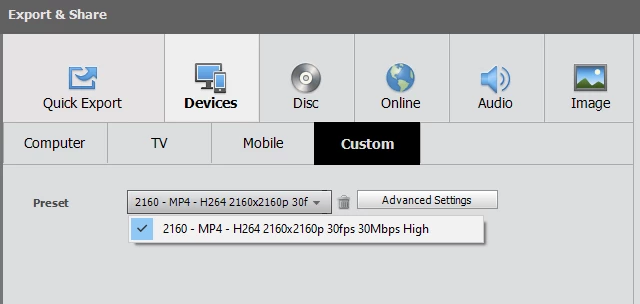
But I cannot even create new presets in Advanced Settings, even after creating one, other option disappears:
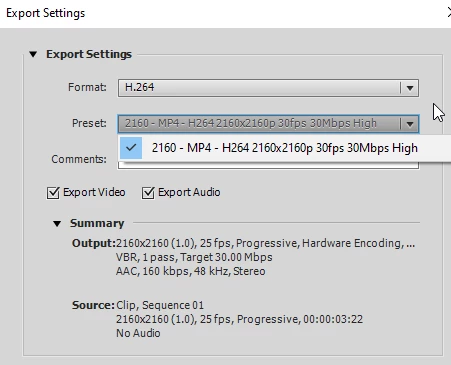


Please suggest what I am doing wrong. I badly need this to be fixed.

2 replies

Participant
July 17, 2020

Could it be that you can't save a custom preset unless there is text in the "Comment" field?  That took me ages to find out.

Legend
June 27, 2020

After you create a preset on the Custom Preset panel (under Advanced Settings), you'll be prompted to save and name it when you exit the panel by clicking OK.


Works the same way it always has for me.

omiazad
omiazadAuthor
Inspiring
June 27, 2020

The issue is, I have created one preset based on H264. Once I have created that, I do not get any option for creating more presets based on H264 format. I can select other format and make presets out of them (which are obviously useless) but not this one. 


I want to create multiple H264 presets for exporting videos.


Legend
June 27, 2020

What exact video output specs are you trying to create?