
Participant
November 30, 2020
Answered

how to create new project with 9:16 aspect ratio? Adobe premiere elements 2020

  • November 30, 2020
  • 3 replies
  • 2138 views

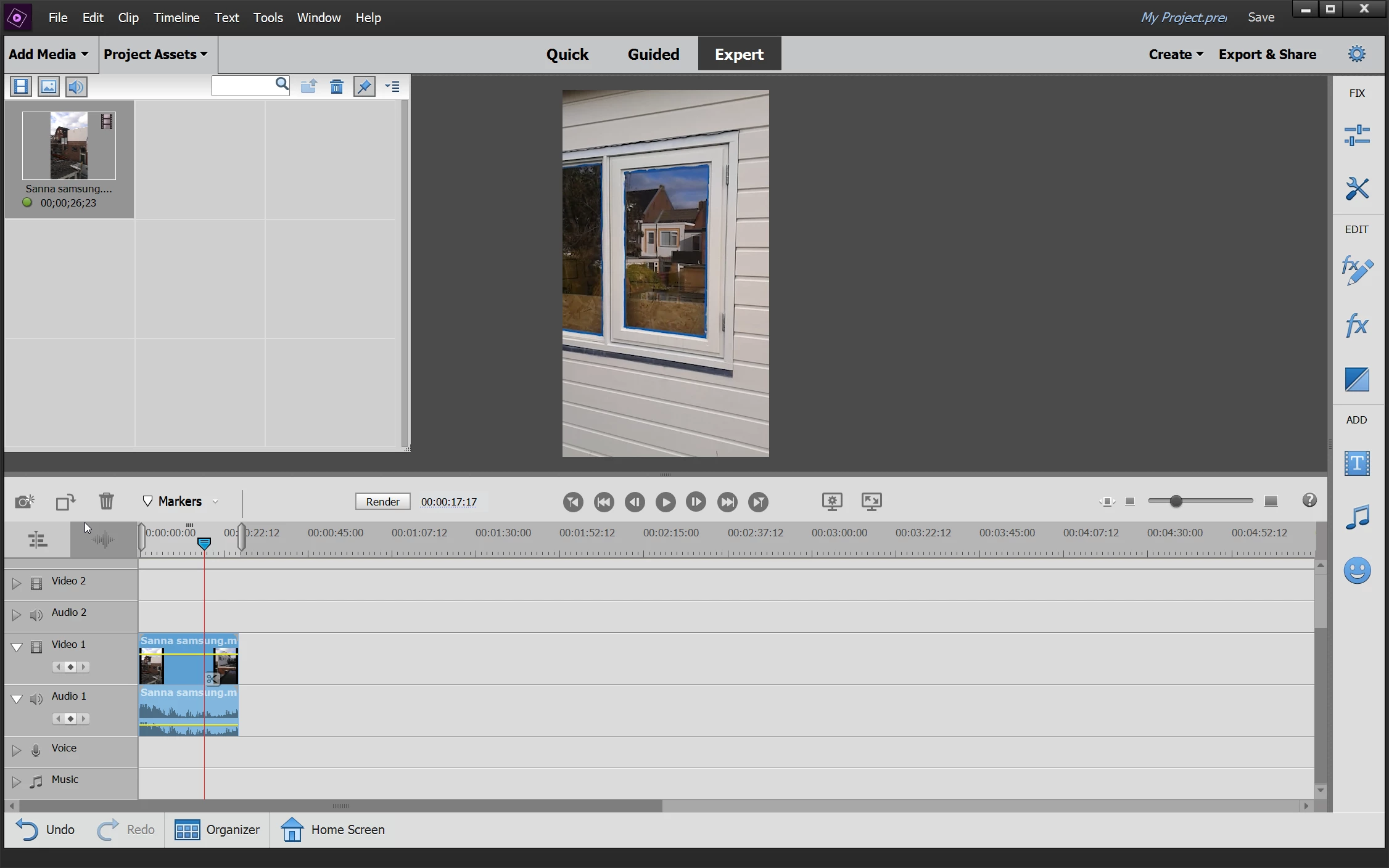
I want to create a new project with 9:16 aspect ratio but can't find any between the provided templates or edit the resolution of the project before or after that it has been created. 


Any suggestion?
 

This topic has been closed for replies.
Correct answer Ann Bens

There are no vertical presets in Elements.

Nor can you change the resolution.


The only way to do this is to make a custom preset.

Take an original preset from the root copy/paste and edit some parameters.

You can google: how to make custom preset for Elements.


3 replies

Participating Frequently
May 2, 2023

No way to do it.

I fought Premier for an hour without success.

So I went to Canva.com, had to whole thing done on five minutes (and I had never used their video editing tools before).

Amit Kumar Gupta
Adobe Employee
Adobe Employee
May 3, 2023

We can create vertical & square projects also in Premiere Elements 2022 onwards.

Premiere Elements 2022 have both project presets and export presets for vertical & square projects.

Amit Kumar Gupta
Adobe Employee
Adobe Employee
December 1, 2020

9:16 aspect ratio project is currently not supported in Premiere elements. You can try Fill frame Guided Edit to fill the black bars on the edges.  

Ann Bens
Community Expert
Ann BensCommunity ExpertCorrect answer
Community Expert
November 30, 2020

There are no vertical presets in Elements.

Nor can you change the resolution.


The only way to do this is to make a custom preset.

Take an original preset from the root copy/paste and edit some parameters.

You can google: how to make custom preset for Elements.