



Question
HOWTO: Adding Graphics/Miscellaneous/Road_Map to non-HD Video
PE14.1 on a WIN7 PC...
Sometime at the end of a video I add a number of photos (also using pan-and-zoom).
After last video clip & before first photo I have often inserted a Graphic (Miscellaneous)
called Road_Map into the timeline and placed a title text over this on video 2.
This has worked fine on HD videos - now I've gone back to edit some pretty old (2012!) .avi videos.
However, when I insert the same graphic into the time line I only see a small portion rather than the whole graphic as I did on the HD video:
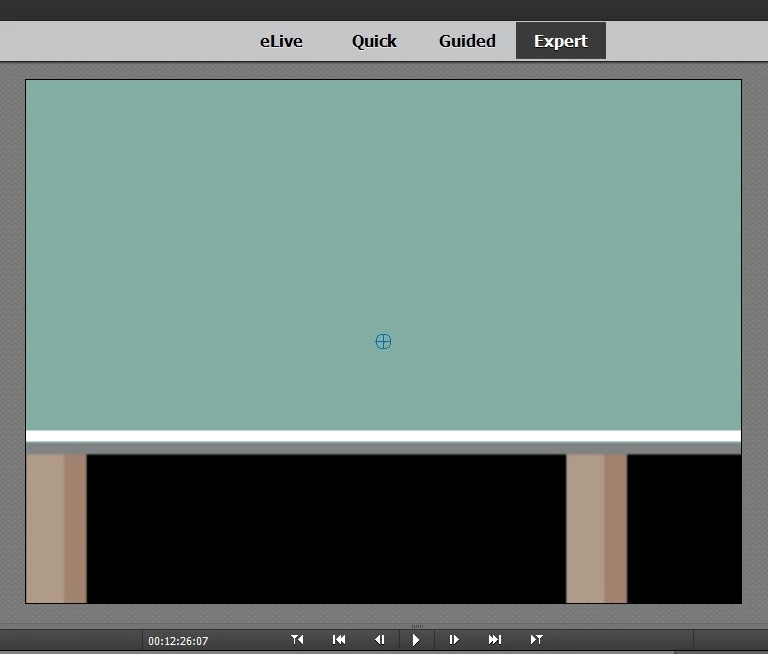
I assume this has to do with the lower resolution of this non-HD video. The Frame Size of the project is 720 by 576.
I have not been able to find a way to shrink the graphic - is there a way?
 AdChoices