



Answered
HOWTO: PE 14.1 / Setting Options in Rolling Text
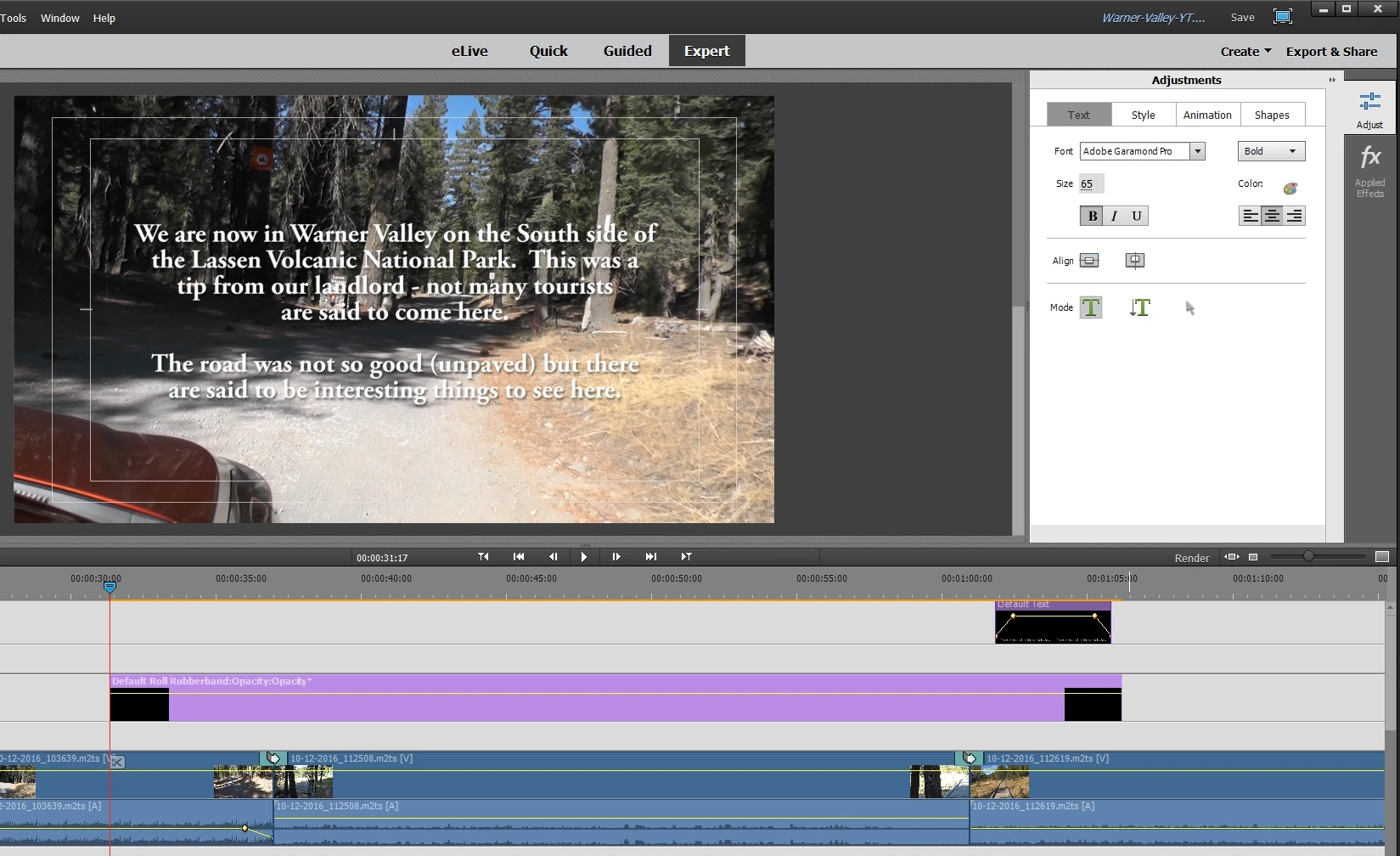
PE 14.1 on a WIN7 PC, working with an HD video in Expert View.
I have added some rolling text (Default Roll) to the timeline (Video 2) & have my text in there.
According to the contents of page #199 (Chapter 8 "Creating Titles") of the " Adobe Premier Help"
(filename is premier-elements_reference-EN14.pdf) one can set roll and crawl options.
It states to double-click the title clip & the adjust panel changes to display the text options.
Then it states to select Text > Roll/Crawl options & this I do not see. Any ideas?
This is a screen shot of my session:
 AdChoices