


Participant
Oct 30, 2026 10:03 PM UTC
Answered

I do not have acess to one of my old computers that has an activated licence for Premiere Elements 14. Is it possible to unactivate all versions of the software so I can activate it on my current computer?

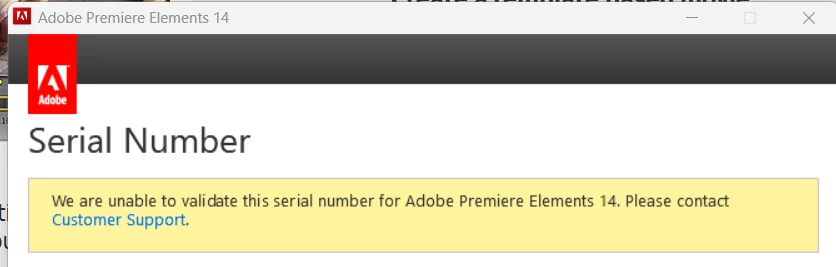
I have a version of Adobe Premiere Elements 14 that won’t activate because it says I have too many active computers on it. Is it possible to get those other computers deactivated so that I can activate my new one? I tried even to validate the serial number again and got this. Adobe support chat could not assist.

 

    John T Smith
    John T SmithCorrect answer
    Community Expert
    Oct 30, 2026 11:23 PM UTC

    Sorry, No… the ONLY way to regain an activation is to DE-activate on an existing computer… Adobe changed how serial number programs are supported (basically, they aren’t) and employees are no longer allowed to manually adjust an activation count

    1 reply

    John T Smith
    Community Expert
    John T SmithCommunity ExpertCorrect answer
    Community Expert
    Oct 30, 2026 11:23 PM UTC

    Sorry, No… the ONLY way to regain an activation is to DE-activate on an existing computer… Adobe changed how serial number programs are supported (basically, they aren’t) and employees are no longer allowed to manually adjust an activation count

    Translate