
Answered
Imported MP4 video ok, but audio plays at 2x speed
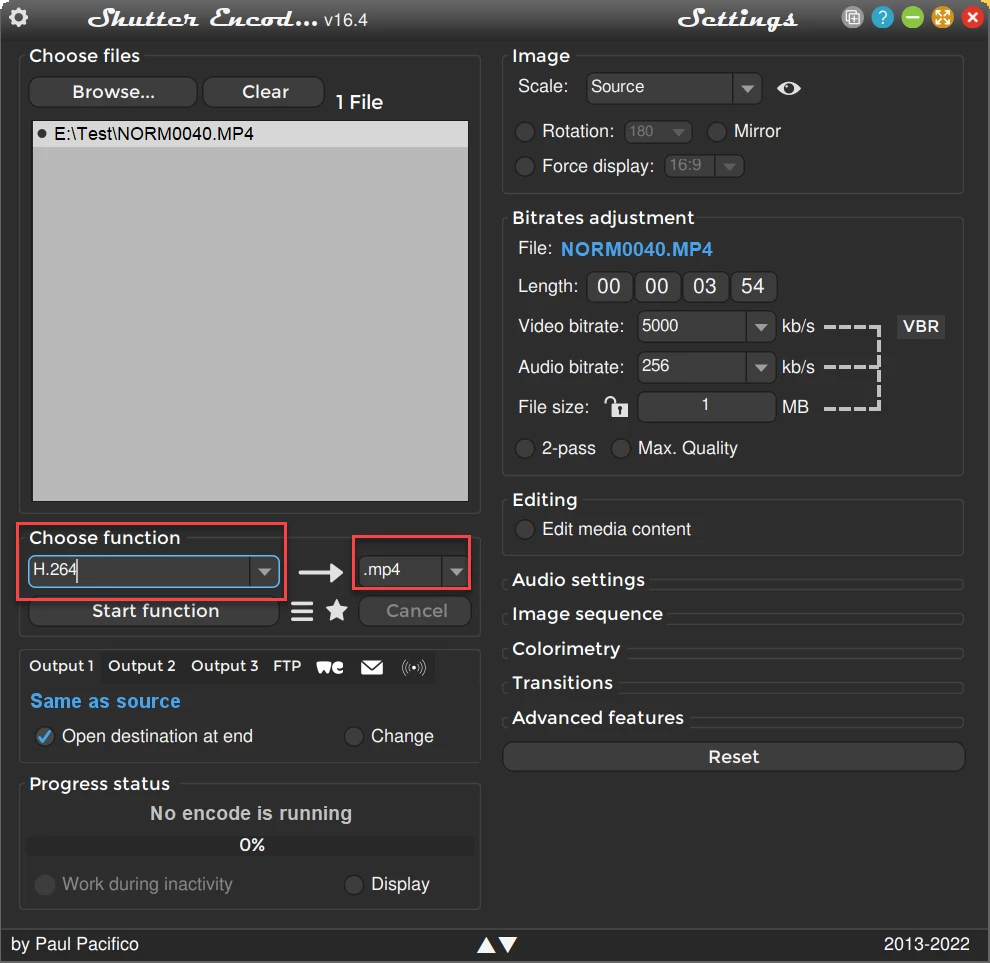
I shoot video using Akaso v50x and transfer to my laptop as MP4. Video plays fine in Windows Media Player. When I import into Premiere Elements 2022, the audio now is 2x speed, while the video is fine. Sounds like the chipmunks! If I unlink audio and video, then set audio Time Stretch to 50%, the audio plays correctly, but I have to manually move the video track and eyeball it to match up with the audio. And of course, the audio track now needs to be trimmed becuase it is 2x longer than it should be, the second half of the track being silence. Is this a bug? Am I importing wrong? Is there a better workaround than what I have described?
Windows 11
12th Gen i7
64-bit OS



 AdChoices