



Imported video always shows with b/w squares and is grainy
I've tried to import a few clips to work on in premiere, they're all from the same source and as soon as they are loaded in (I've tried many presets) they show as grainy like this:
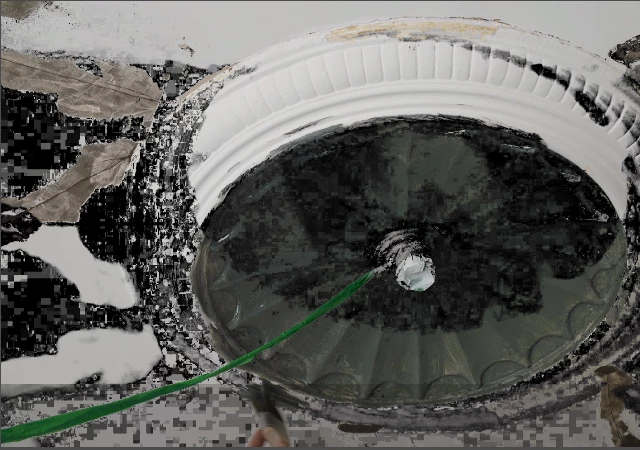
I'm using PE15.0 on Windows 10
Source file is MP4 - 1920x1080
frame rate: 29.97
Data rate: 14677kbps
Bit rate: 14992kbps
Can't see how to tell the codec, sorry!
Read and tried as many things as I can on here before I posted -
The video looks fine un-edited in VLC and windows media film thing.
I'm in the UK so I've tried both PAL and NTSC presets that I think match the above
Tried rendering the view window - have an orange line above the clip in timeline
Tried a lot of presets to export + share as I saw in some threads that it could be a preview issue - spoiler alert - it wasn't
Can anyone offer any suggestions? The video is a render from PP not a camera that I don't have access to to re-export.
 AdChoices