nicup42067038
Participating Frequently
November 23, 2017
Answered

Impossible to open some files

  • November 23, 2017
  • 4 replies
  • 934 views

Hi ,

I bought few days ago Adobe Premiere Element 2018 , and I started to work with this .

Unfortunately I got some problems . I have movies from dash cam Mio Mivue 608 . In some folder I can open an file , but not the next , or other .
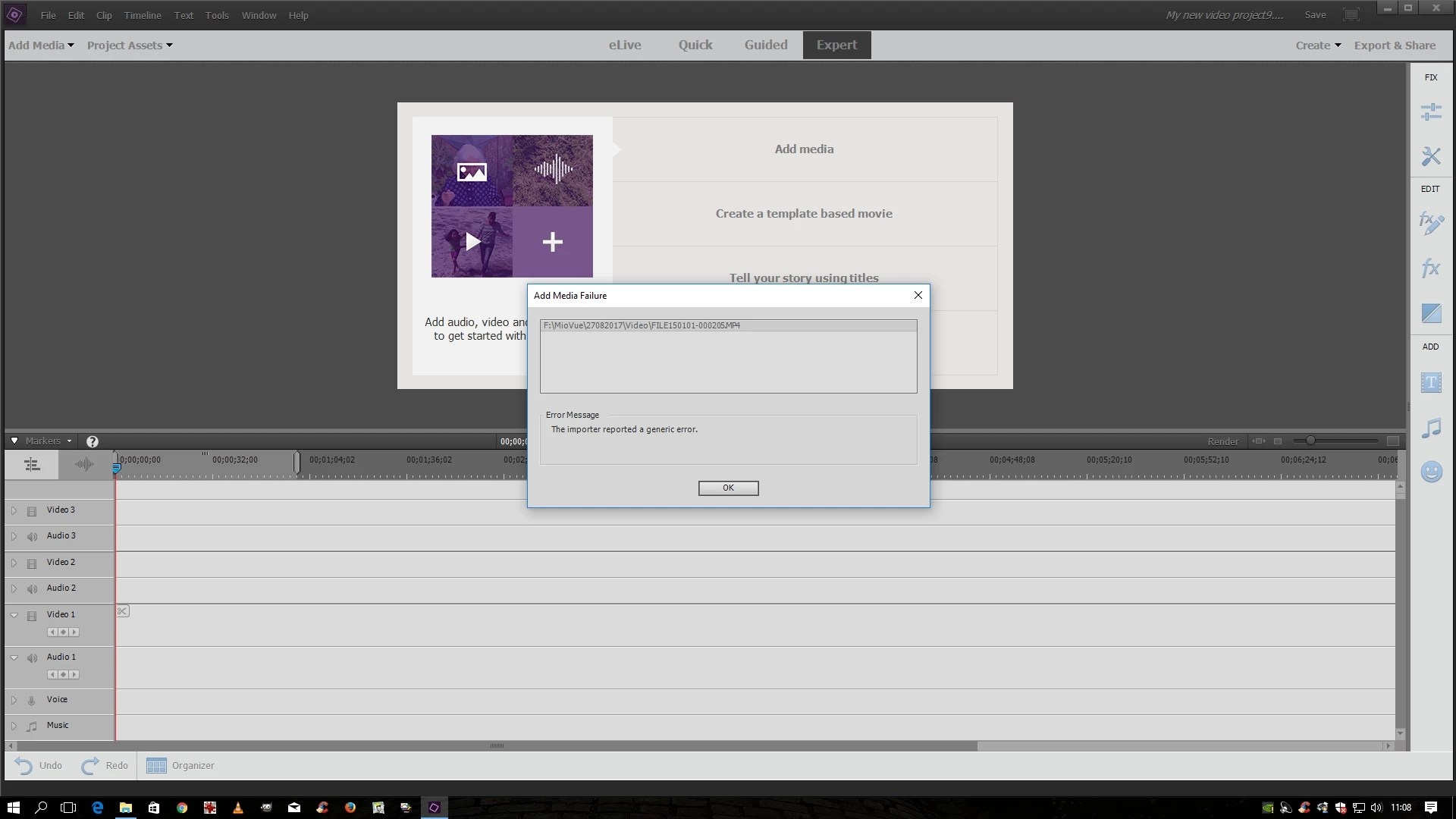
About my computer :
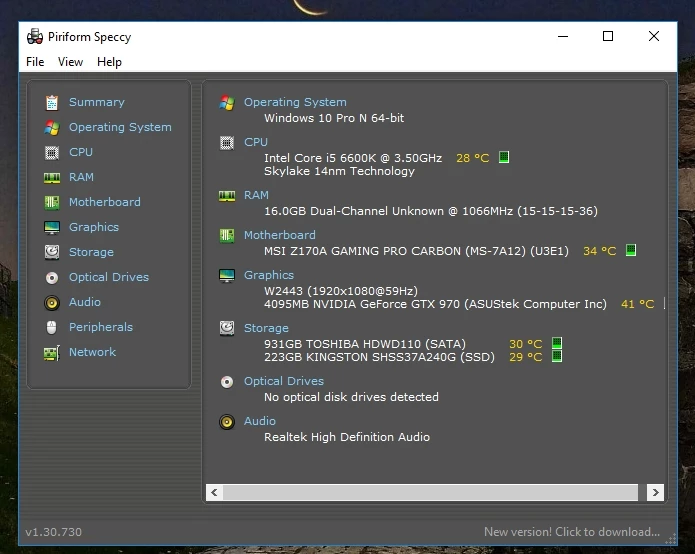
Note: I also own Photoshop Elements 2018 and Lightroom and have no problem with them.  This is very frustrating.

Any advice please?. 

    This topic has been closed for replies.
    Correct answer Ann Bens

    Thanks !

    How I can do that ?


    4 replies

    Legend
    November 23, 2017

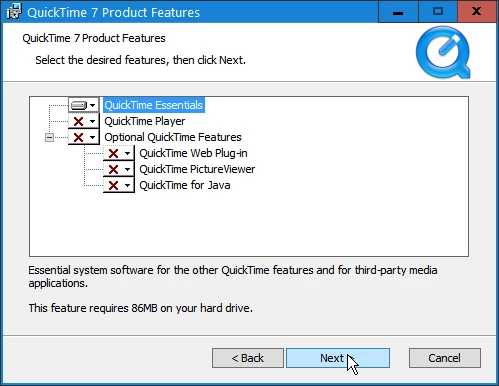
    I'd recommend installing Quicktime 7. It might well solve your problem.

    QuickTime 7.6 for Windows

    nicup42067038
    Participating Frequently
    November 23, 2017
    Community Expert
    November 23, 2017

    Apple stopped updating Quicktime for windows before that came up.  They still didn't update it.  The issue is with the program itself, quicktime.exe, not the support files. 

    There are two choices:

    -do a full install and then rename the quicktime.exe file to something else so that it won't run.

    -do a partial install where, in the installer itself, you elect to install only the support files. 

    On my computer, I did the full installation and the rename. 

    Is there a better solution?  There should be.  But, there is not if a codec tradionally supplied by Apple is needed due to a unique camera recording choice.  Premiere Elements normally does well with camera footage from the dominant camera manufacturers.  But, for more unique cameras it sometimes does not.

    Try installing Quicktime.  It might fix what you need fixing.

    nicup42067038
    Participating Frequently
    November 23, 2017

    This don t work

    nicup42067038
    Participating Frequently
    November 23, 2017

    This can be open

    Legend
    November 23, 2017

    You'll need to open one of your videos from that camcorder in MediaInfo (a free download). In MediaInfo, set View to Text and then copy that report and paste it to this forum.

    Once we see what that file is made of, we'll better be able to advise you how to proceed.