


Question
In Elements: Export and share Projects to MP4
Have digital version of 8 mm film from 1950ies received in H.264 MP4 2048x1536
Arranged, typed texts etc in Elements Projects
Now new version back to MP4 to show
Keep 2048x1536 and 15 fps at H.264
Export and share as the screen dump
Problem is now, that the new MP4 film only covers part of the screen e.g. vertically 95 mm of 170 mm on a screen 12"
What kind of mistake am I doing?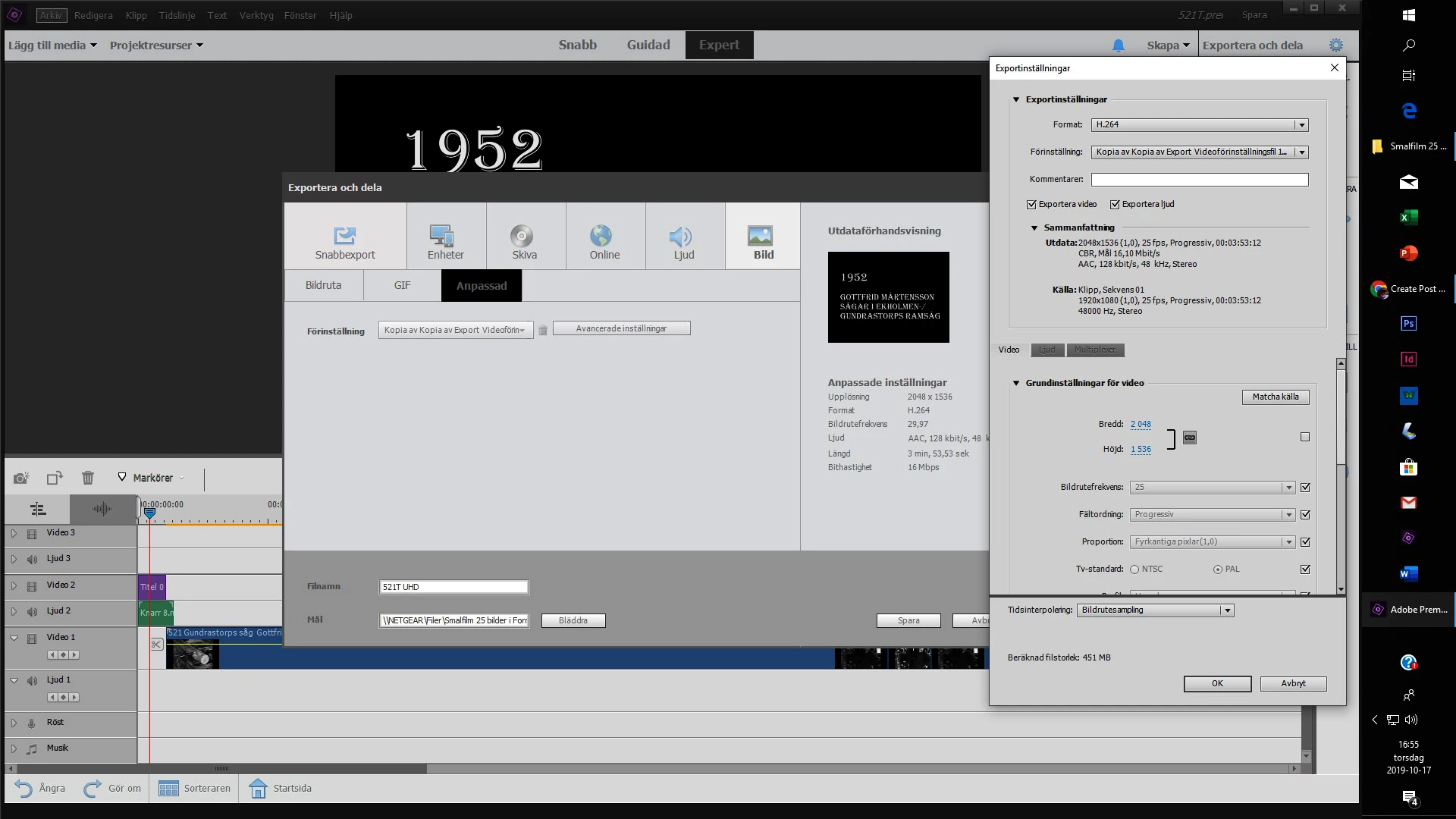
 AdChoices