


Participant
February 23, 2018
Question

Incompatible Display Driver after installing Premiere Elements 2018

  • February 23, 2018
  • 1 reply
  • 380 views

After installing Elements 2018, I am receiving  "Incompatible Display Driver" message. Have tried reinstalling drivers for my graphics card but doesnt improve the situation.

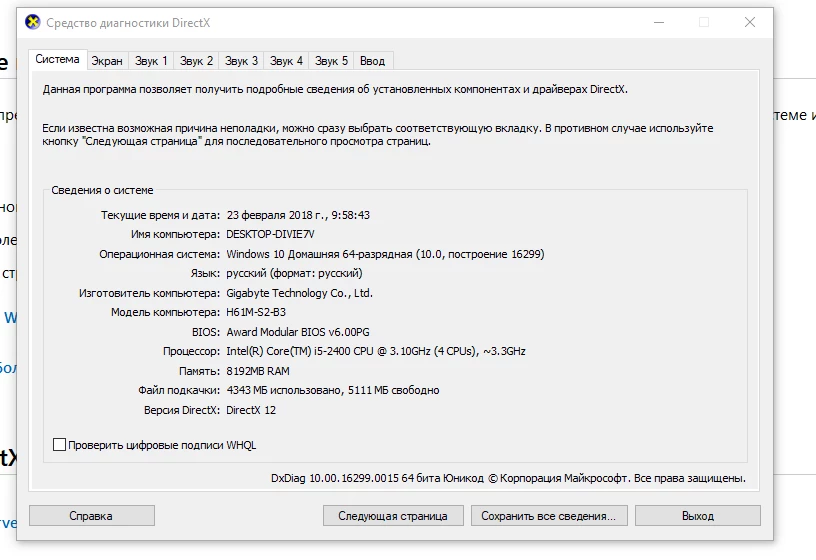
DirectX Diagnostic shows the following settings;
Help solve the problem

Sincerely,

Vadim

    This topic has been closed for replies.

    1 reply

    Govardhan.V
    Participating Frequently
    February 23, 2018

    Did you updated driver from Windows OS or from graphics card / laptop  manufacturer website ?

    Participant
    February 23, 2018

    I downloaded the drivers from the websites NVIDEA and Windows

    Govardhan.V
    Participating Frequently
    February 23, 2018

    Try deleting Bad Driver.txt file and check:

    Solution 3:

    Error "Incompatible display...update your display driver" | Windows

    Its for older version , still you can try for latest version as well.