Known Participant
May 23, 2022
Answered

Is it possible to take a landscape video and change it to portrait?

  • May 23, 2022
  • 2 replies
  • 1559 views

Hi everyone... super quick question. I've got a stop motion video that is entirely shot in landscape mode. I'd like to make a quick trailer to promote it but need to do it in portrait mode. I can't seem to find any way to do this.


Is it possible in Adobe Premiere Elements?


Thanks!

This topic has been closed for replies.
Correct answer Ann Bens

Yes and 'no'.

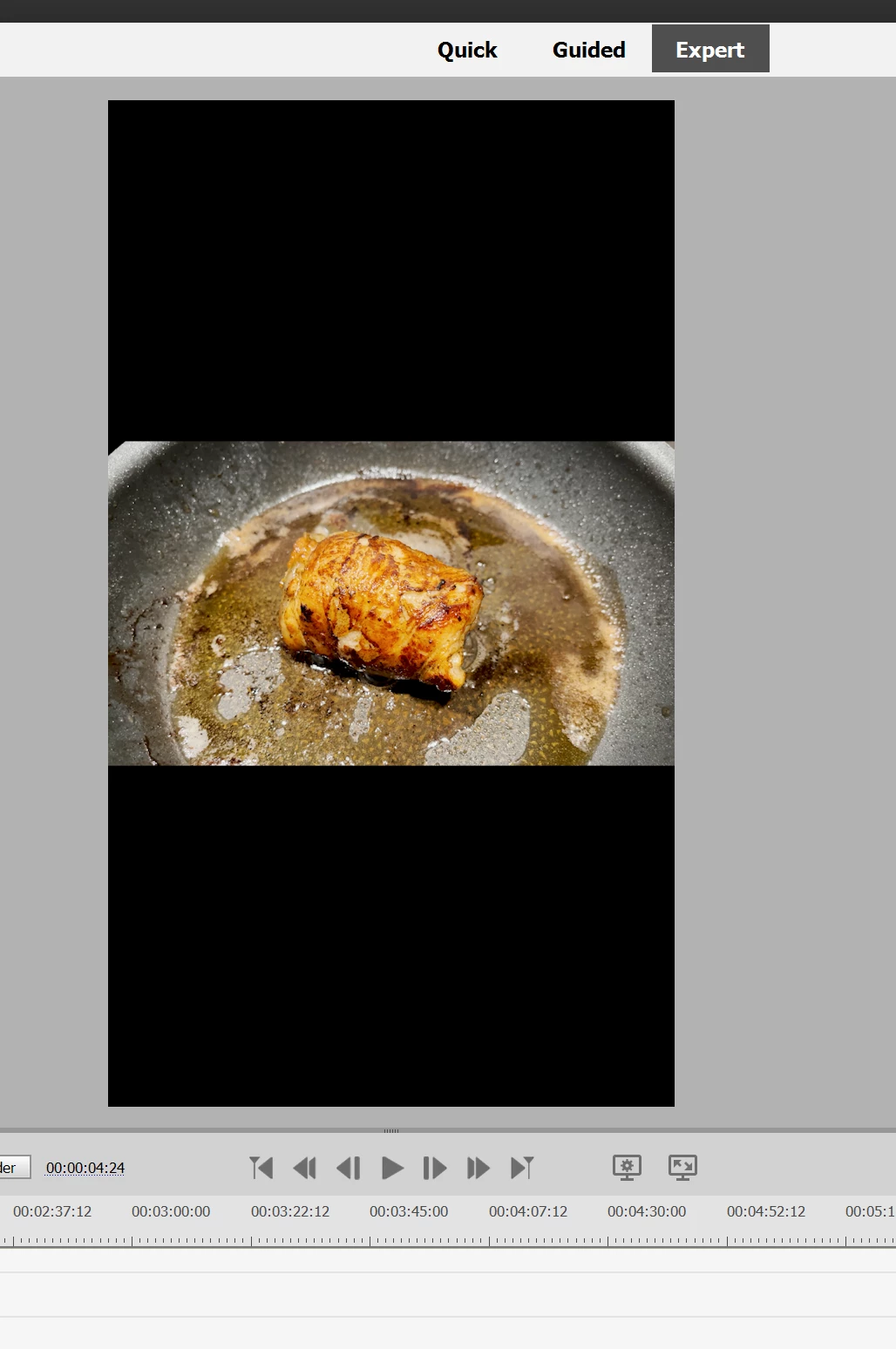
Assuming this is 2022: make a portrait project and drop the footage into the timeline. Make sure it does not change settings.

The landscape footage will look rather small in a portrait project.


2 replies

Amit Kumar Gupta
Adobe Employee
Adobe Employee
May 25, 2022

Auto Reframe feature is added in Premiere Elements 2022 to resolve this issue. It will scale up to fit the video for the project setting and got intelligence to bring the subject in the frame

https://helpx.adobe.com/premiere-pro/using/auto-reframe.html

Ann Bens
Community Expert
Ann BensCommunity ExpertCorrect answer
Community Expert
May 24, 2022

Yes and 'no'.

Assuming this is 2022: make a portrait project and drop the footage into the timeline. Make sure it does not change settings.

The landscape footage will look rather small in a portrait project.


Legend
May 24, 2022

In version 2022, though, you can expand the picture to fill the frame using the Auto Reframe feature. You are going to lose a lot of the left and right of your picture though.