Participating Frequently
January 4, 2019
Answered

Lower Third Blacking Screen

  • January 4, 2019
  • 2 replies
  • 2380 views

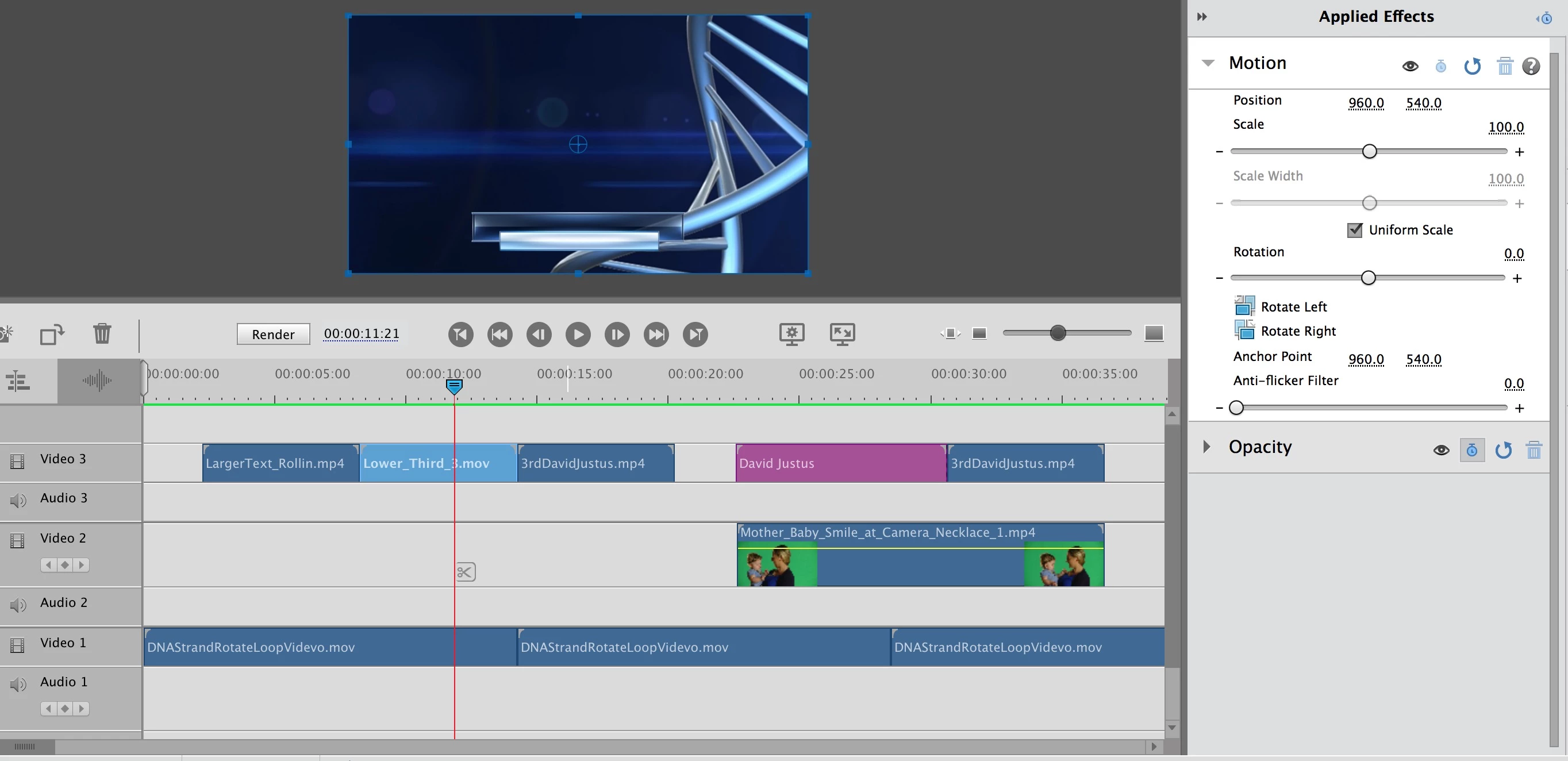
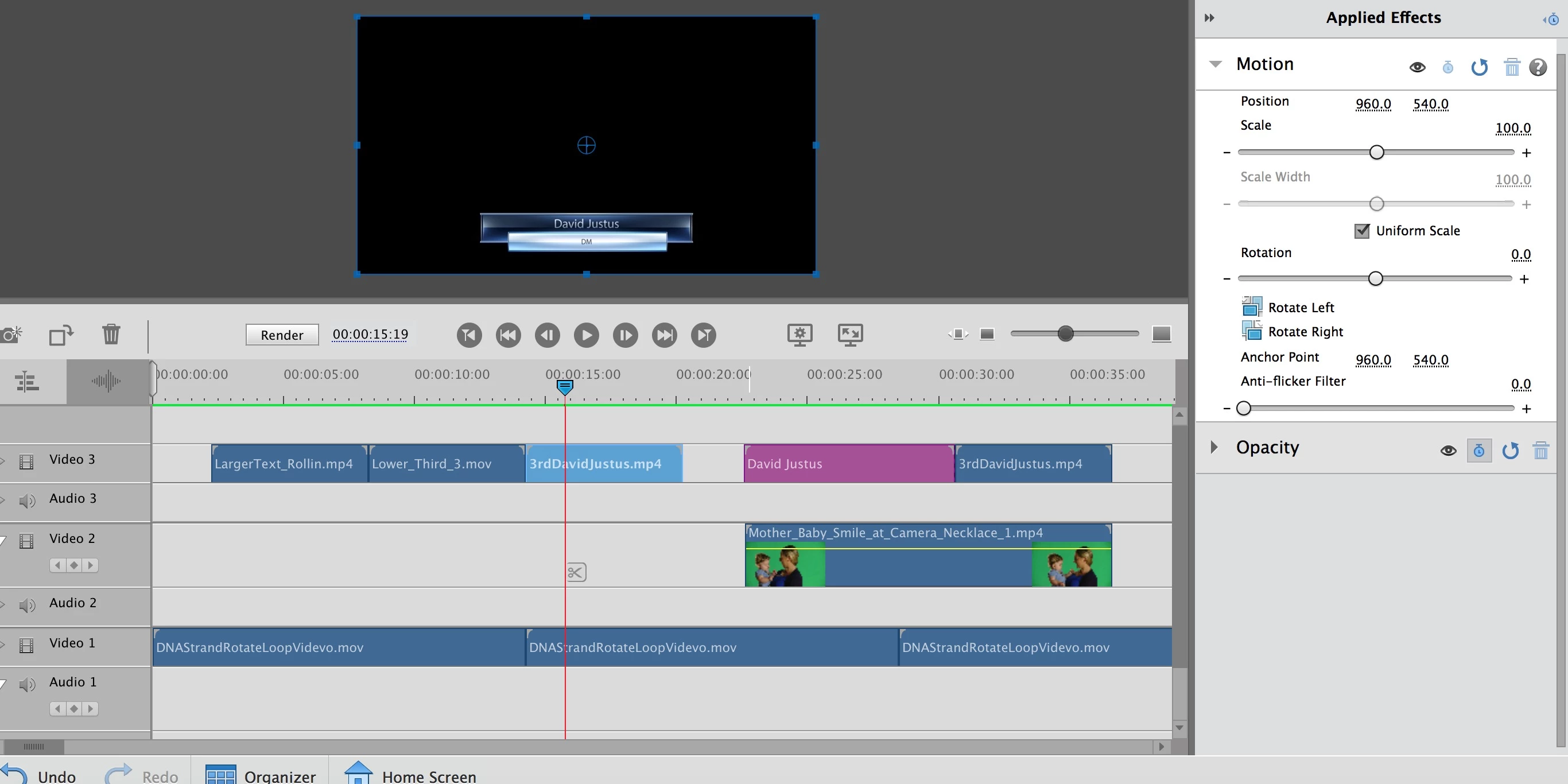
I think that I am going crazy. I have a lower third that I created in AE that I am trying to merge into a green screen video. One of them is showing up correctly, but the others aren't and I am not sure why.  On Video 1, I have a moving background, video two is my green screen, and video 3 has my lower third. I have also used a Motion Title just to see if they were all working. The motion title is, but the lower third (black background) is simply blacking out the screen and showing only the lower third.  Any ideas?

Thanks,

Drew

    This topic has been closed for replies.
    Correct answer Ann Bens

    It appears that all of the thirds have the same motion settings:


    The mp4 does not have an alpha channel hence the black background.

    mp4 does not carry transparancy period.

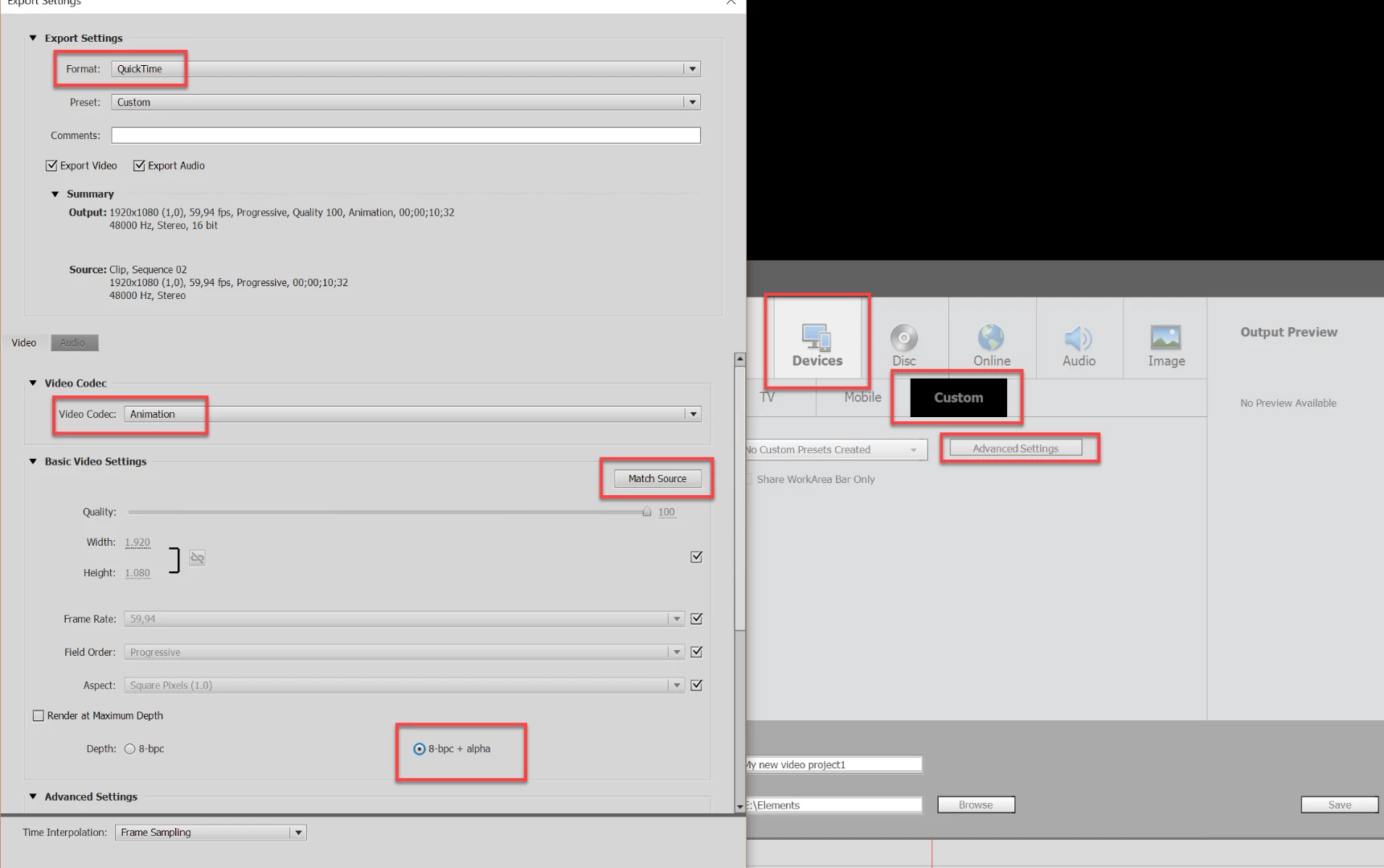
    If you want transparency in a file it needs to be exported as a mov with a lossless compression.

    2 replies

    Peru Bob
    Community Expert
    Community Expert
    January 4, 2019

    It seems like there is no alpha channel in the lower third and it is not cropped.

    Participating Frequently
    January 5, 2019

    Thanks Peru Bob.  Can I correct these settings in Premiere Elements or do I need to get the person who updated my AE Lower Thirds to change these settings?

    Here are the links to the files:

    https://drive.google.com/open?id=1Vsr-6nrGNW2dzSMdQ_YHU3L2fb0HY_-a

    The generic one is the template that I used to build the lower third. The Johnson file is the one that was updated with text.

    Ann Bens
    Community Expert
    Community Expert
    January 5, 2019

    the lower third has an alpha, the johnson file does not: hence the black background.

    What are your project settings.

    Ann Bens
    Community Expert
    Community Expert
    January 4, 2019

    Post screenshot of the issue: timeline and properties lower third.

    Participating Frequently
    January 5, 2019

    This is the one that isn't showing without the black

    This is the one that is working: