


Question
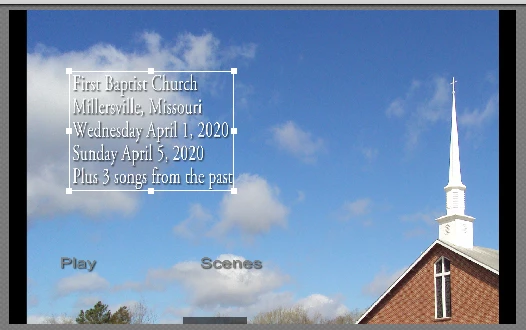
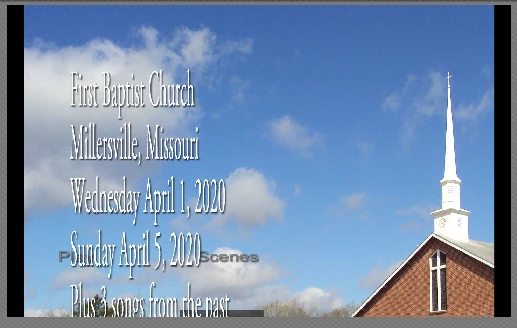
Menu title changes size when burn to iso
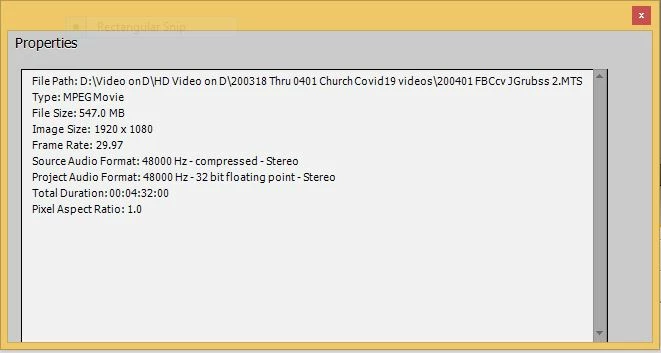
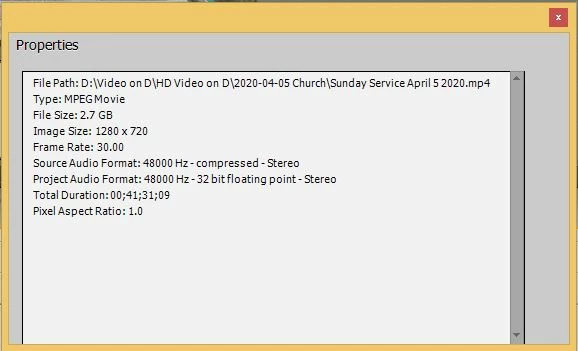
When I burn my project to disc or to iso the title text increase in size to cover other elements on the screen. this has happened on other projects but I was able to correct and burn again with no problem. But now it does it every time. I have added my own background pic on the menu but it does the same with the original background. Attached are properties of the two video files in the project and screen shots of the menu before (Menu 1) and after (Menu 2) burning the project. Since one of the files is an MTS and one is MP4 I removed the video 2 (MP4) file from the time line and burned to iso and still had same problem with the menu.
I am using PE13
Thanks for any help.
 AdChoices