


New Member
January 8, 2026
Question

Missing Hand Tool In Premiere Elements 2026

  • January 8, 2026
  • 1 reply
  • 185 views

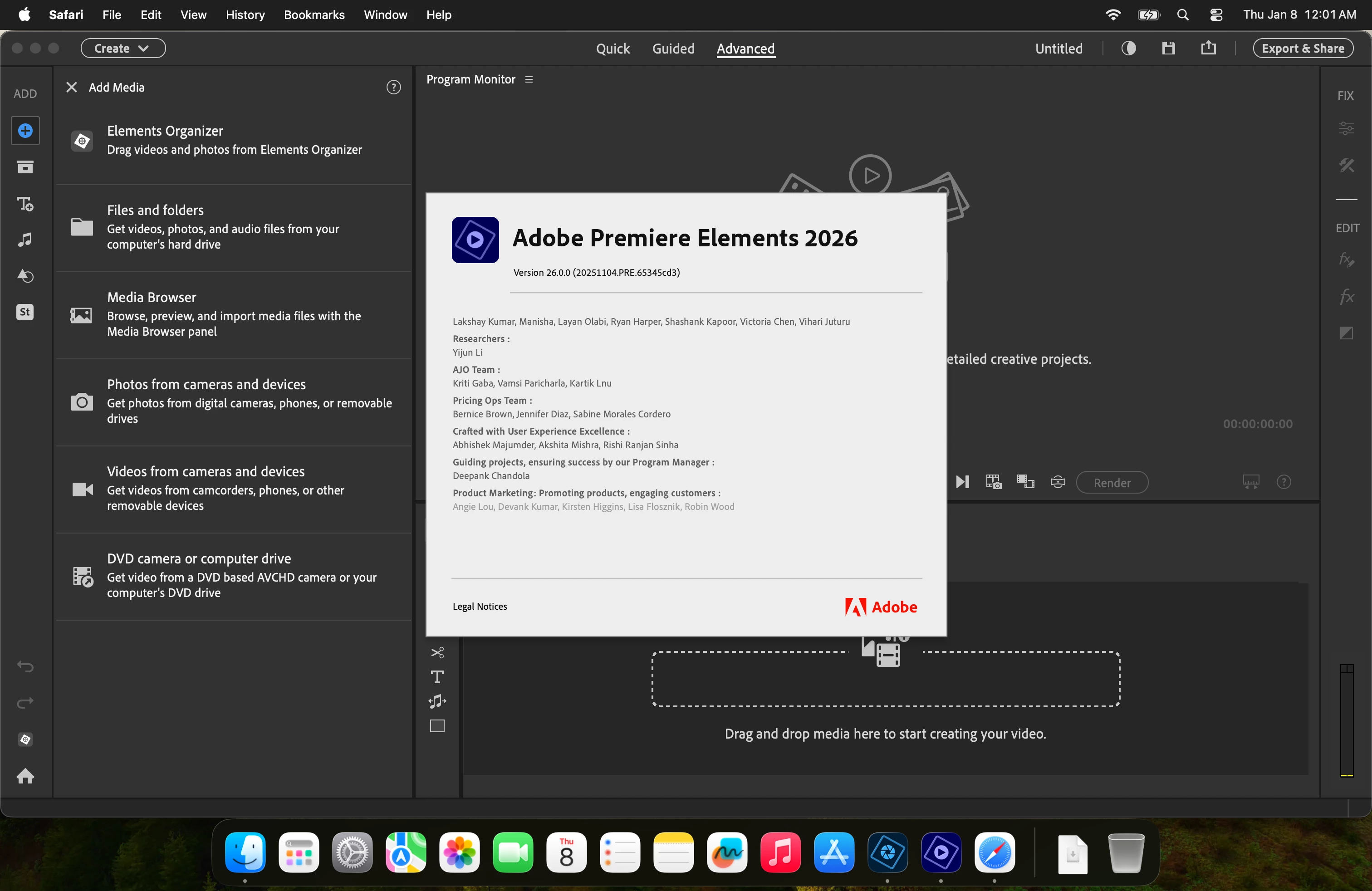
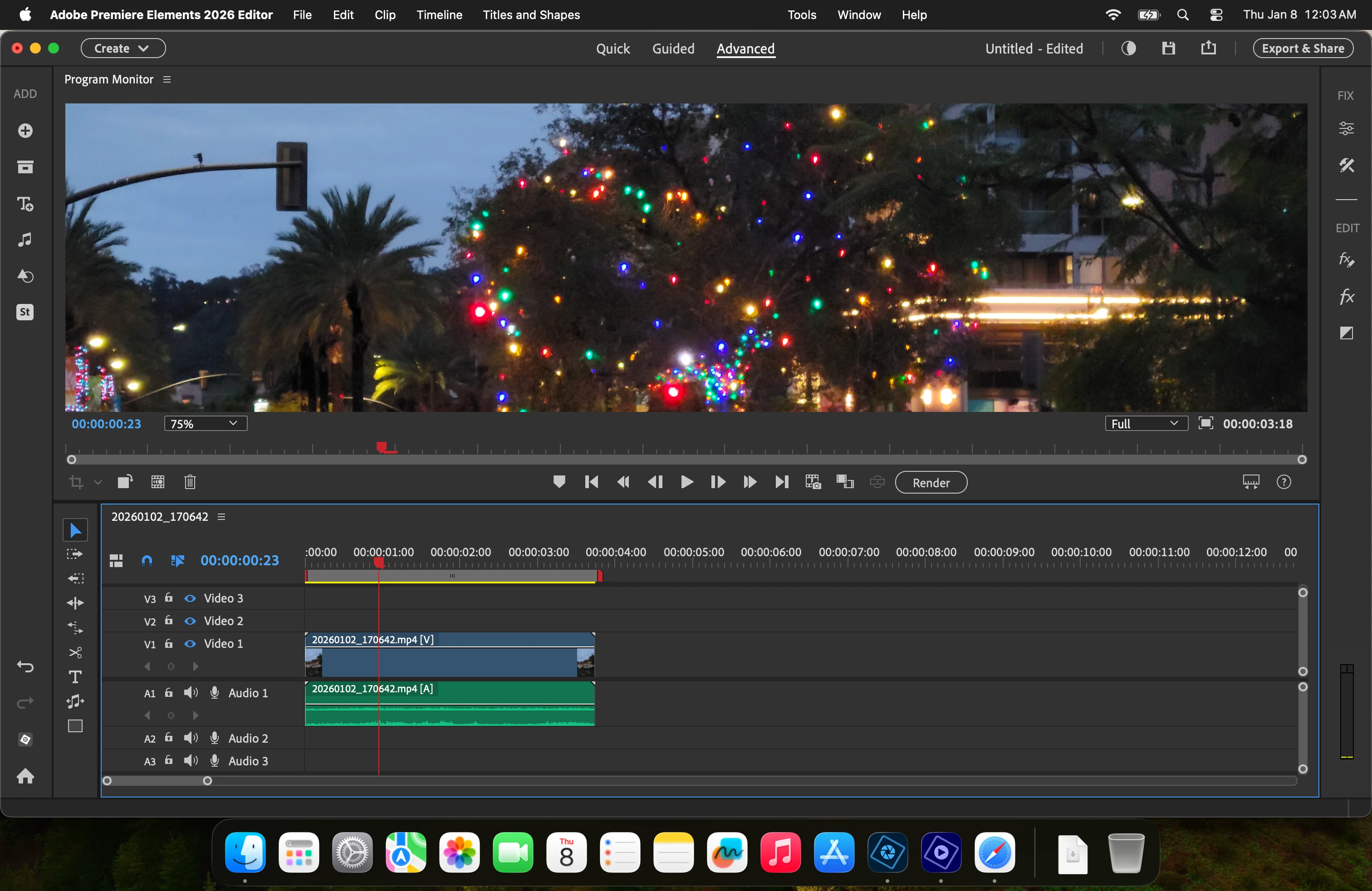
I have a Macbook Pro M1 Max using Tahoe. I installed Ver 26.0.0 of Premiere Elements 2026 (see photo below). There's no Hand Tool! I hit the "H" key several times but only the selection Tool (V) remains. I then selected the timeline panel and hit "H" but no joy. I selected the Program Monitor panel and hit "H" but again, no joy.
 

1 reply

DJ_EdgyAuthor
New Member
January 8, 2026

Also, there are no scroll bars in the Program Monitor so that I can move around.

Ann Bens
Community Expert
Community Expert
January 8, 2026

Elements does not have a hand tool.

You can zoom in and out in the Program monitor by using the mouse scroll.

Moving around in the PM: hold down the mouse scroll and drag.

Use the mouse scroll to move around in the timeline or the slider.


Guessing you used PPro. Elements is quite a stripped down version of Pro.

DJ_EdgyAuthor
New Member
January 9, 2026

You're right! Pr CS6.


I thought that there was a Hand Tool because Adobe's AI Assistant said to go into Advance Mode and look for the tool. I did that from the beginning. Me thinks that the Assistant must be getting data from older versions of PrE or it's using info about Pr Cloud.