



Motion title problems on MacBook Air
Hi there
I've seen a few unanswered posts on folk with Mac problems. I'm posting in the hope of stimulating some answers.
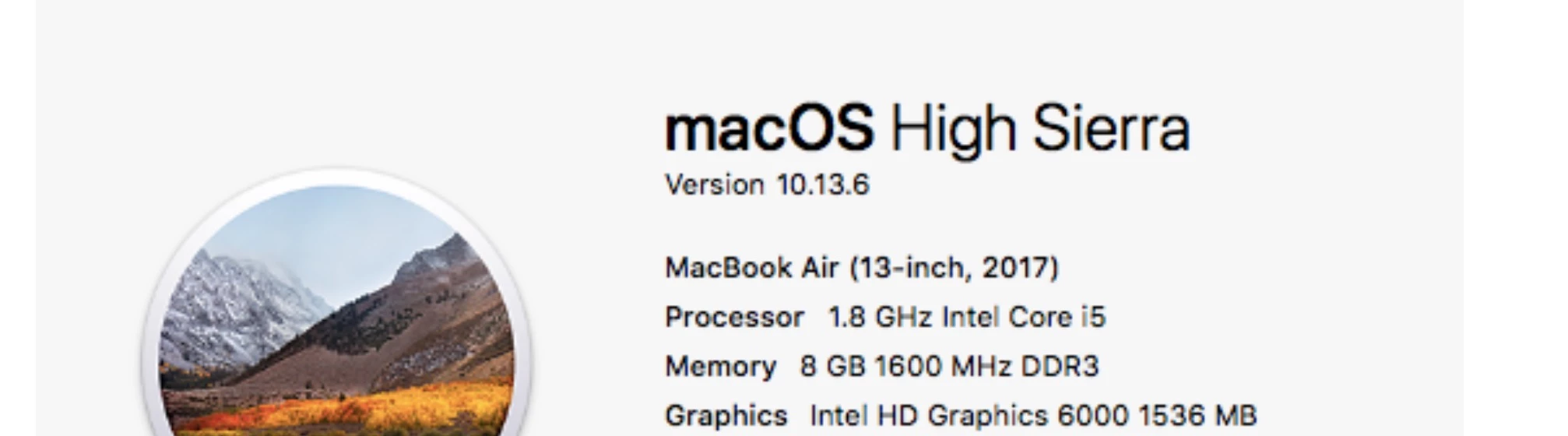
I have a brand new MacBook Air with High Sierra 10.13.6 and 8GB ram. Adobe Premiere Elements 2018 flies along nicely. I've even had a quick play with editing the odd 4K footage here and there. I only have PE open when editing. I don't use photo organiser and I have switched off any auxiliary PE options to allow maximum speed and power for only editing video footage. I also clean out media cache and keep things pretty tidy.
However - motion titles is a HUGE problem.
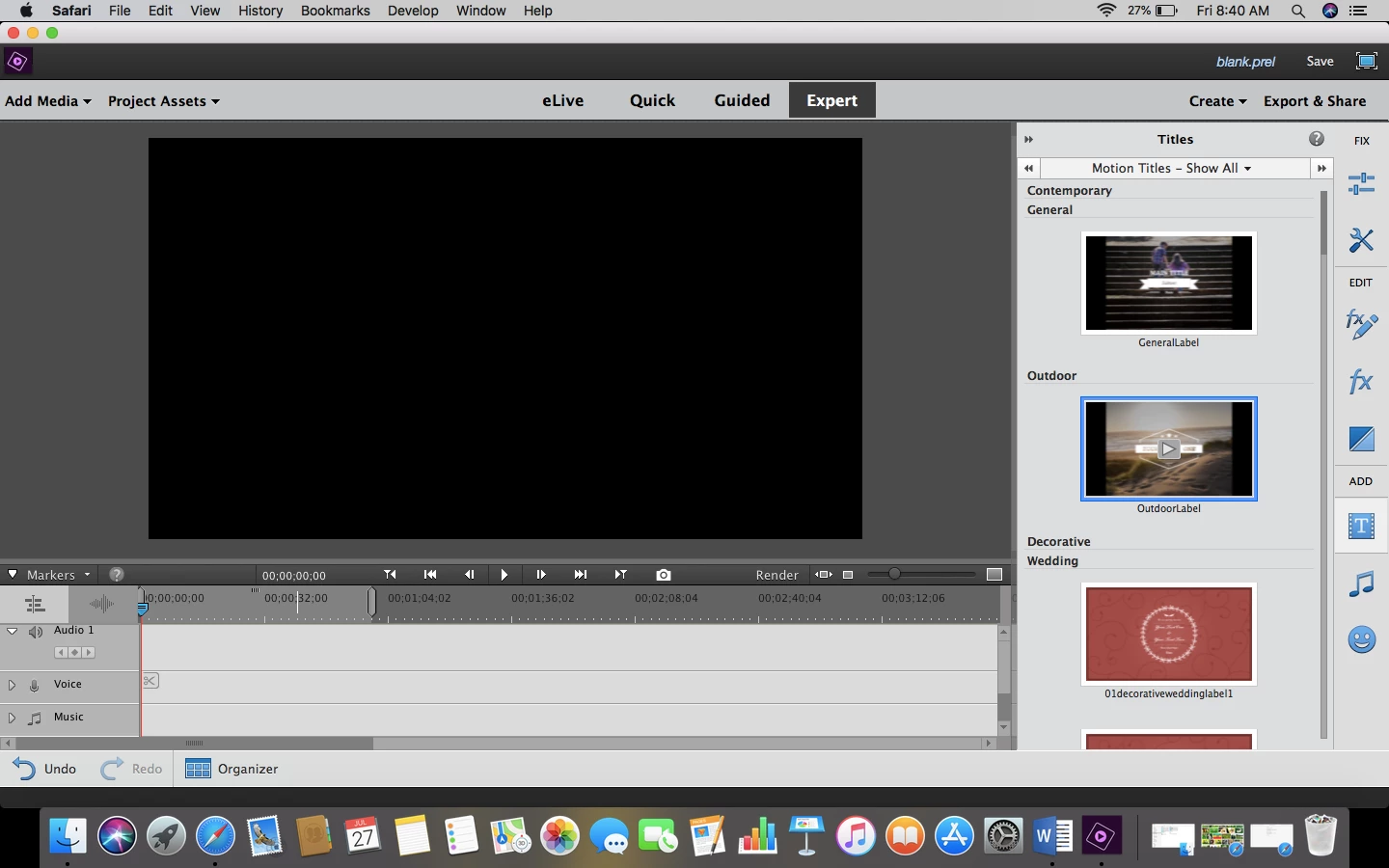
Initially it worked. But one time when I was editing a motion title it hung and produced the spinning colour wheel of death.
Now the spinning wheel is all you get when clicking motion titles and you have to force quite PE and start again.
Is there a configuration file that loads each time that determines how motion titles behave? If so, can it be overwritten to original first-use settings?
It has run okay before, but now it's in a permanent state of 'freaking out'.
Or... am I wasting my time and should I install PE 2018 on a Windows laptop instead?
(I'd prefer to sort Mac issue out as it works beautifully except for motion titles.)
Re-installation makes no difference. Error can be triggered in empty PE project with nothing but motion titles selected.
Cheers for thoughts.
Pete
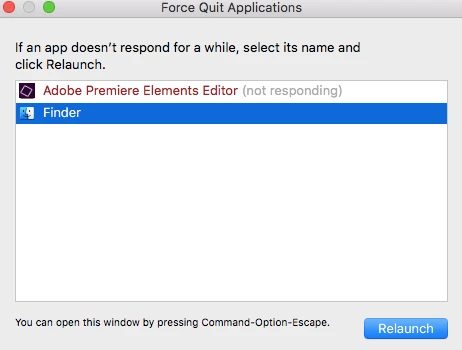
Screen shot with serial number removed by moderator at OP's request.
Replaced with new screen shot omitting serial number.
 AdChoices