Answered
My Organizer is no longer connected to Premiere Elements. it is greyed out.
I can no longer work in conjunction with Organizer. It will only edit with normal photos. Thanks.

I can no longer work in conjunction with Organizer. It will only edit with normal photos. Thanks.
Is this what is missing? (in the green box) Or is it somewhere else?
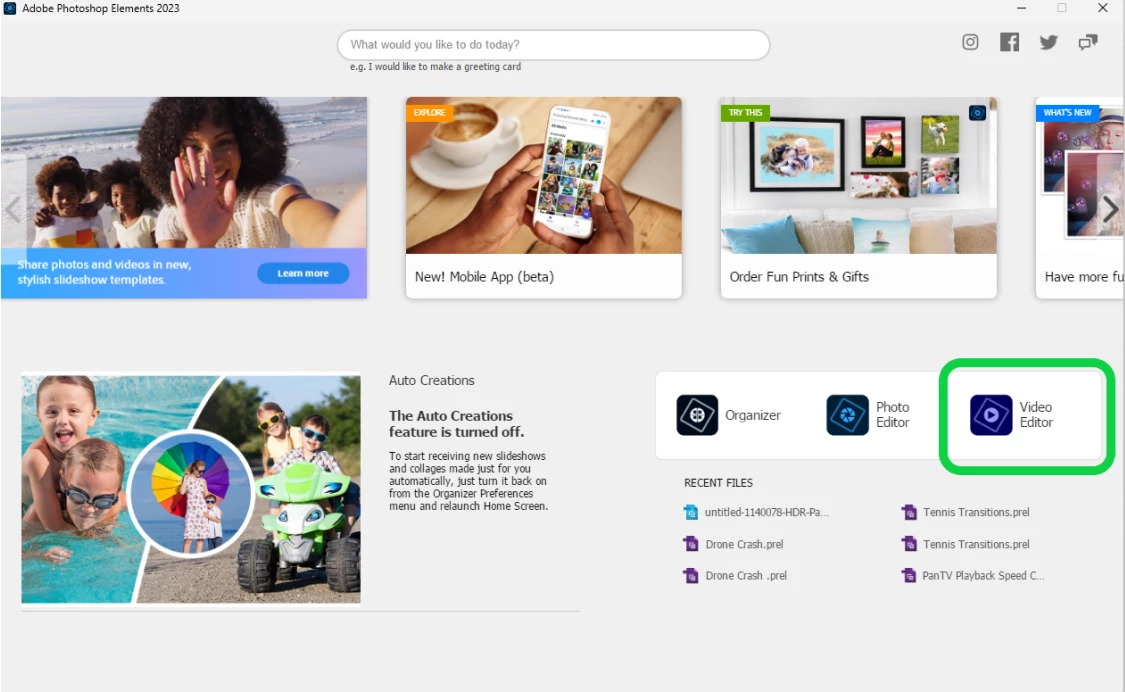
Thank you for the message. I have just tried can get videos onto Premiere using the method you just suggested, that is opening Premiere, and then importing videos from Organizer. What I cannot do, is send pictures from Organizer straight to Premiere, where it will open up the programme. That is the bit that is greyed out. I may have to uninstall and install again and see if that works.
Already have an account? Login
Enter your E-mail address. We'll send you an e-mail with instructions to reset your password.


 AdChoices