


Participant
November 1, 2020
Question

New Premiere Elements 2021 not starting up

  • November 1, 2020
  • 2 replies
  • 2267 views

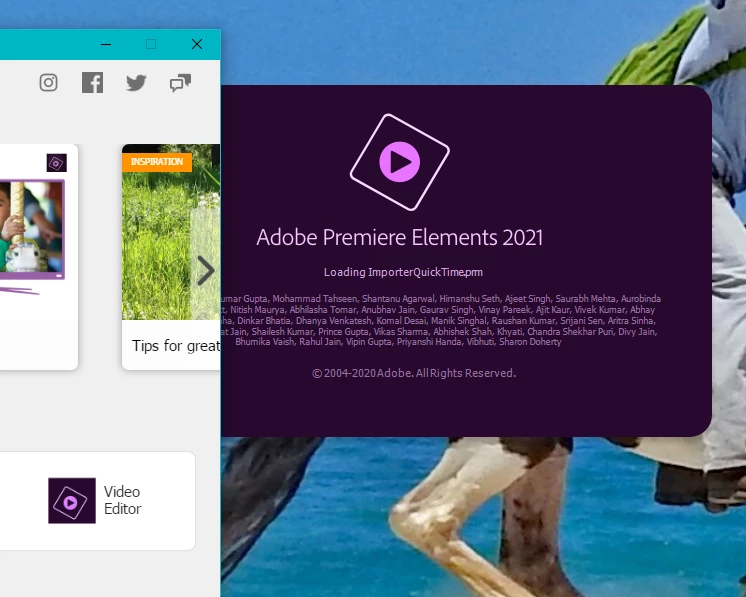
I downloaded Elements 2021 and Premiere Elements 2021. Elements start up great. Premiere went thru all the start up initaillizing actions but failed to open the program. No error codes. It just did not open. I even tried uninstall download and re=install. Same problem. Help please.


This topic has been closed for replies.

2 replies

Participant
January 1, 2021

Same problem.


Yesterday it worked.  I created a video and saved it, but today nothing.  No matter what I do


Message says - "Loading Adobe Premier Elements Editor Workspace" ---  And then is just just not do it.  Photo editor works - but no video editor.  Nothing changed in computer since yesterday. 

Participant
January 1, 2021

I tried the 2020 version - no problem -- the 2021 version - NOT working.  I am certain this is an Adobe issue, not my computer.

Participant
January 1, 2021
My Premiere Elements 2021 still does not come up. It tries loading then
just disappears with no error notification. The Organizer and Photo editor
2021 work fine.
Legend
November 1, 2020

It looks like the Elements Hub did install and open.


What operating system are you using?

Participant
November 1, 2020
I am using the latest (update) Windows 10.
Legend
November 2, 2020

Have you manually ensured you have the latest drivers for your graphics card from the nVidia or AMD site?


Which graphics card do you have?