


Participating Frequently
October 26, 2017
Answered

No sound with video

  • October 26, 2017
  • 3 replies
  • 1338 views

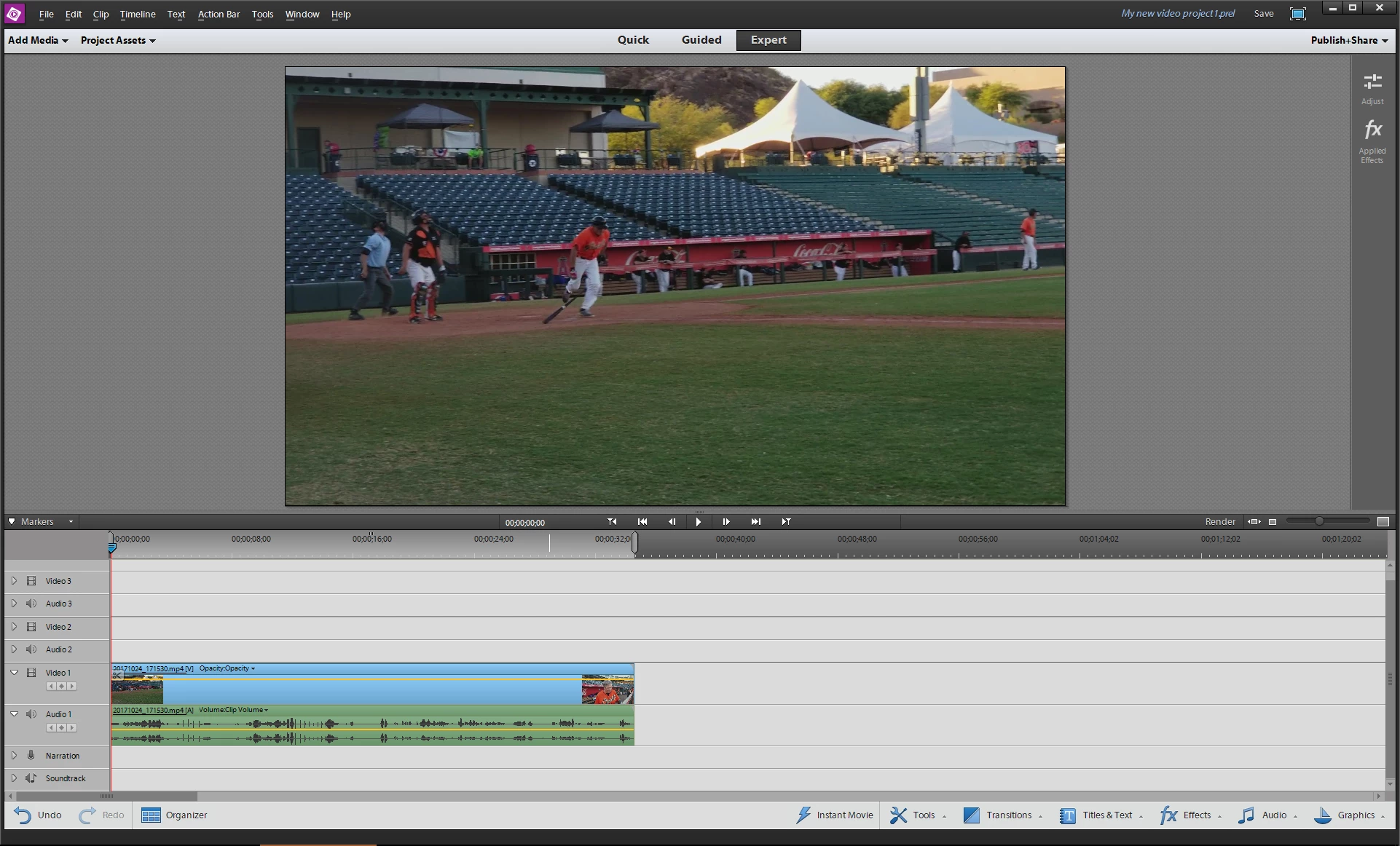
I shot video from my Galaxy Note 8 this week and the MP4 file is silent. Nonetheless, when I bring that video file into PREL12, I see an audio track that appears to have sound associated with it (see screen image below). Within PREL, however, and when I export the video, I hear nothing.

I need to figure out what I did to suppress the audio during recording or during normal playback, but in the meantime, is there a way I can get the audio that appears to exist, based on the timeline, to actually be heard?
    This topic is closed to new replies. Start a new post to keep the conversation going.
    Correct answer Bill Sprague

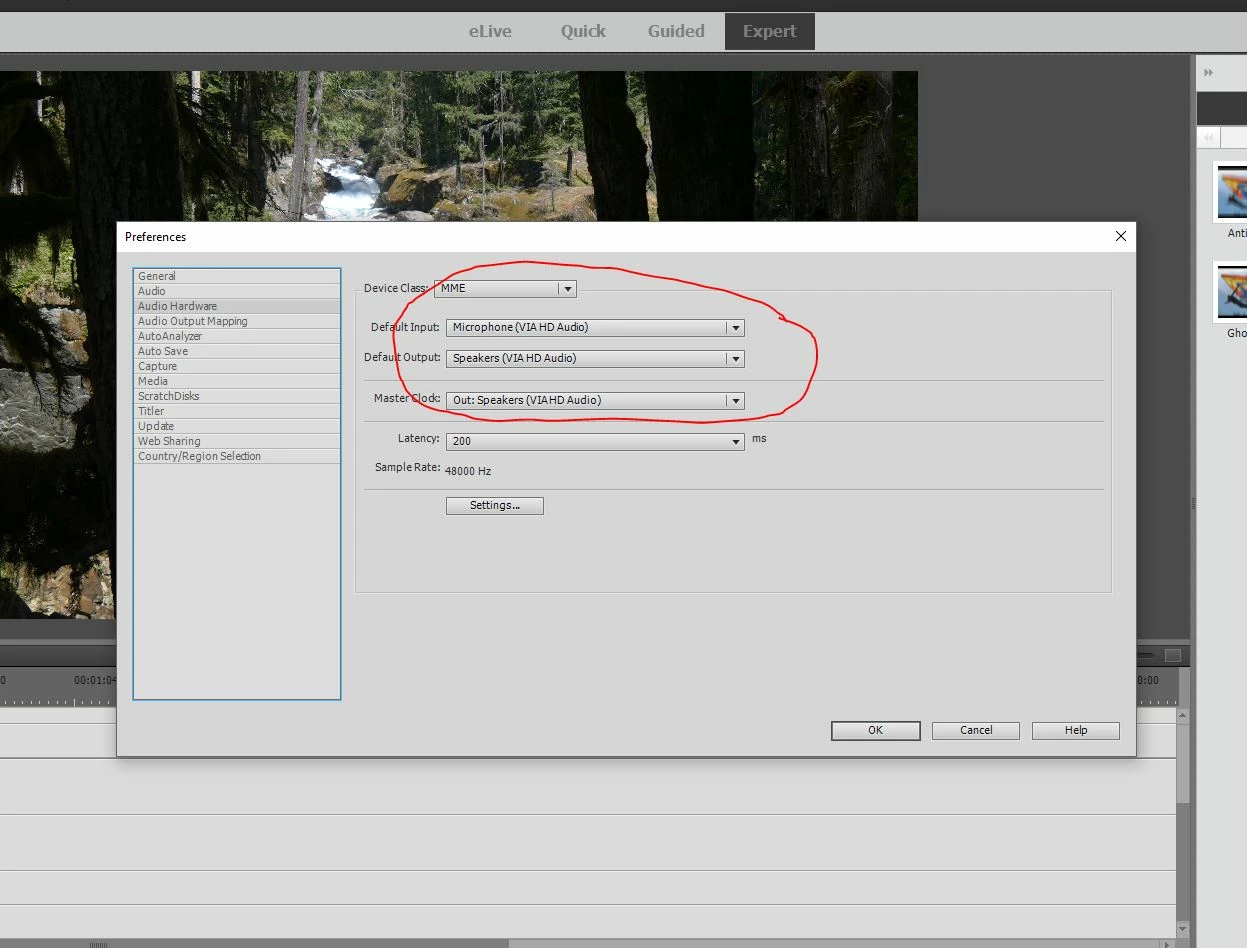
    Try looking at the setting under Edit > Preferences.

    3 replies

    Bill SpragueCommunity ExpertCorrect answer
    Community Expert
    October 26, 2017

    Try looking at the setting under Edit > Preferences.

    Participant
    June 17, 2018

    preferences menu says output speakers not working.  how to i enable them?  they work on other programs and when i test them outside of elements!

    thanks

    Community Expert
    June 17, 2018

    Change the settings in the Audio Hardware section of preferences from whatever it is to something else.