


Participant
May 30, 2021
Answered

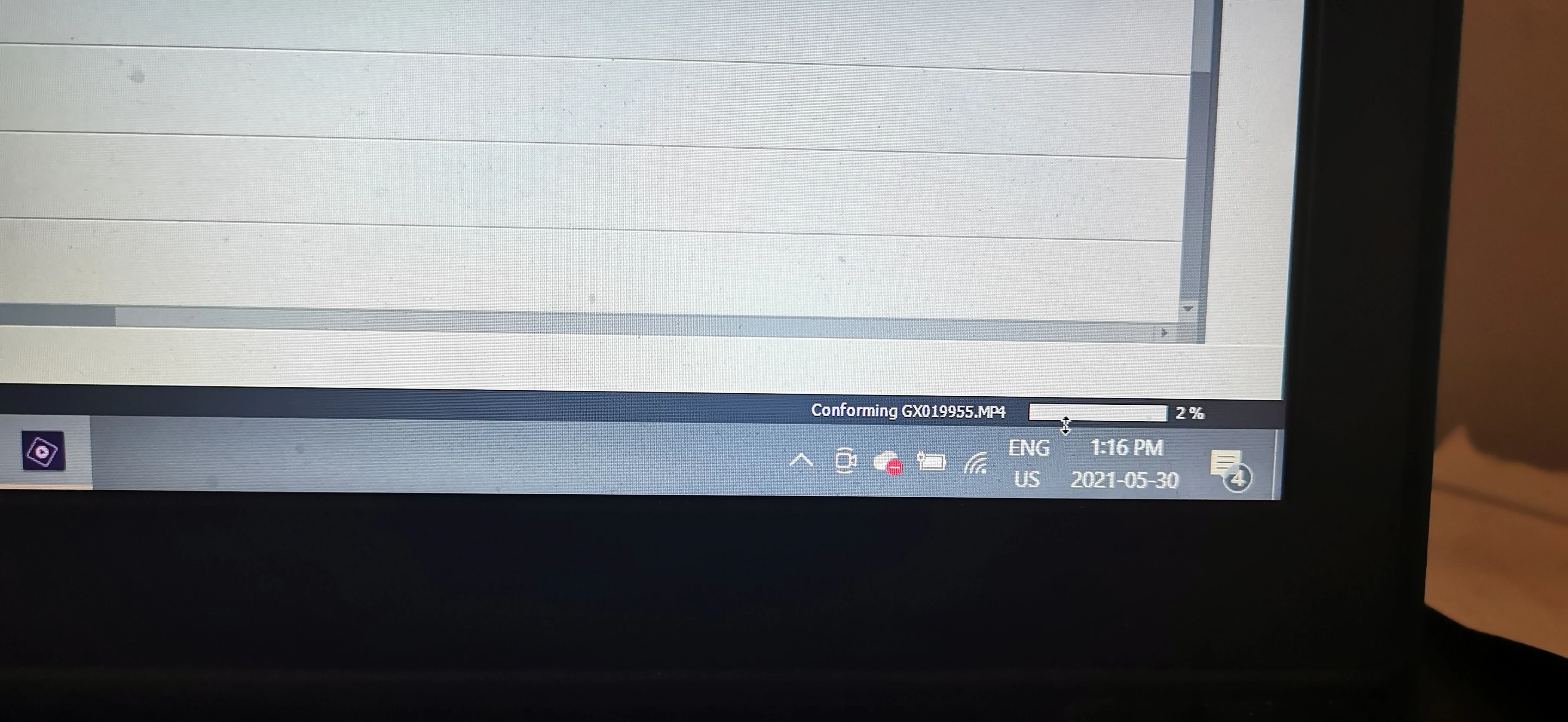
One clip causing conforming freeze and crash in Elements 18
  • May 30, 2021
  • 1 reply
  • 356 views

I am at the very end of a project, days worth of work, due tomorrow.  I added one video clip that happened to be a GoPro 240 fps shot-different than the rest of content.  Immediately this started causing hang-ups and in a panic, I saved to protect my work.  But now that decision haunts me because whenever I open the project it starts trying to "conform" this one clip, and never moves past 2%.  I cannot remove or delete the clips because it freezes or crashes if I try to do anything.  I am ready to cry.  CPU, Memory, and disk look fine in task manager, nothing over 34%.  Please Help!!!

This topic has been closed for replies.
Correct answer Ann Bens

No guarantees:

Close Elements.

Move the clip to another folder on the hard drive, so it becomes offline.

When Elements asks where the clip is make it offline. Might be able to delete from project.

1 reply

Ann Bens
Community Expert
Ann BensCommunity ExpertCorrect answer
Community Expert
May 30, 2021

No guarantees:

Close Elements.

Move the clip to another folder on the hard drive, so it becomes offline.

When Elements asks where the clip is make it offline. Might be able to delete from project.

Participant
May 30, 2021

OMG this worked!!! Thank you Sooooooooooo much, my eyes are literally tearing up when this worked.  TY TY TY!

Ann Bens
Community Expert
Community Expert
May 30, 2021

Glad you got it working again.