


Output Video Poor Quality
I am new to Premiere Elements but have used other simplier programs. I have created a very simple movie In PE that has only JPEG photos and a few songs. The output video it not good. Audio is fine. Some of the photos are only partially displayed. Other photos are slowly painted from top to bottom on the screen and not displayed all at once. I have a Dell XPS tower system with a NVIDIA GeForce RTX 4060 Ti GPU card, 16GB of memory, 13th Gen Intel i7-13700 CPU. In Preferences it says that the detected GPU is supported. 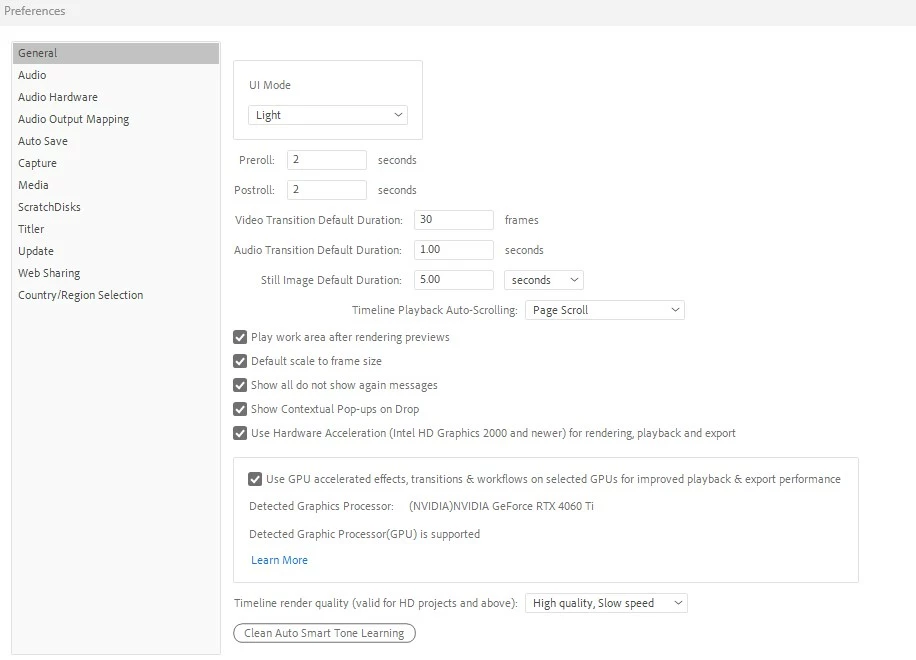
So what is wrong? I have tried to export this movie on most of the Computer and TV device resolutions and I have the same problem on all of them. I have never had this problem with the simplier movie creation programs and using a laptop. PE is pretty much useless until the problem is fixed. Any advice would be appreciated. Thanks in advance. 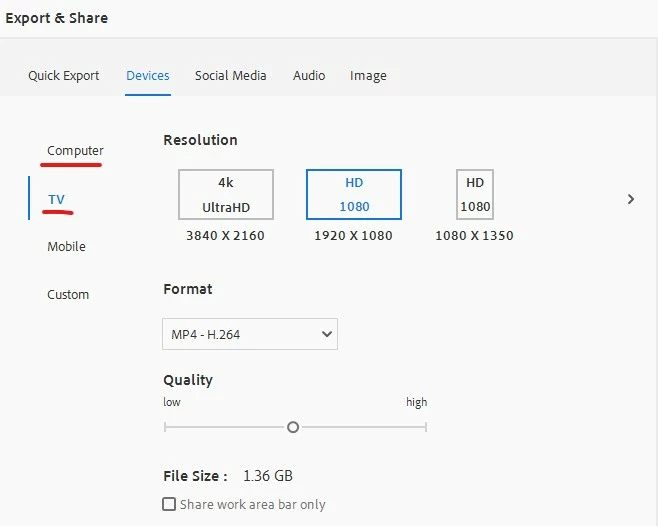
 AdChoices