
Participant
January 7, 2020
Pergunta

PE2019 Launch issues

  • January 7, 2020
  • 2 respostas
  • 222 Visualizações

Hi eveyone,

First time posting.

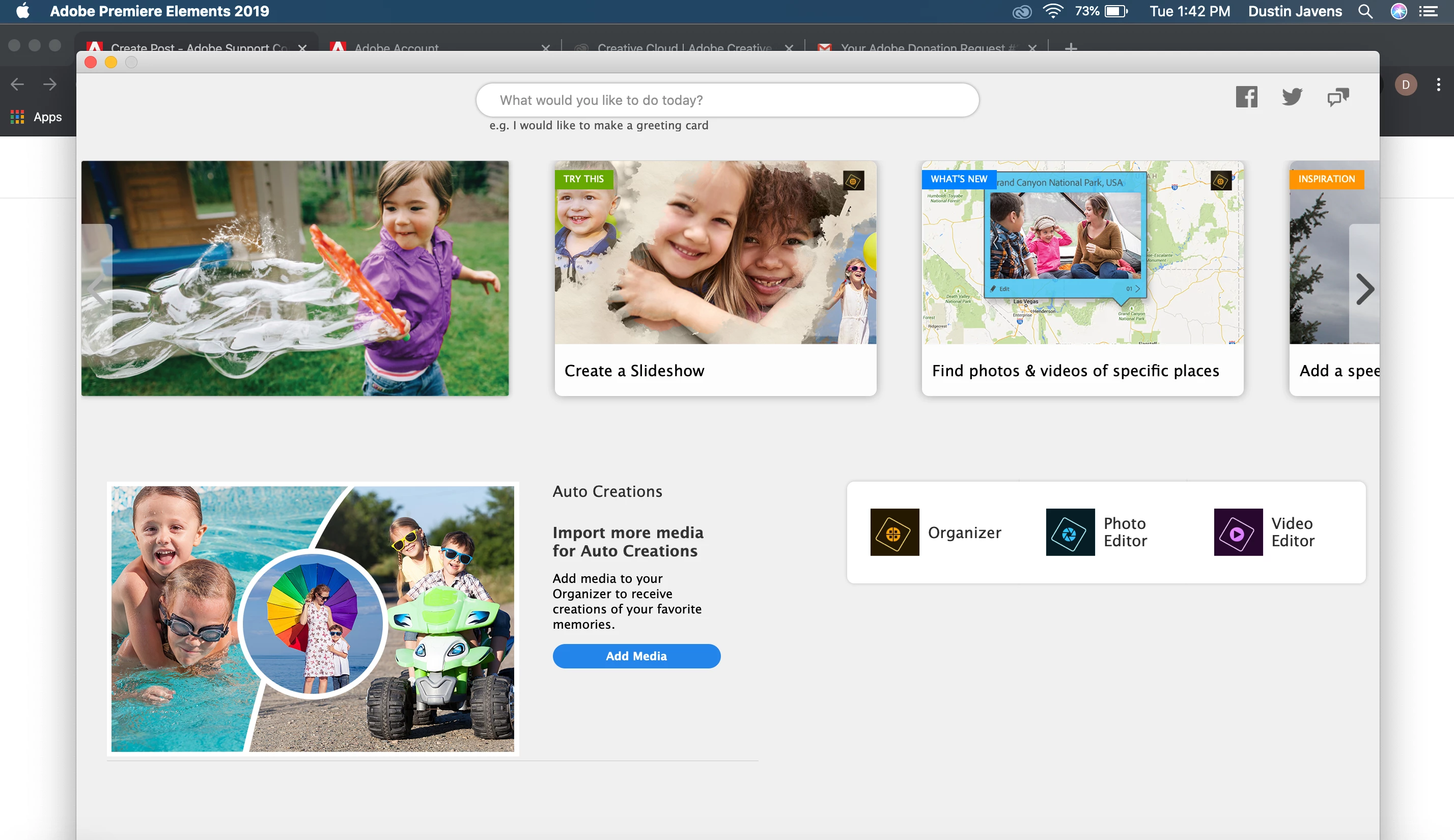
I've downloaded Premiere Elements 2019 and Premiere Photoshop 2019 for macOS(I'm running Catalina 10.15.2). Once installed, I open it up, click on Video Editor and it says "Loading Adobe Premiere Elements Workspace" for about a minute before just disappearing, leaving me where i began. 

I've tried opening the organizer, which prompted me to update the two applications, i did, and then restarted my laptop. No luck!

At this point, i havent even been prompted to include my products serial number yet...

Scratching my head here. I've posted a screenshot of right after clicking on the video editor and another screenshot after it seemingly gives up.


Any help would be greatly appreciated!!

-Dustin
 
Este tópico foi fechado para respostas.

2 Respostas

Community Expert
January 8, 2020

Thanks for replying that Adobe helped you out.  It's good you found a cause and bad you have to try to get a refund.


For anyone else reading this topic, Adobe has free trials of this and everything else they sell.  It's good to try before you spend money.  And, buying direct from Adobe gets you a week or two long refund period.   

Community Expert
January 8, 2020

Dustin,


Two things concern me in your post.  First is that if you bought recently from Adobe it would have been version 2020.  Where did you buy your Elements software?  Second is that version 2019 might be a pre Catalina program and there may be conflicts.    

Consider starting an "online chat" with Adobe customer support.  https://helpx.adobe.com/contact.html?step=PRE

Participant
January 8, 2020

So I bought the 2019 version in November and just now installed it because I was upgrading to a MacBook Pro. 
I reached out to Adobe support and they have confirmed that it is because of a conflict with Catalina.


I'm working on getting a refund from the third party I bought it from.


thanks for your reply!!