


Answered
Portrait and landscape images in Organiser
Hello
I asked this same question a few days ago and from my inbox I cannot see that anyone has answered so, with permission, I will ask it again.
When you click Create (new project) Slideshow in Premier Elements 11 Organiser, you see this firstly:
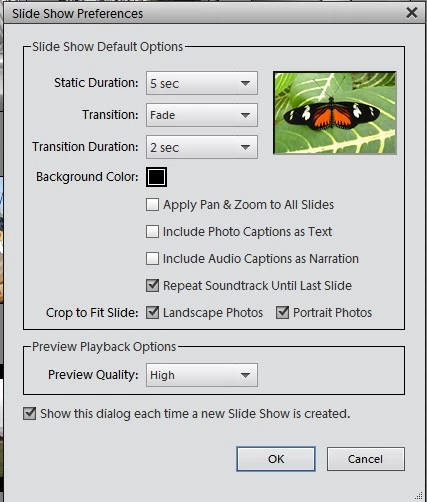
click OK and then you get to the Timeline:
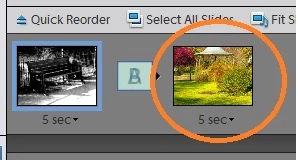
You then begin to add your photos (Add Media) as in the above screenshot. I have landscape and portrait shaped images, but the portrait images are sliced off at the top so that they become landscape images. How can I show my landscape photos as landscape and my portrait photos as portrait (vertical) photos, please? All the photos have the same dimensions in px.
Thanks!
Steve
 AdChoices