


PRE12 Blu-Ray Burn Device Error
I am running PRE12 on Windows 10 Home v1903. I am attempting to create a Blu-Ray disc. Following are screenshots of the steps PRE12 executes to burn the Blu-Ray disc.
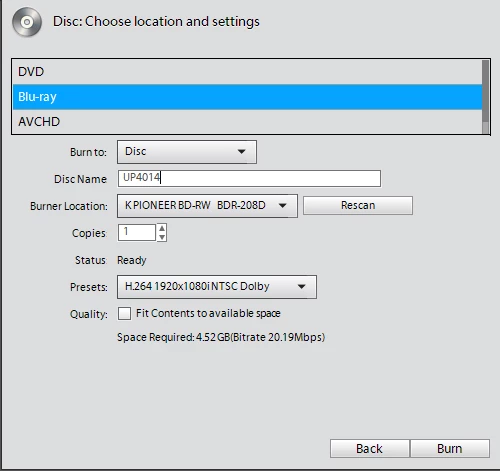
Disc options:
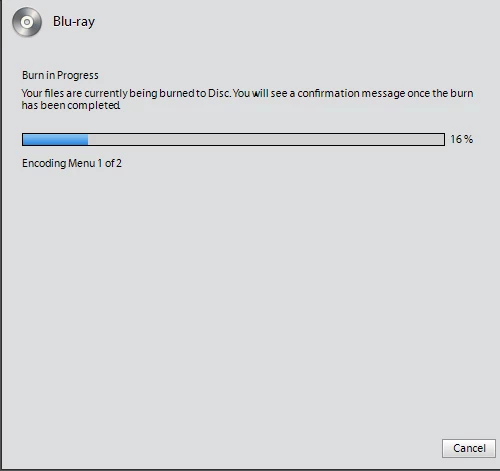
Encoding Menu 1 of 2 - Completed Successfully
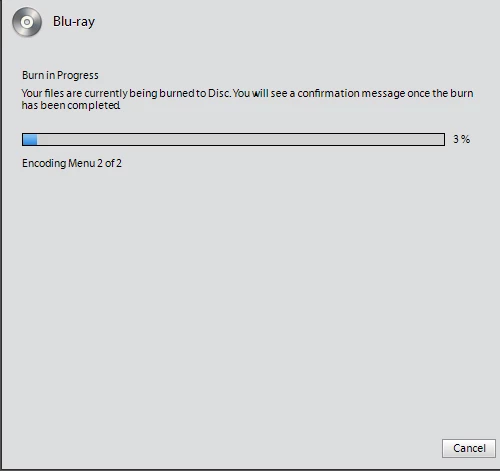
Encoding Menu 2 of 2 - Completed Successfully
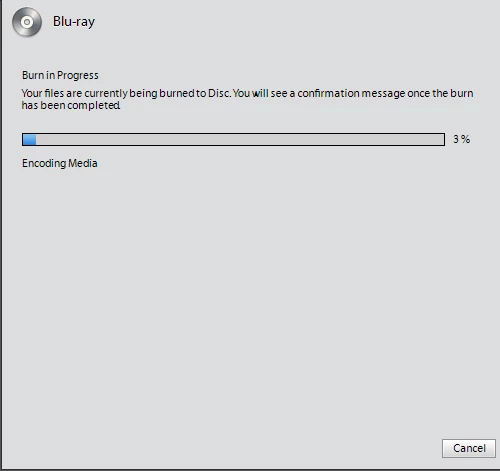
Encoding Media - Completed Successfully
Compiling Media - Completed Successfully
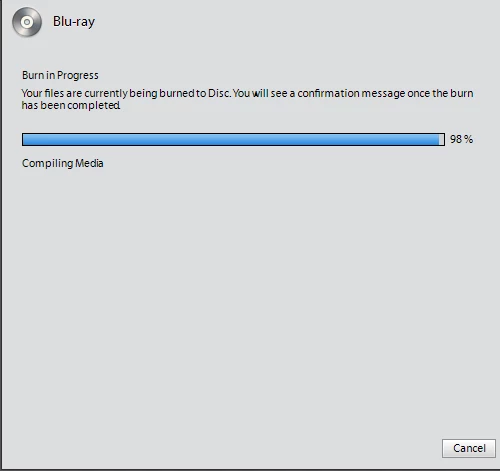
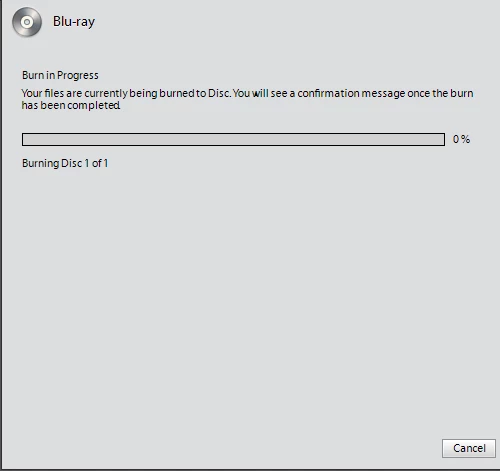
Burning Disc 1 of 1
Almost immediately after progressing to the Burn step, PRE12 displays "device error".
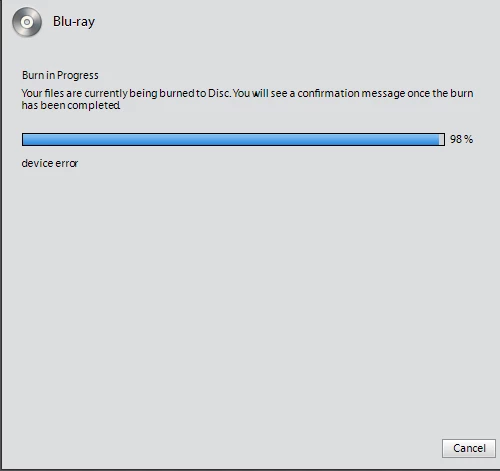
I have tried several combinations of the options to burn a blu-ray disc. All end after apparently completing the "Encoding Media" step and beginning the burn to disc step. Almost immediately after progressing to the Burn step, PRE12 displays "device error".
How to I troubleshoot the problem?
 AdChoices