


josephs17084639
Participant
March 13, 2017
Question

Premier Elements 14

  • March 13, 2017
  • 1 reply
  • 203 views

I am running Adobe Premier Elements 14, at the startup it indicates that there is an update, I press the button to start the update, after runing for 10 minutes it gives out a screen saying that there was an error to try again later. Itried again with the same result, My platform is win 10 pro. Adobe's practices is to avoid phone support for their produts, can anybody advise about a solution for this problem?
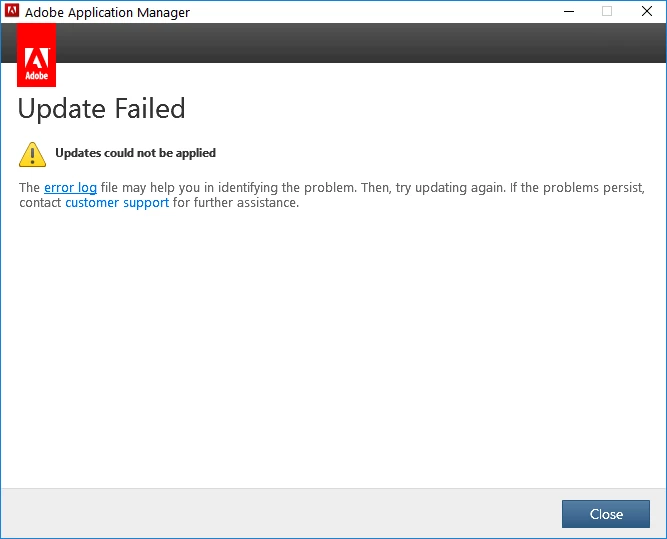
if I press the error there will be another screen saying the page was not found, if you press customer support they have no phone support for this product.

[Moved from non-technical Lounge Forum to specific Program forum... Mod]

[Here is the list of all Adobe forums... https://forums.adobe.com/welcome]

    This topic has been closed for replies.

    1 reply

    Community Expert
    March 13, 2017

    File sizes, internet connections, server loads, etc make great reasons/excuses for things like this not working perfectly.

    Try waiting a full day.  If that doesn't work, try once a day for several days.

    Please return here if you're still stuck.

    That said, Adobe does not want to talk to you on the phone.  But, they have an online "chat" system and will go so far as to run your computer remotely to solve problems. 

    Do you need help finding the starting point for a "chat"?

    josephs17084639
    Participant
    March 14, 2017

    Ok, thank you, I will be in touch either way.