


Answered
Premier Elements 15 changing video layout between design and final
!I recently installed Elements 15 after using 14 and other previous versions for a number of years. I ran into something that I have not seen before and don't know if it is a bug or something that I am doing incorrectly.
I am doing a video project and where I have two clips and am placing the second clip on top of the monitor that is displayed in the first clip. In preview it looks fine. I have highlighted it below:
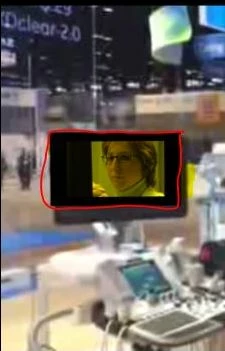
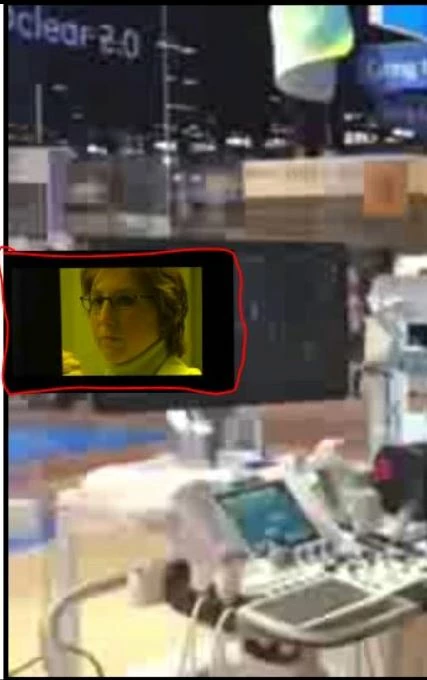
When I render it to a file using the basic HD 720 profile saving in either mpg or MP4 - H.264, the second video moves from where I had placed it. I don't think I am missing a step as I have done this with Premier Elements 14 several times and not noticed this.
The final rendering is displayed here:
Any help would be appreciated.
 AdChoices