

Participating Frequently
July 16, 2018
Answered

premiere 2018 Installation problem

  • July 16, 2018
  • 3 replies
  • 450 views

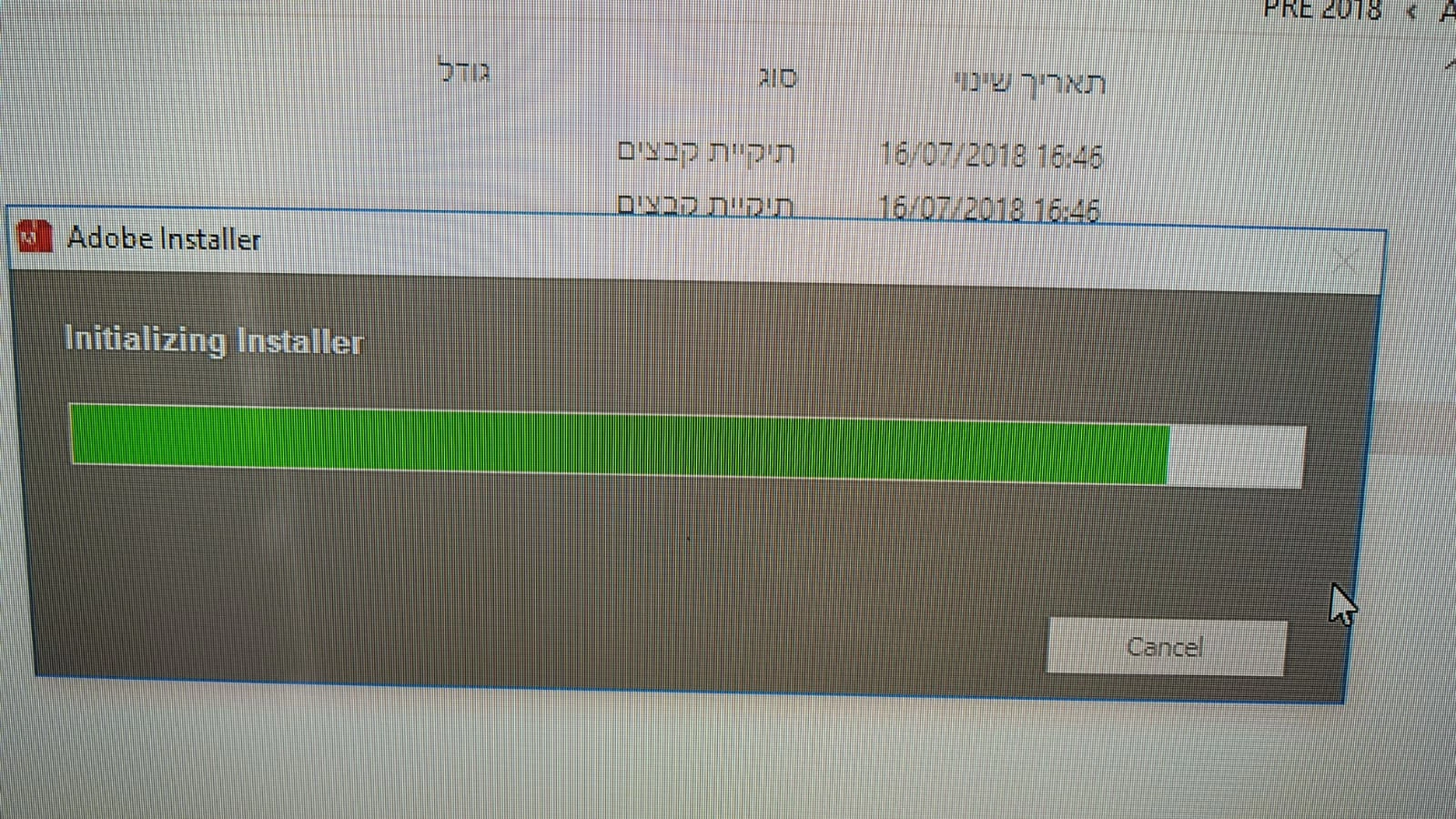
I bought  software premiere elements 2018. Installation does not continue after intializing
    This topic has been closed for replies.
    Correct answer Bill Sprague

    Based on your screen shot and a big guess, I would say you may be short of disk space. 

    For installation issues, consider trying a "chat" with Adobe support.  Contact Customer Care

    3 replies

    Legend
    July 17, 2018

    Are you saying the installer works now? That's great news!

    If so, please mark this question as correctly answered.

    gadibenAuthor
    Participating Frequently
    July 17, 2018

    yes but the primiere cc dosnt work now i fix it  thanks anyway

    Legend
    July 16, 2018

    Try going to Windows/Program Files (x86)/Common Files/Adobe and change the name of the OOBE folder to OOBE_old. Then re-attempt the installation.

    See if that allows your installer to work. If it doesn't, go back and rename the folder OOBE so that everything is back to where it was.

    The key is one of the OOBE folders. And Adobe's programs create several. I'm just not absolutely sure which one it is.

    gadibenAuthor
    Participating Frequently
    July 17, 2018

    Thank you very much for your help its work

    Legend
    July 16, 2018

    What operating system are you using?

    Do you have any other version of Premiere Elements installed? Do you have any Creative Cloud apps installed?

    gadibenAuthor
    Participating Frequently
    July 16, 2018

    yes i have premier cc 2018  and encoder 2018 {creativ cloud}
