


Question
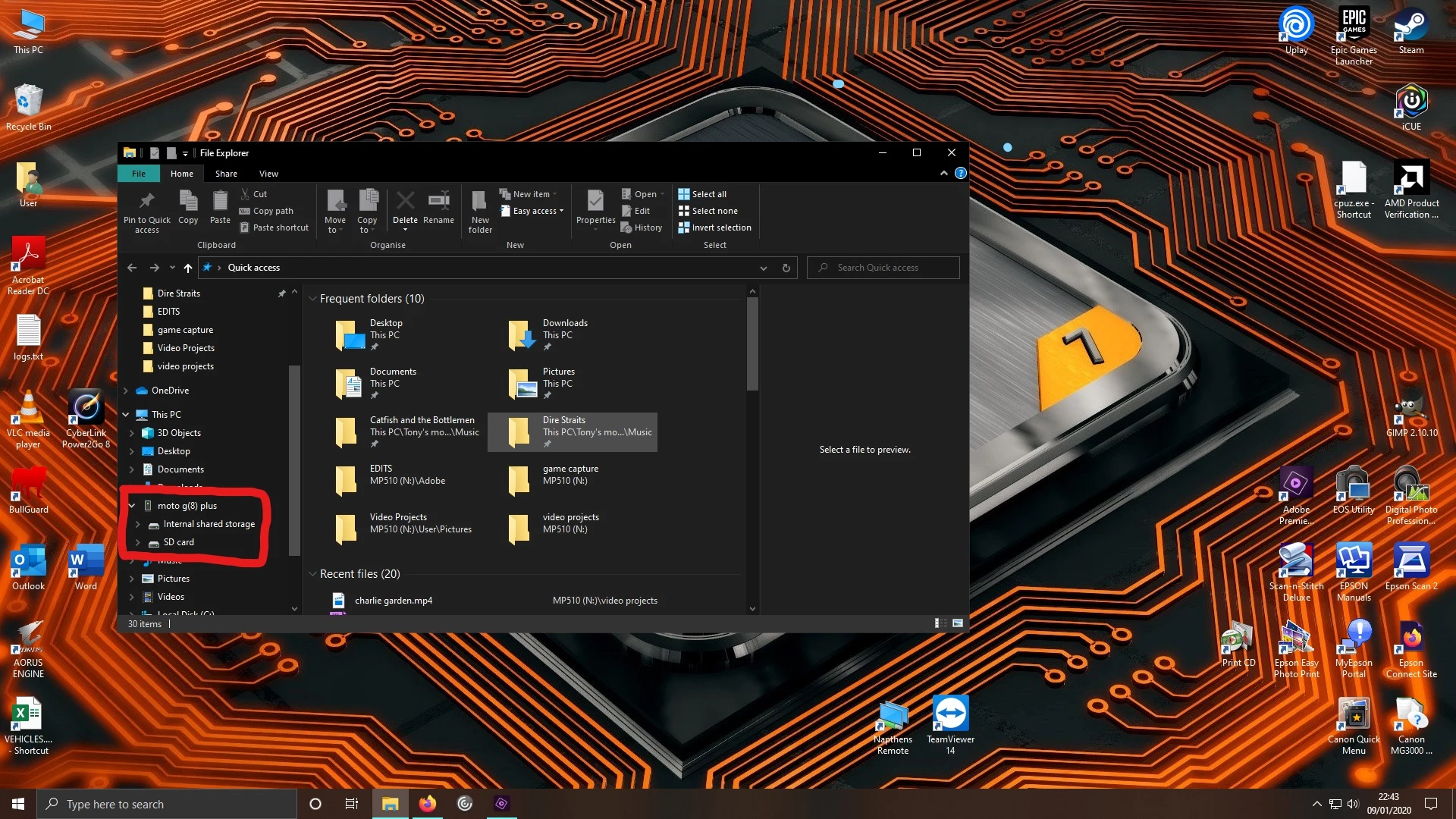
premiere 2020 won't recognise my moto g8 plus
When trying to export a rendered video to my Moto G8 Plus phone, Adobe Prem Elements wont find the phone. I have checked that I have the right settings on my phone to allow transfer of files and if i check the "my computer" it shows up. See screen print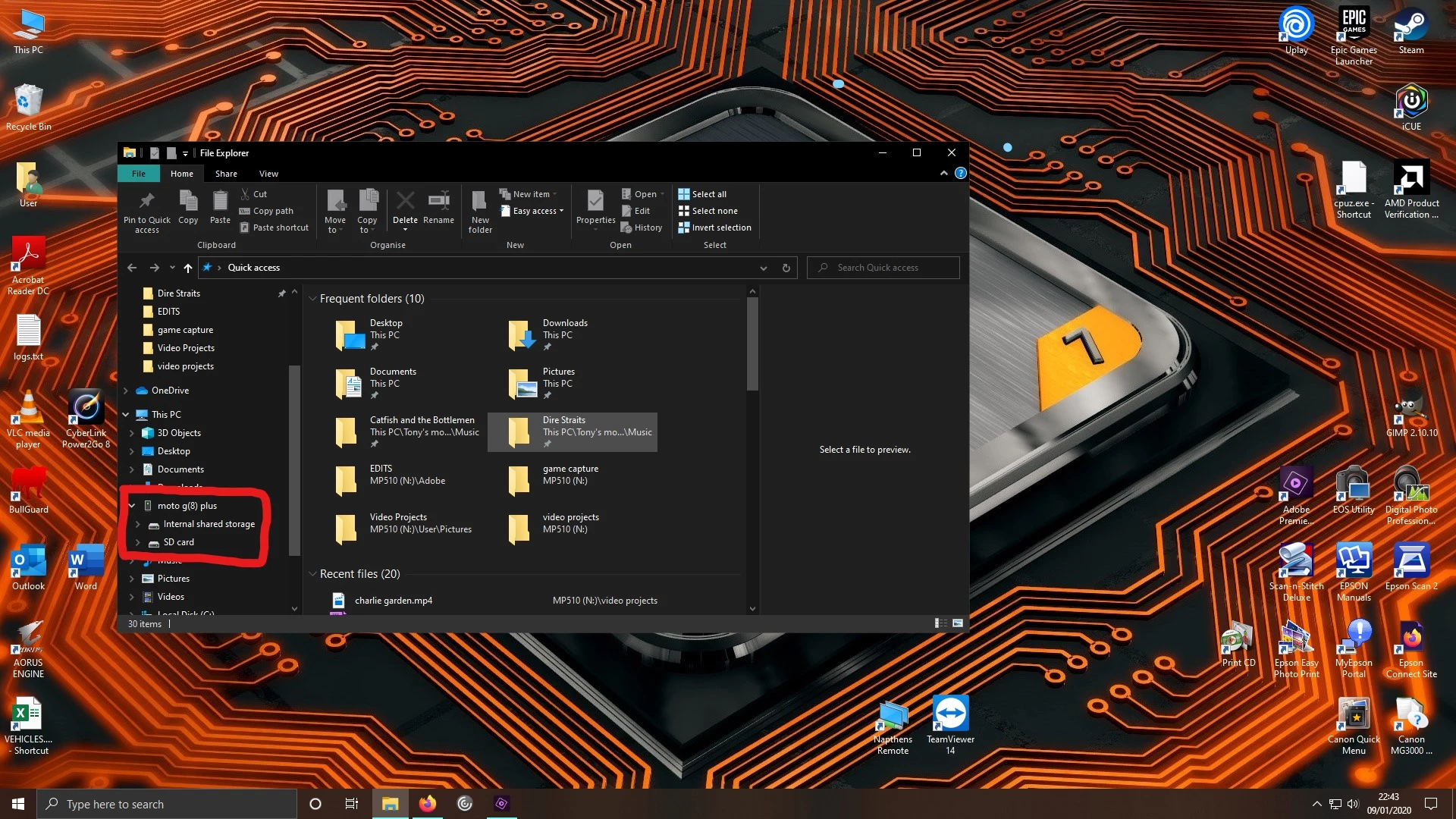
when I go back to Premiere it doesnt show the phone, no matter what I do I cant get eEements to regognise the phone so iIcant export it direct to the SD card or internal storage on the phone.
Any suggestions? Is there a setting I need to change on Elements or the phone?
I dont want to take my SD card out each time Iwant to put a video on there and I dont want to have to save it to the computer then copy it across "out of adobe", defeats the object.
Thanks in advance.
 AdChoices