



Premiere 2021 Very Poor Slow Performance in Top Range High Performance 2019 iMac - Please Help!!
Premiere Elements 2021 is running very slow alternating between option screens & trying scroll through effects and I have a top very high end brand new very very powerful 2019 iMac upgraded to 64GB Ram, 8GB Graphics Card i5 9th Generation 6 core 3.7GHZ with a 2TB Fusion Drive (128GB SSD) yet Premiere is so so slow, and performs better on my 2015 Windows Laptop speed wise, which is 16GB RAM i7 and 2GB Nvidia Graphics Card with a 2TB SSD which is overall lower spec pretty much. I am not the only person with this issue either who has a brand new 2019 iMac I see on this forum with these issues. The performance is very disapointing as at the time in the summer I brought the second most high spec iMac available on the market, and its runs better on a 5 year old windows laptop nowhere near as powerful! Something is wrong here - i.e testing or a patch needs to be released!
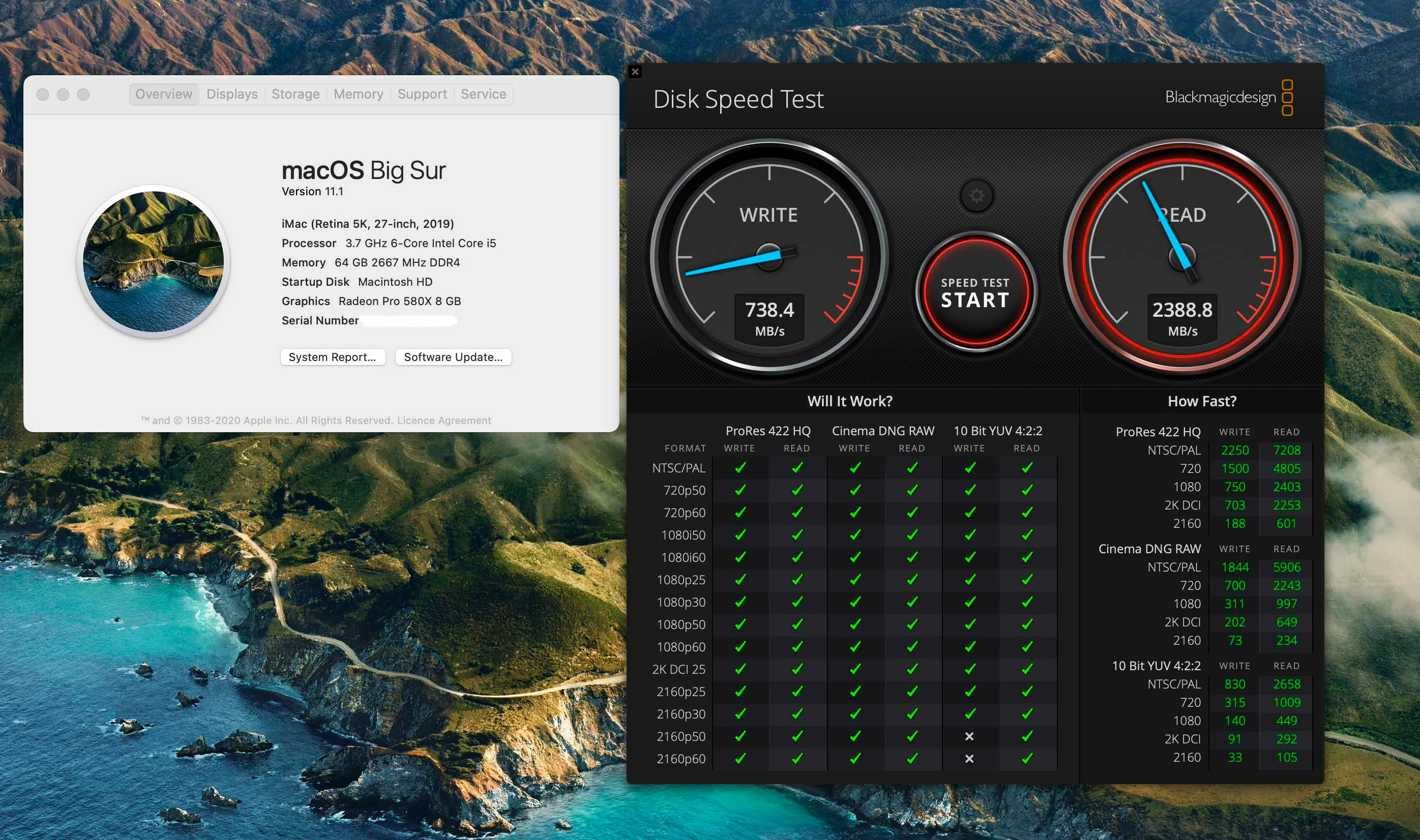
I've had your tech support on chat reinstall Adobe Premiere Elements 2021 on my iMac and I still have the same issue, and I am waiting for one your senior techs call me (they were suppose to last night but had no phone call). I more than meet all your required / minimum specs too. I've even ran a speed test using Black Magic and results show my speeds are more than adequate for my Fusion Drive, plus I also have final cut pro which runs smoothly & efficeitnly with no issues. Here are the results below of my black magic speed test - please help:
 AdChoices