


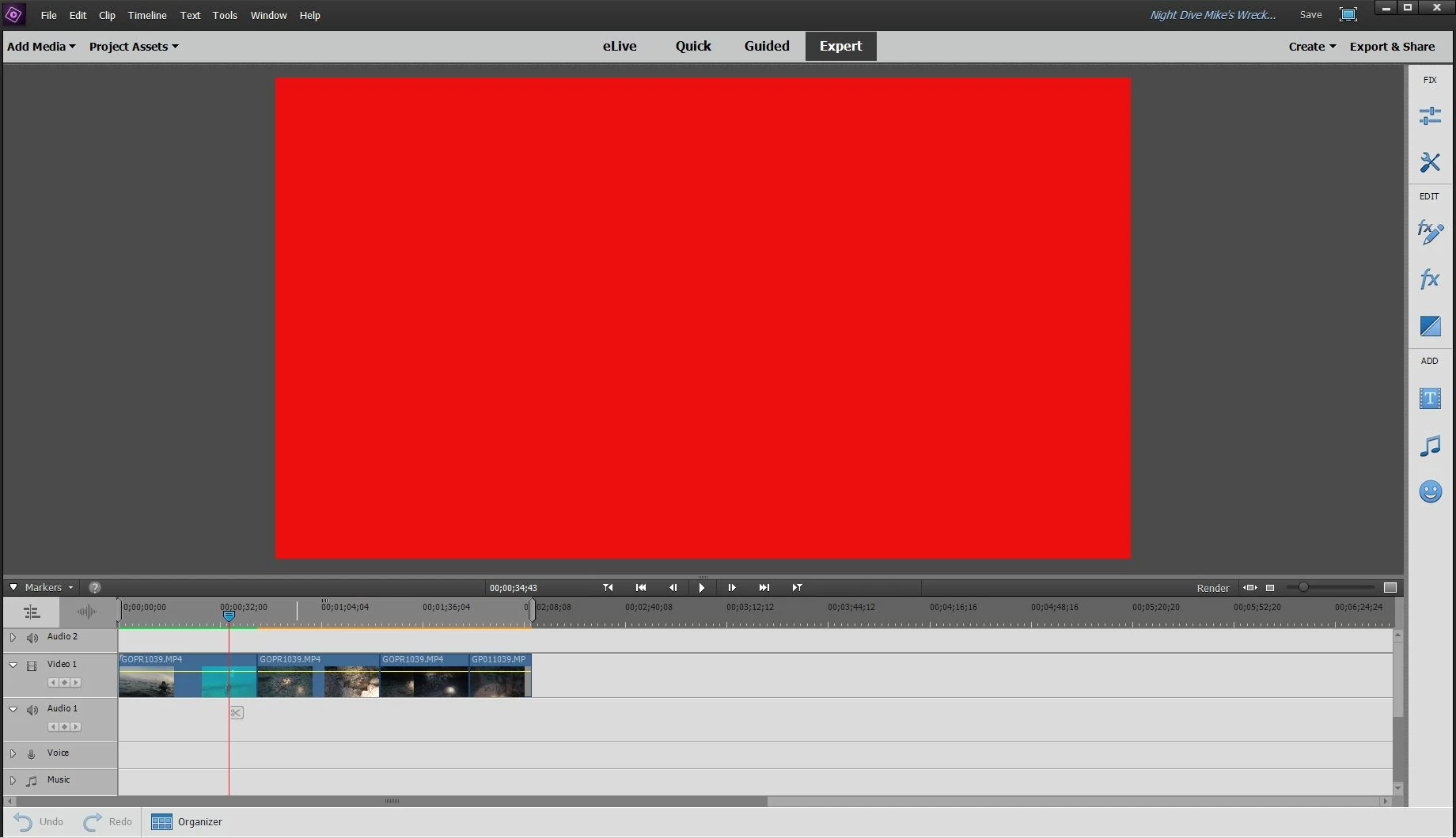
Premiere Elements 15 - Red Screen - .MP4 Rendered files only
I'm using Adobe Premiere Elements 15 Version 15.0 (20160905.daily.1036636), per the update checker there are no updates for this version that haven't been installed.
My computer is an ASUS ROG Strix
Intel i7-7700HQ CPU @ 2.80 GHz
16GB RAM
NVIDIA GeForce GTX 1050Ti with the 397.64 driver installed which was released on 5/9/18 but wasn't installed until after the Red Screen issue started
1TB Hard Drive + 256 GB Solid State Drive
Windows 10 Home with the April 2018 update installed
I've been editing many videos taken with my GoPro Hero 5 in 2.7K at 60fps (added as .MP4 files) over the past year with this software. From time to time I have playback issues where the video is choppy, or the video gets stuck and then will jump forward to the timeline indicator during video playback. Typically the choppy video and stuck video occurs after the file has been rendered. Today while trying to continue work on a project I started last night I get the red screen on one clip that has been rendered and video on the other two clips that have not.
I have read where you need to have the "Use Hardware Acceleration" box marked to solve this issue, alas it does not solve mine. It's strange as I completed a project last night, no issues and then started this one. Then just before I was ready to quit I got the red screen. Also when I open the project file the screen is yellow/black that says "media pending" in various languages, which goes away after a second or two and turns into the red screen.
Help Please & Thank you!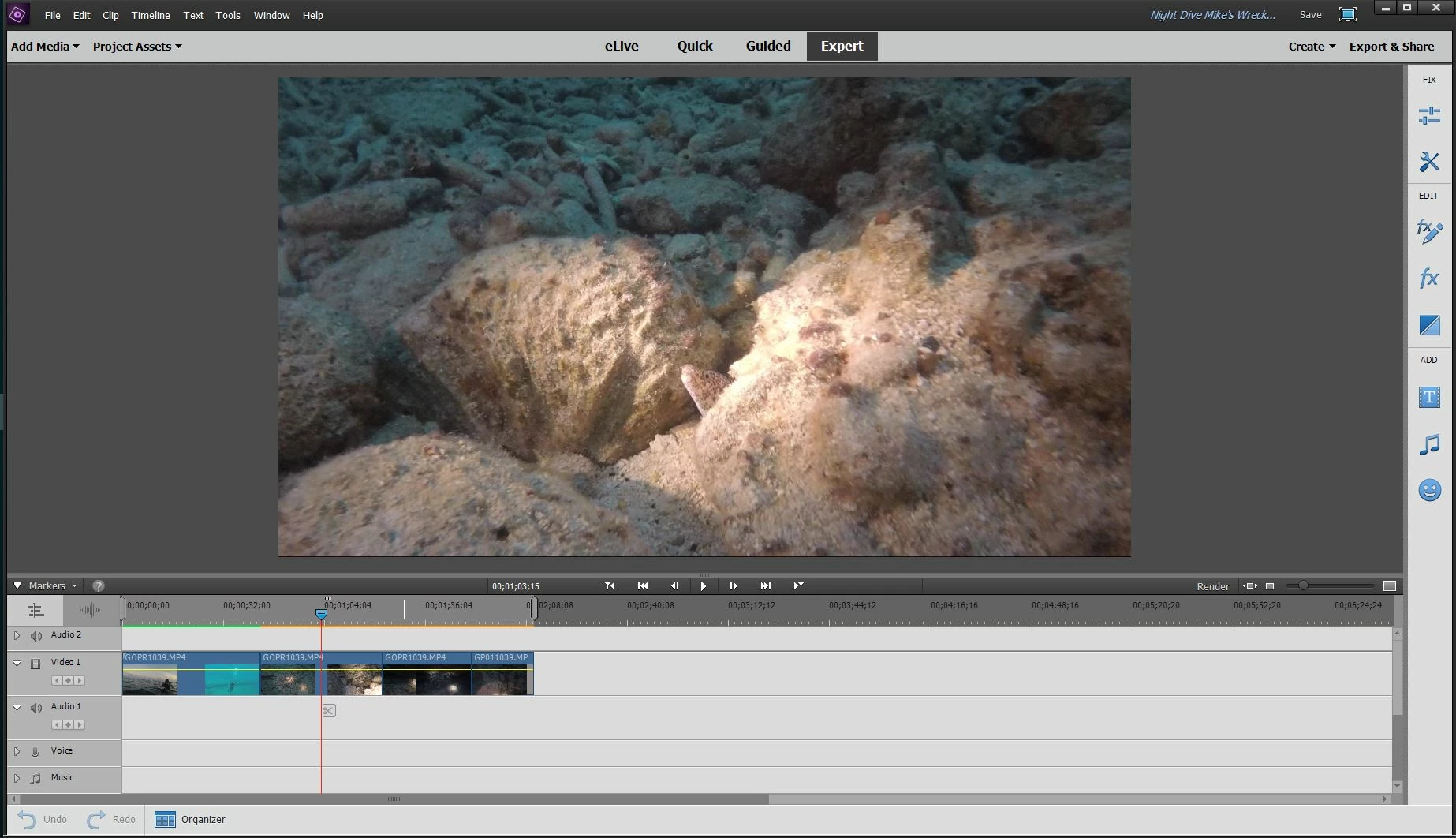
 AdChoices