Participating Frequently
July 22, 2018
Question

Premiere Elements 16 videos are grayed out but sound works

  • July 22, 2018
  • 4 replies
  • 278 views

Premiere Elements 16 videos are grayed out and not playing, but sound works.

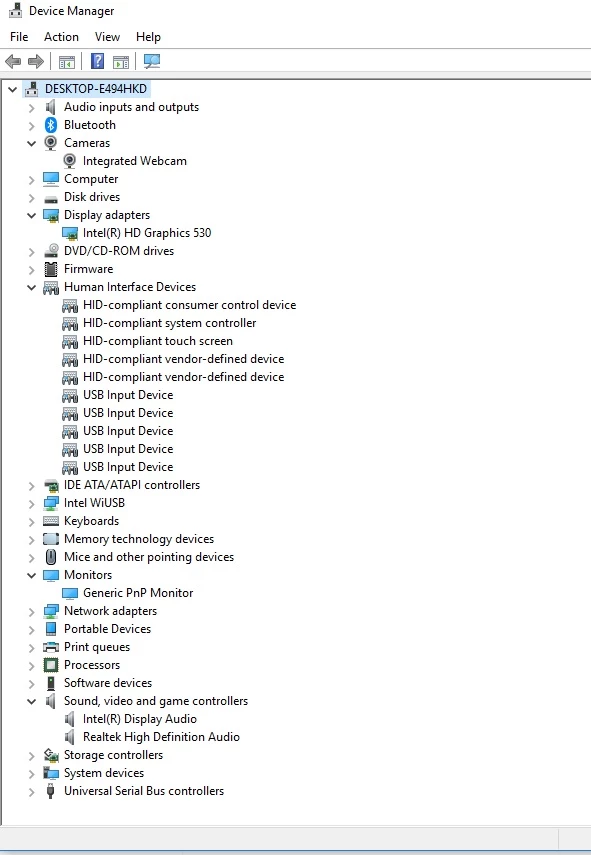
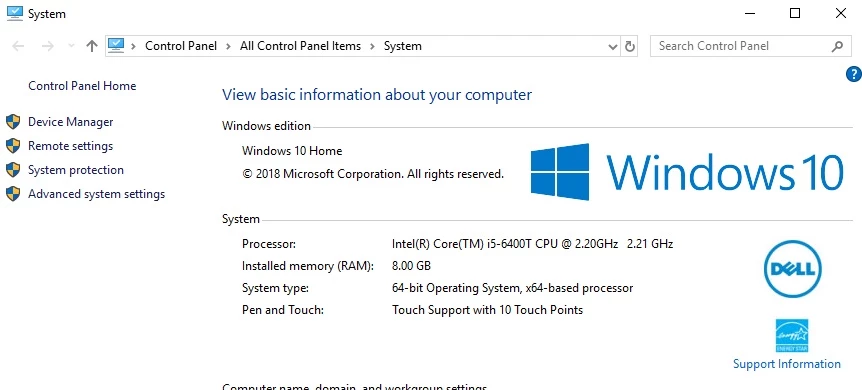
Please see the following info. There is only one video adapter and my system meets the specifications needed.

Please help!

MY SYSTEM INFO

Elements Organizer 16.0.0.0

Core Version: 16.0 (20170902.m.113423)

Language Version: 16.0 (20170902.m.113423)

Current Catalog:

Catalog Name: My Catalog

Catalog Location: C:\ProgramData\Adobe\Elements Organizer\Catalogs\My Catalog\

Catalog Size: 6.5MB

Catalog Cache Size: 42.5MB

System:

Operating System Name: Windows 10

Operating System Version: 10.0

System Architecture: Intel CPU Family:6 Model:14 Stepping:3 with MMX, SSE Integer, SSE FP, SSE2

Built-in Memory: 7.9GB

Free Memory: 3.5GB
This topic has been closed for replies.

4 replies

NocoBillAuthor
Participating Frequently
July 22, 2018

Peru Bob
Community Expert
Community Expert
July 22, 2018

The HEVC codec is not supported in Premiere Elements 2018.

Can you convert it in the camera to a different codec?

NocoBillAuthor
Participating Frequently
July 22, 2018

They are all directly off my iPhone 7. MOV files. Everyone is viewable through any other program.

Legend
July 22, 2018

Please provide the Media Info report Bob requested. In MediaInfo, open your video file and set View to Text, then copy and paste the report that is generated to this forum.

It's likely your iPhone video is using a variable frame rate compression, which can contribute to the problems you describe.

You also may want to install Quicktime on Windows 10, which provides a number of components necessary for editing many MOV codecs.

QuickTime 7.6 for Windows

Peru Bob
Community Expert
Community Expert
July 22, 2018

Here is the link for MediaInfo and please use tree view:

MediaInfo

Community Expert
July 22, 2018

What is the source of the video files?  Can you use the free Mediainfo app and post the contents of the video file?