
emilep44861691
Participant
Dec 7, 2019 6:51 PM UTC
Question

Première éléments 2019 .

Bonjour . 

J'ai acheté la version 17 de première éléments en octobre 2018 . Après un changement de dique dur ( SSD) il m'est impossible de réactiver le produit . En suivant la procédure correcte , j'ai un message d'erreur , voir ci-dessous lec captures d'écran .
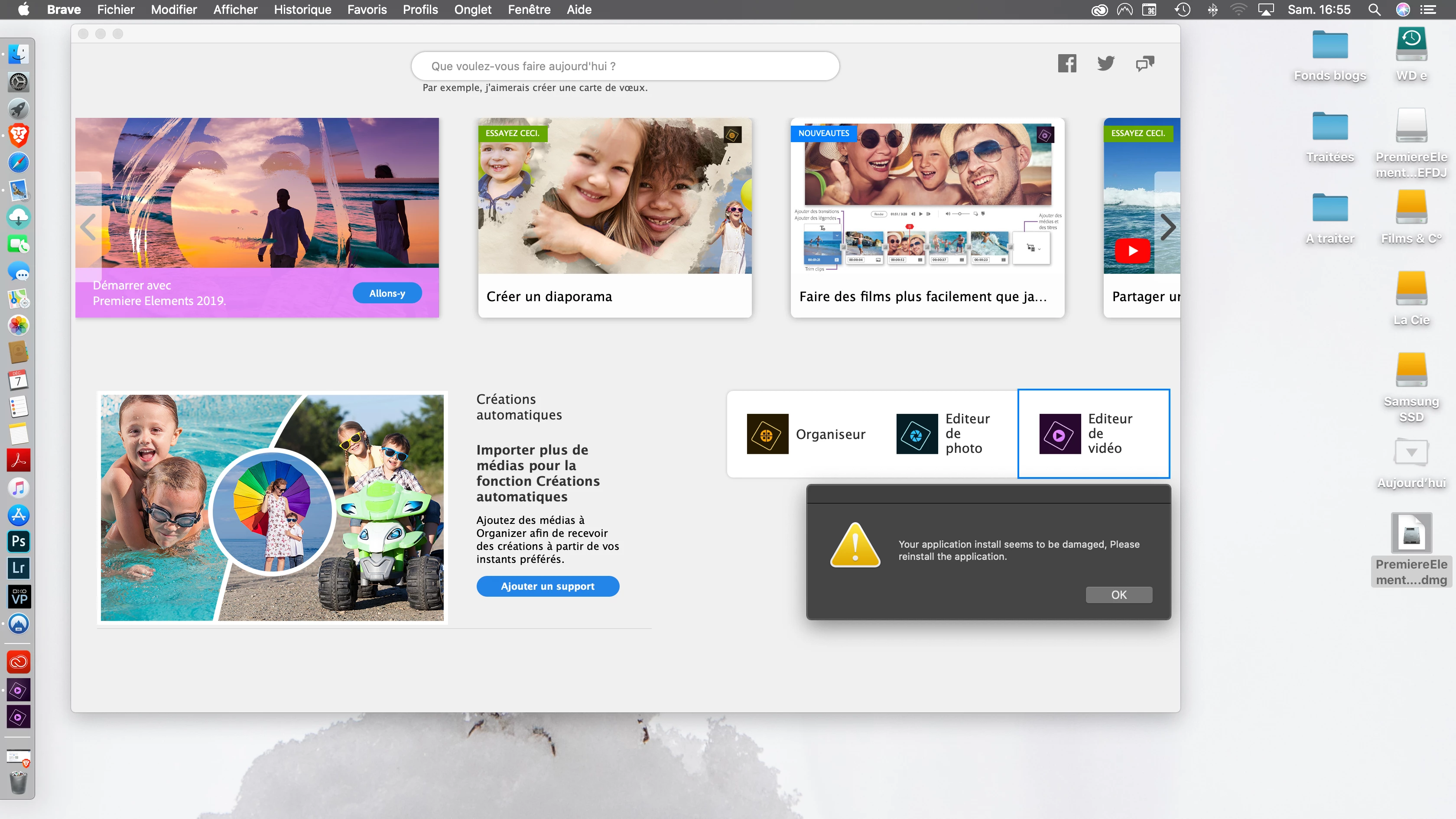
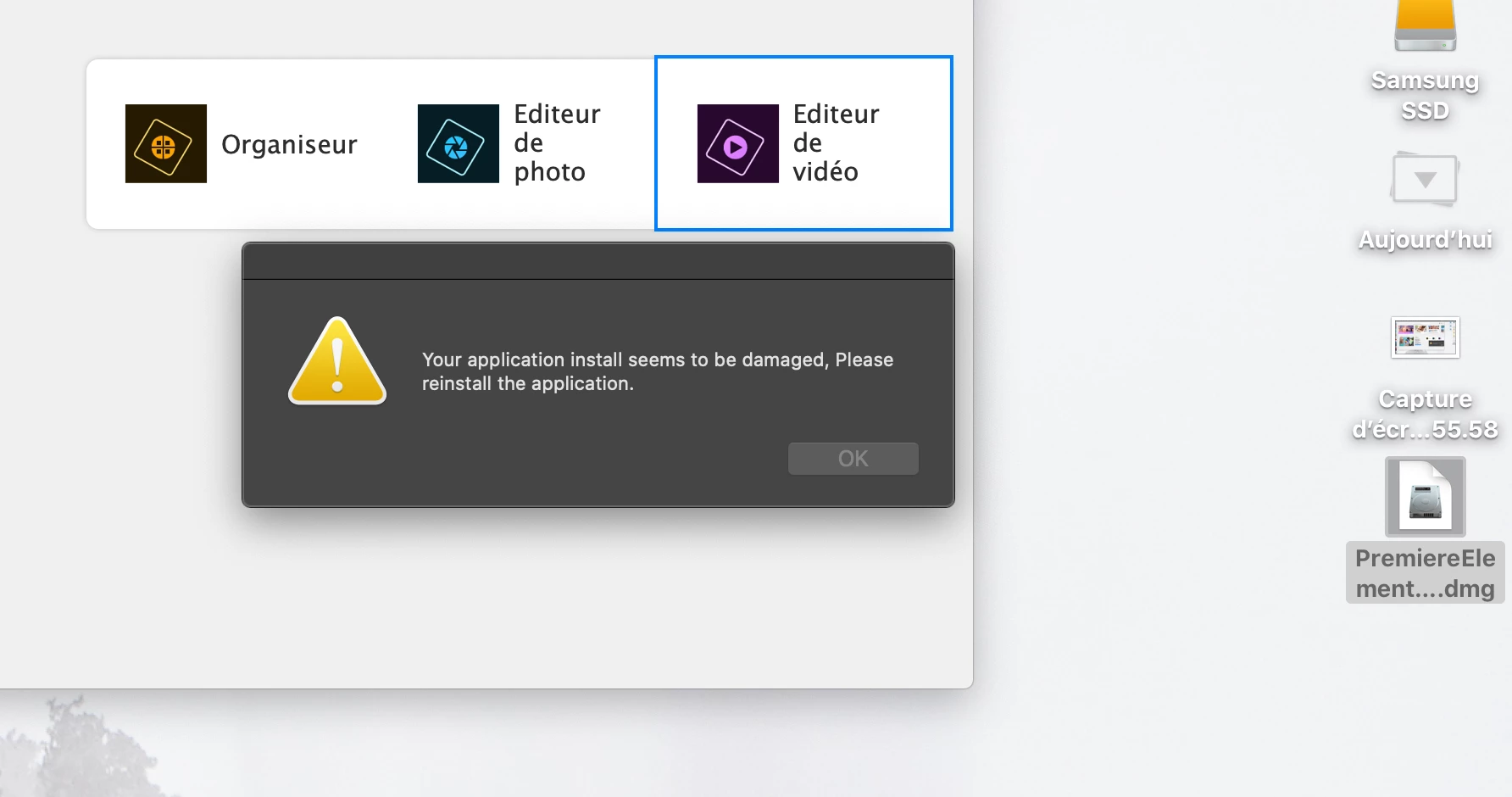


Merci de votre aide et bonne soirée .


Cordialement .

This topic is closed to new replies. Start a new post to keep the conversation going.

6 replies

Peru Bob
Community Expert
Community Expert
Dec 8, 2019 6:37 PM UTC

You either need to roll back the operating system, or purchase Photoshop Elements 2020, which works on Catalina.

Translate
emilep44861691
Participant
Dec 8, 2019 6:48 PM UTC

Thank you for your help and have a good evening.

Translate
Peru Bob
Community Expert
Community Expert
Dec 8, 2019 6:03 PM UTC

What operating system?

Version 17 won't run on Catalina.

Translate
emilep44861691
Participant
Dec 8, 2019 6:25 PM UTC

Merci de votre réponse . Mon mac utilise en effet cet OS Catalina . Si la version 17 est incompatible avec cet OS , comment dois-je procder ? . Merci de votre réponse .

Cordialement . 

Translate
Peru Bob
Community Expert
Community Expert
Dec 8, 2019 2:02 AM UTC

Uninstall and reinstall.

Translate
emilep44861691
Participant
Dec 8, 2019 10:09 AM UTC

Hello and thank you for your answer. I have already performed several uninstallations and reinstallations without result. I still get this error message. I also changed the hard drive on my Imac. Maybe that's the cause of the problem?
Thank you...

Translate