

mesirs
Participant
December 5, 2018
Question

premiere elements 2019 (v.17) and 4k .mov files

  • December 5, 2018
  • 4 replies
  • 1564 views

Tried to import iPhone X .mov video file to premiere elements 2019 but couldn't
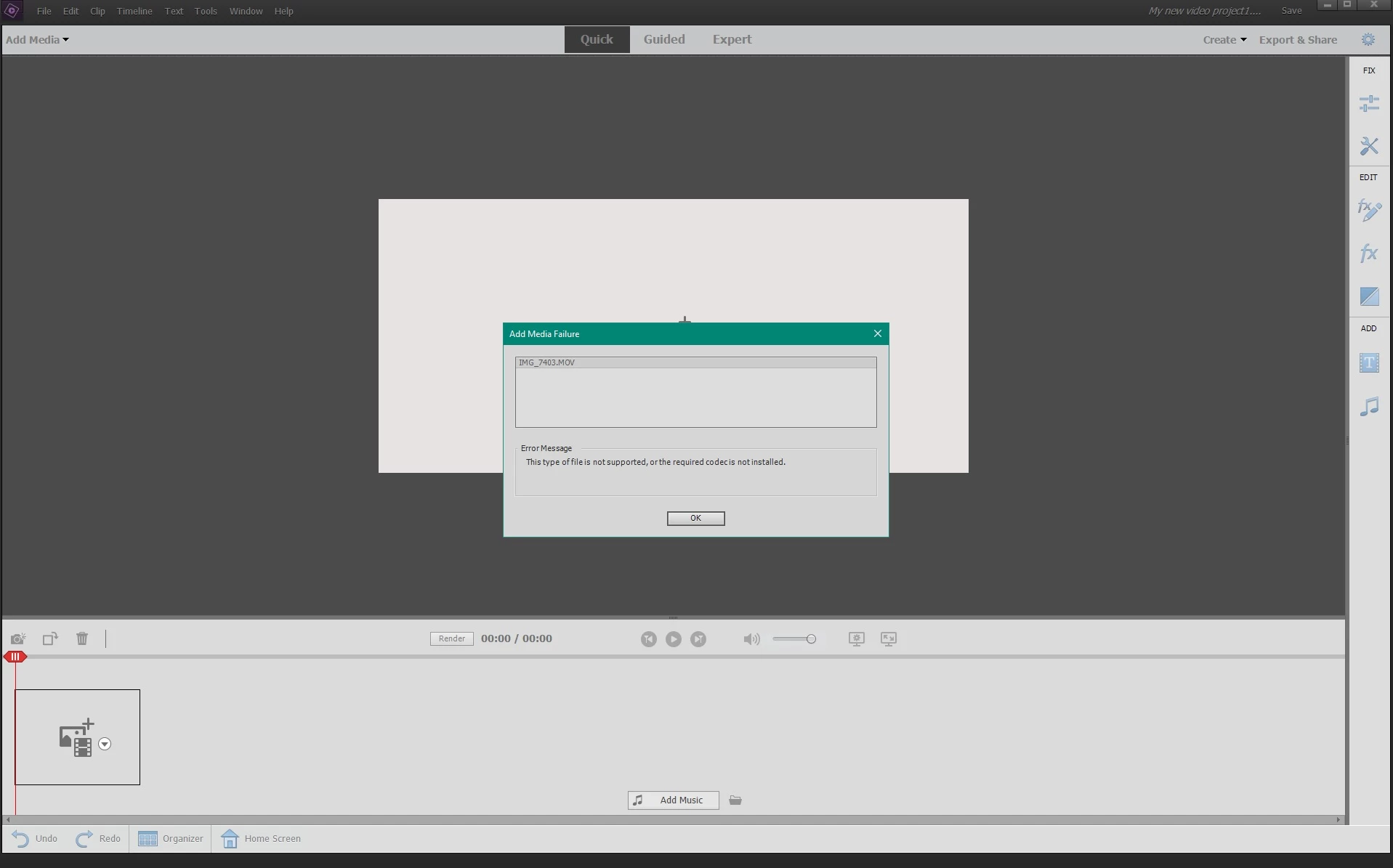
any suggestions?

Codecs? where to get them?

how is it possible to not supported?

This topic has been closed for replies.

4 replies

Community Expert
December 20, 2019

"It advises that at 4k 60fps it uses HEIF/HEVC, is that H.265 ?"


Yes it is.  

Legend
February 23, 2019

No need to purchase a conversion tool. Handbrake will do the job and it is free.

We could have recommended it if you'd have worked with us to figure out what is up.

Participant
December 19, 2019

From one week to the next Premiere Elements would not let me import .MOV shot on my iphone XR 4k 29fps. I wondered what changed....


On the iphone there is a setting under Camera for formats, but it's a little unspecific and provides two options High Efficiency and Most Compatible.  It advises that at 4k 60fps it uses HEIF/HEVC, is that H.265 ?

In any case I now know that if I set to most compatible, I can import just fine. Anyhoo - your above answers put me on the right track. I have a bunch of content that I need to convert now - will look at Handbrake. Thanks for your input!

Legend
February 23, 2019

Premiere Elements will not edit HEVC video on Windows 10, daniel. What model of camcorder is your MOV video coming from?

iPhones currently shoot video as HEVC MOVs.

danielw60965696
Participant
February 23, 2019

Thank you. I went ahead and purchased a conversion tool which worked great. Too bad Adobe doesn't just provide the tools to do so. Have a good day.

Legend
December 5, 2018

iPhone X's often shoot video using the HEVC H.265 codec, which the program may not be able to work with on Windows.

To confirm this, open your video in the free download MediaInfo. In MediaInfo, set View to Text and then copy and paste this report to this forum. Once we can see the specs of your video (and we know your operating system) we'll better be able to advise you.

Community Expert
December 6, 2018

If you have chosen to record using the HEVC H.265 setting on your phone, Premiere Elements 2019 is advertised to work well for that on Mac computers IF they have the most current iOS.  The support for H.265 codecs come with the operating system.

Windows does not include H.265 so if you shoot with an iPhone, be sure to shoot with a setting other than HEVC H.265.

danielw60965696
Participant
February 23, 2019

I have the same issue. I am not a techie. I have .mov files that I, and others have shot. I am on a Windows 10 machine and can't get the files to work in Premiere 2019. What's the solution, please.

Thanks.