


Question
Premiere Elements 2019 Video
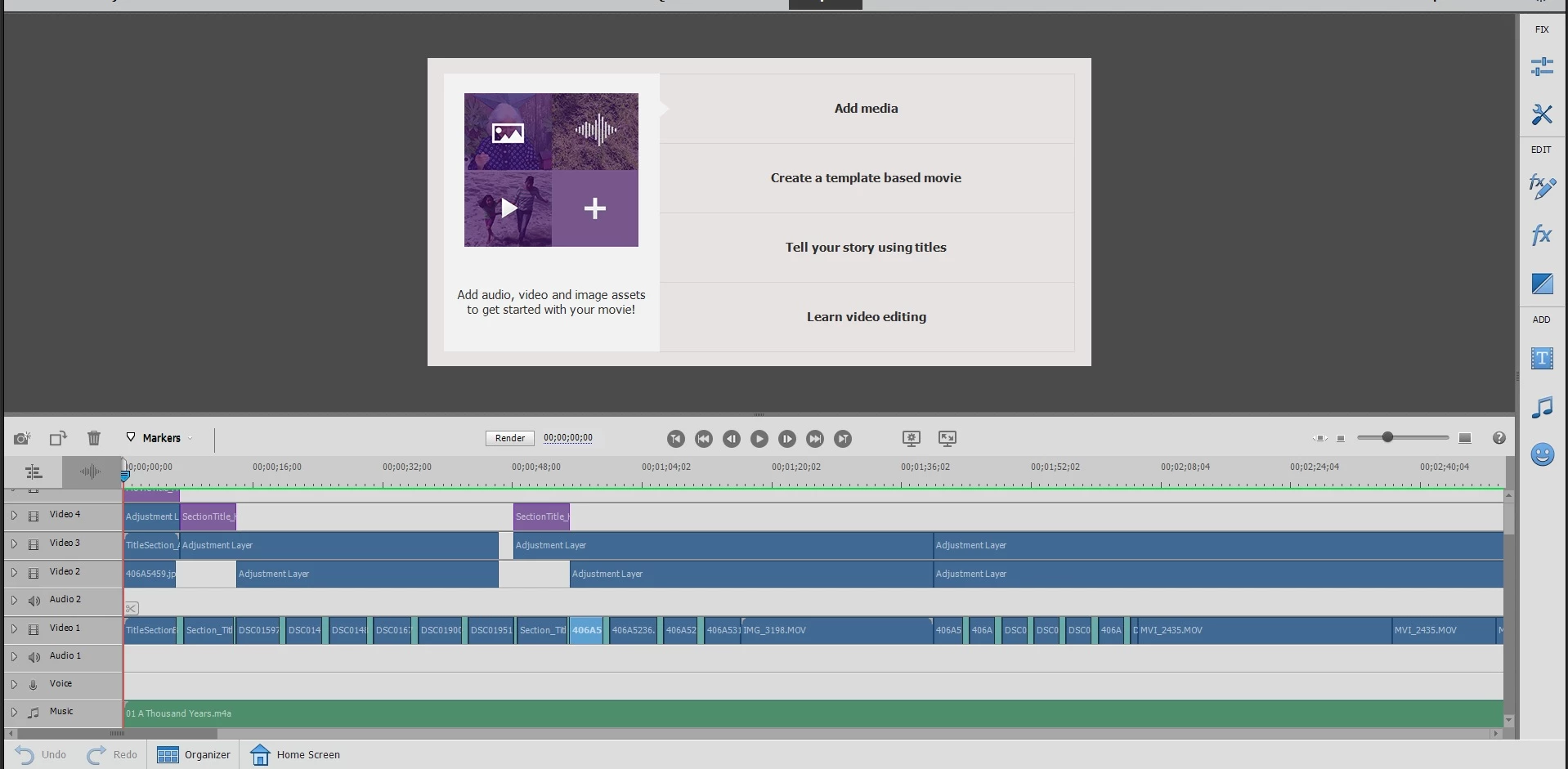
Constantly I am having a problem with viewing the video and pictures in a project. I reopened a project I was working on. However when I opened the project I can't view the project. when I press play the screen stays the same but I can hear the music. I have to restart my computer to see the project. I tried closing Premiere and opening it again however for some reason once I close the program it does not allow me to open it again. Any Tips or Ideas on how to resolve my problem?
Computer Specs
Windows 10
Processor 17-8750H CPU @2.20
Ram 16.0GB
GTX 1070
GTX 1070
 AdChoices