Inspiring
May 7, 2022
Answered

Premiere Elements 2021 freezes when exporting!!!

  • May 7, 2022
  • 2 replies
  • 1689 views

I will start by saying I am not tech savy.. so here we go. 


Since late April PE 2021 has stopped being able to export my videos. Upon starting the export, I will see the time countdown start and the percentage bar will move (sometimes stay stuck at zero, sometimes go up to 38% before freezing) until finally the percentage bar stops moving and the time countdown does a steady countdown to 5 seconds and stops. 


I've tried moving the source files, unlinking and linking again, with no success. Going through my timeline the program really struggles with rendering animated titles (and sometimes freezes and I have to force quit). I tried disabling them all, however export would still freeze. 


I went back to the last project I exported (that worked) on April 18th, and without changing anything tried to export today and still it barely gets started and then freezes. I have been using video from various devices (cellphone, gopro, drone) all in one project, and have never had any issues like this before. 


This is killing me because I actually have 3 projects (2 of which I made in march but had not quite finished polishing up) and I can't export any of them. This is weeks, if not a full month, of work that I'd really like to be able to use. I can't express how frustrating this is...


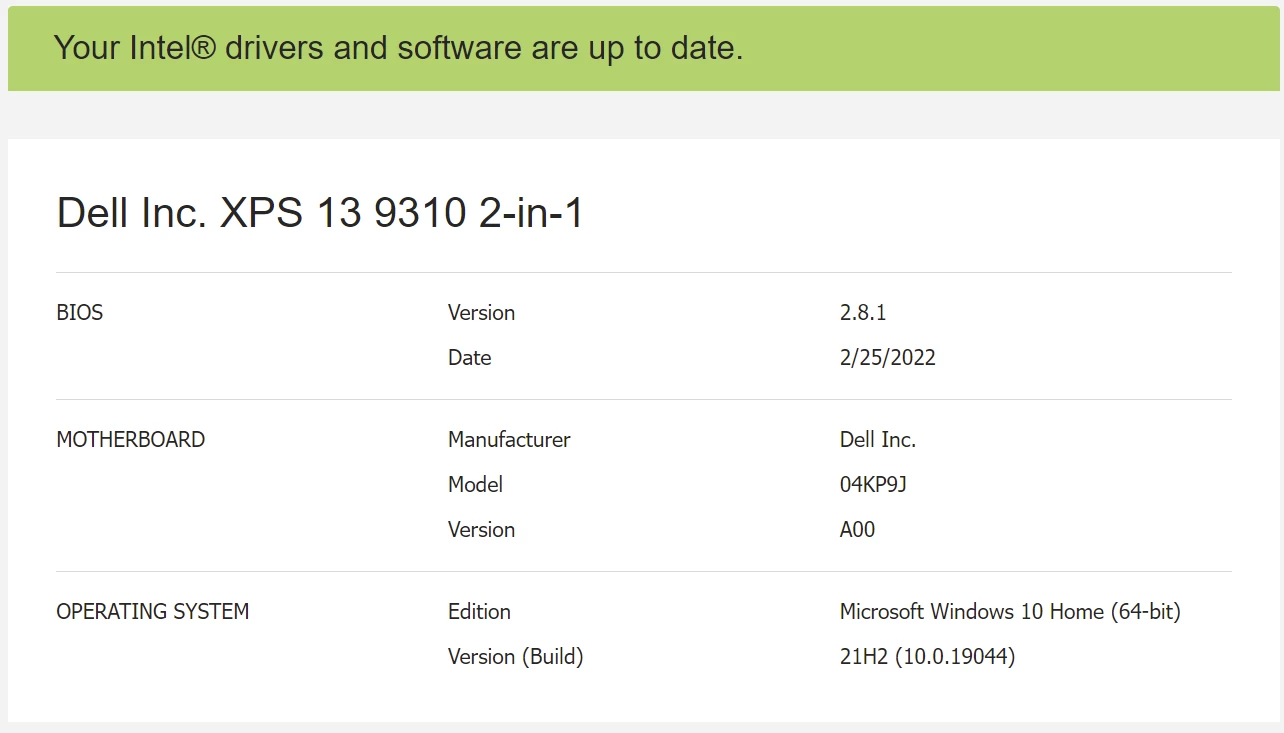
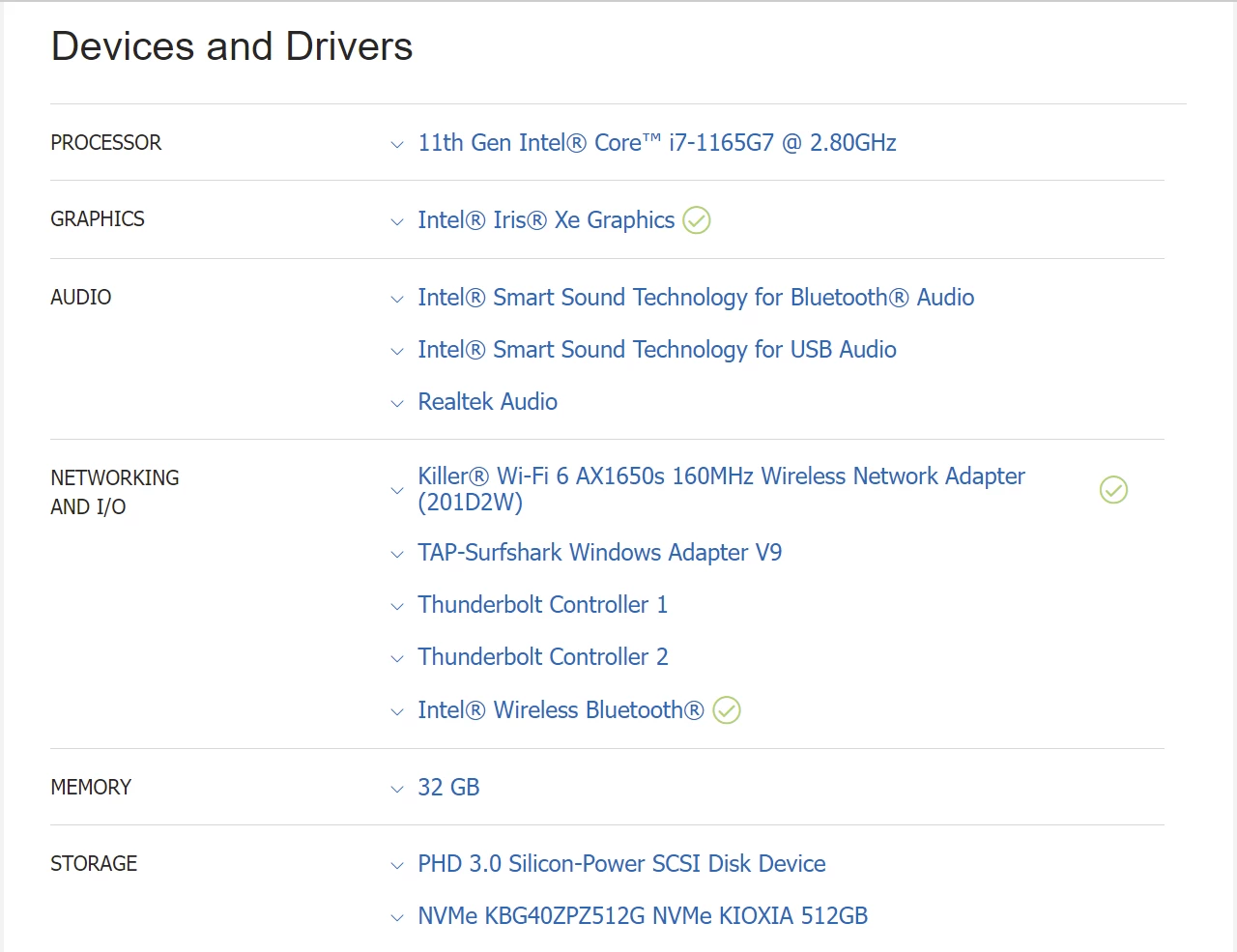
Here are some specs for you: 

MY SYSTEM DETAILS: (from May 7th 2022 at 1100hrs PST)

Device name          DESKTOP-S4EDFCM

Processor              11th Gen Intel(R) Core(TM) i7-1165G7 @ 2.80GHz   2.80 GHz

Installed RAM        32.0 GB (31.7 GB usable)

Device ID              BE6F3E46-6344-4EAC-B86B-D8A64FAAF79C

Product ID            00325-82128-57627-AAOEM

System type          64-bit operating system, x64-based processor



Pen and touch       Pen and touch support with 10 touch points

Edition         Windows 10 Home

Version        21H2

Installed on  ‎2021-‎08-‎11

OS build      19044.1682

Experience   Windows Feature Experience Pack 120.2212.4170.0


If anyone has any ideas as to how I can get this working again - I would really REALLY appreciate it. I'm on the verge of buying PE 2022 just to see if that would fix the problem. I'm also on the verge of throwing my laptop across the room and crying. 
This topic has been closed for replies.
Correct answer Ninjea

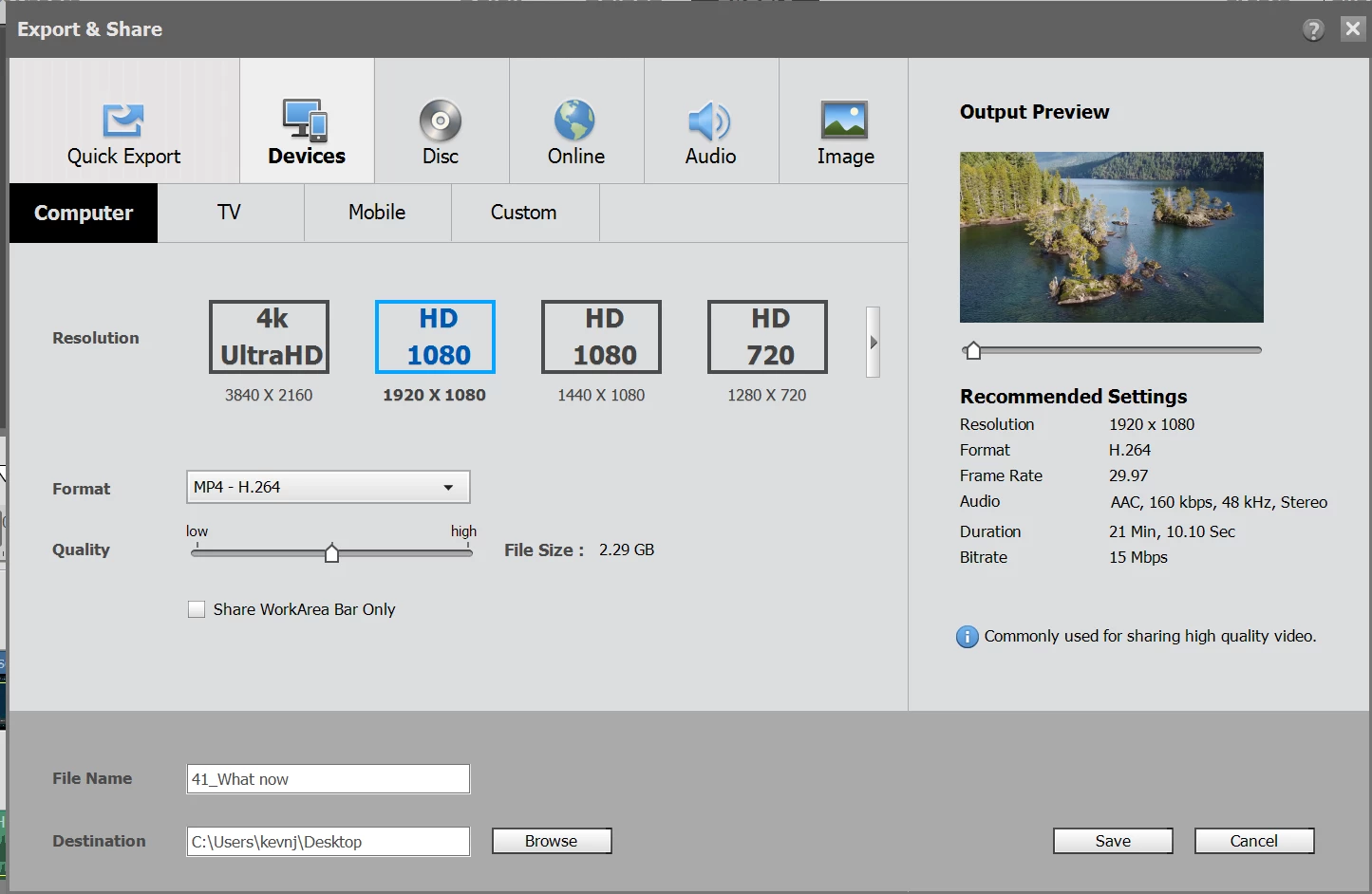
What do you mean by reformated the HDD? This is what my settings usually are for exporting: 


I've tried exporting using other settings. Even in SD low quality it still freezes. 


Updates! Updates were the problem.. I don't understand why, but it seems this: Cumulative update for .NET Framework 3.5 and 4.8 for Windows 10 Version 21H2 for x64 (KB5013624) 


Is better than the last update,  (KB5013117).


I don't get why premiere elements stops working depending on the system Updates. 


Is this normal? I had to wait 2 weeks for the next update to get things working again. Craziness!?!


Thank you to everyone who tried to help out. I REALLY appreciate it!

2 replies

Participant
May 14, 2022

I have exactly the same problem.

Uodating to Prelier Elements 2022 did not resilove anything.

I am using Windows 11 a my systeme is very regulary updated.

How to solve this problem of a great editing tool that became useless because you cannot export your work !!!

NinjeaAuthor
Inspiring
May 15, 2022

All I can recommend is try another update. NVIDIA or Intel or whatever is compatible with the system you're using. Go to their site and try to update. You could even try an old update and see if that helps (usually it'll show a list of updates over the  course of time). 


Best of luck!

Community Expert
May 7, 2022

Best guesses are that you have a corrupt source file.  It may be caused by a hardware failure.  There should be a completion readout in percentage.   Use that to estimate where the corruption is.  Then you have to try Exporting sections.  Try using the Work Area Bars and Export with the Work Area Bar Only box checked.  It is frustrating, but you should be able to whittle down to corrupt file.  

NinjeaAuthor
Inspiring
May 7, 2022

Thanks Bill.


I will give your suggestion a try using the Work Area Bar Only checkbox. 


If my media is corrupted, and I need it, is there a work around to "fix" it or use it anyway?


I ask because I have tried deleting parts of the project (starting from the end and working my way to the beginning), resulting in the same results of freezing during export. I've also tried it in reverse, and it seems like it doesn't matter what media I use in a project, PE 2021 will freeze during export. 


Community Expert
May 7, 2022
quote

If my media is corrupted, and I need it, is there a work around to "fix" it or use it anyway?


I don't know, but if it were me, I would try running the corrupted clip through the (free) program called Handbrake.  It may balk at the corruption, but if not, it would make a new file that could work in the project.