


Answered
Premiere Elements 2021 Resolution Issue - Videos Imported Has a Larger Pixel Count Then Source
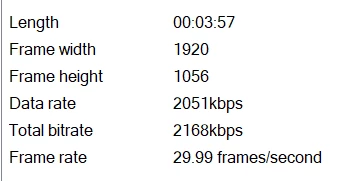
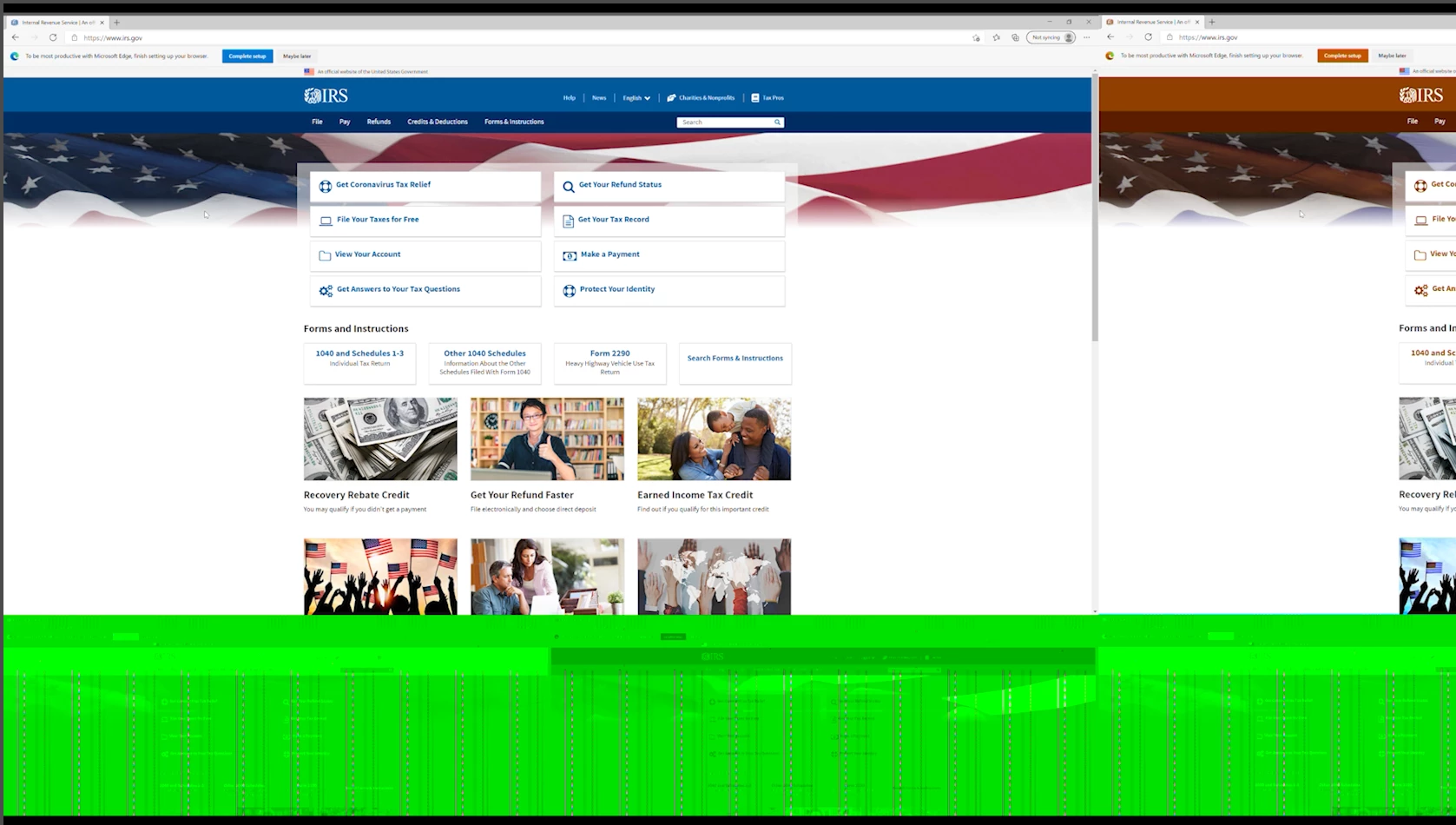
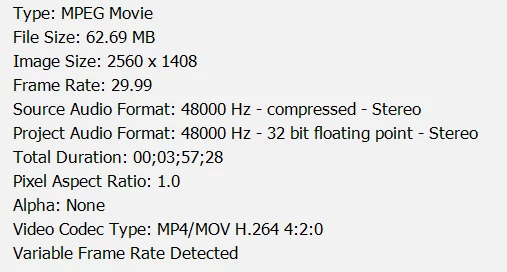
I was trying to import a video with an unusual resolution of 1920x1056 mp4 as stated in windows file properties. When I inserted it into my timeline, it has a horrendus green bar on the bottom of it, with a partial duplicate of the video running at the same time with a diffrent color pallet on the side. I decided to check the properties of the video within Premiere, and it has a resolution of 2560x1408 with a pixel aspect ratio of 1.0. From what I can tell, it is combining the normal image size of the orginal video, adding a green bar to the bottom, and duplicating the video to the side to fit the new image size. I am fairly new to video editing, so sorry if I left anything out.
 AdChoices